



- In the script description, click the "Direct Link" button.
- The tab will open the script code.
- Press Cmd/Ctrl + S for download.
- AverageStrokesWidth
07.02.2023 - ChangeOpacity
upd, 09.02.2024 - GrayscaleToOpacity
- MakeTrappingStroke
upd, 09.02.2024 - OpacityMaskClip
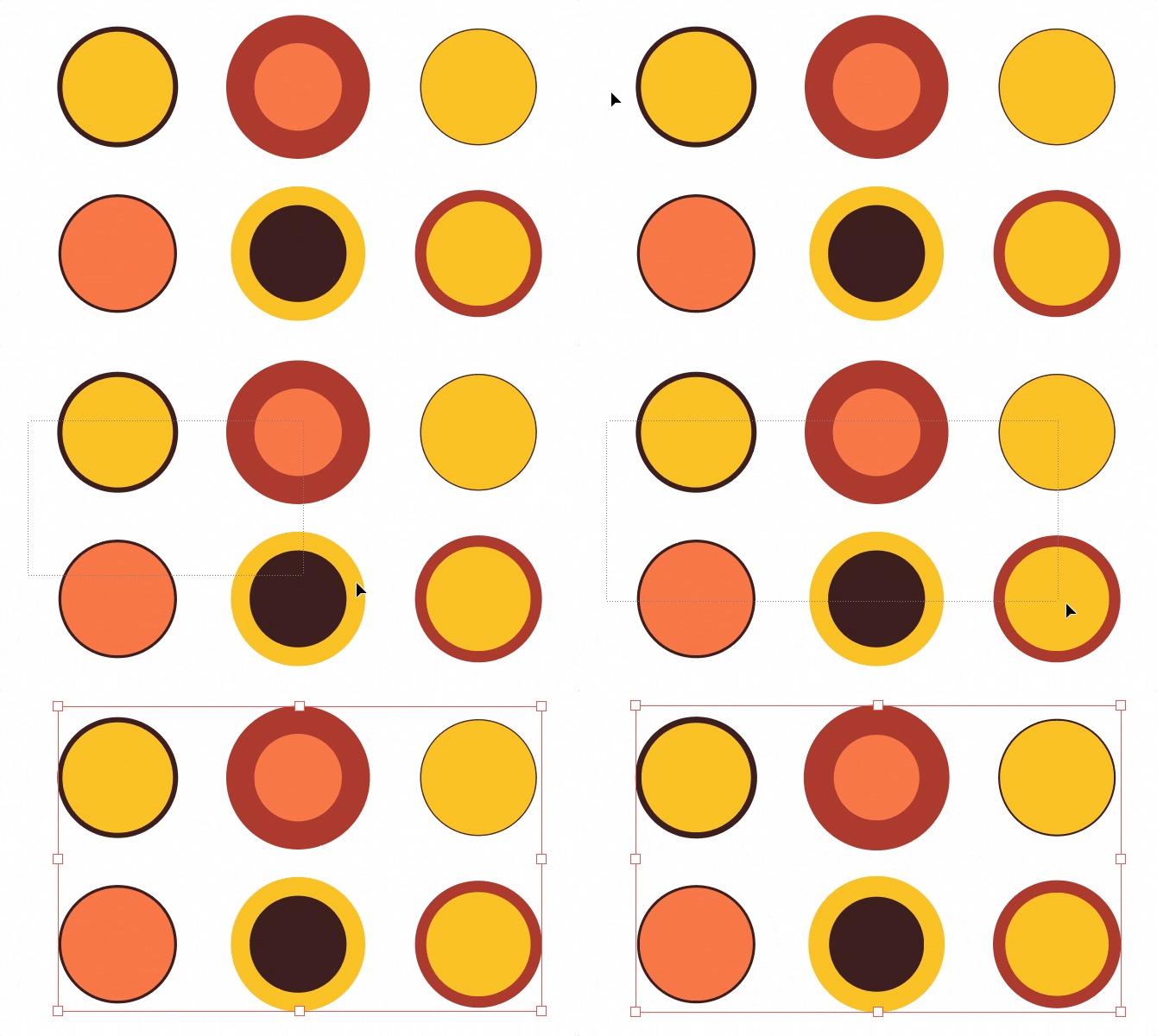
upd, 05.03.2024 - RandomStrokeWidth
upd, 14.10.2022 - StrokesWeightUp
upd, 14.10.2022 - StrokesWeightDown
upd, 14.10.2022


Averages the stroke width of selected objects, skipping those without strokes. Supports paths, compound paths and text objects.


Set the exact Opacity value of the selected objects. The plus or minus sign before a number will shift relative to the current value at each object. Inside Clipping Groups does not change the Opacity of the mask itself. But you can add masks if you change inclMask: false to true in the code.


Convert selection colors to Grayscale and set identical Opacity value.


Sets the stroke color based on the fill of the object, with the Overprint Stroke attribute enabled, for prepress.
Important
In the Mac OS version of Adobe Illustrator strokes are not always added to multiple objects with the Force add stroke option. If you have a problem on Mac, manually add any stroke to objects and then run the script.


The script activates Clip checkbox in Transparency > Opacity Mask.
Warning
Don't put this script in the action slot for a quick run. It will freeze Illustrator.


Sets random stroke width of selected objects in a range with steps. The stroke unit is taken from Preferences > Units > Stroke. It has two modes: silent and dialog. Changing in CFG.showUI.
Modes change without editing the code if you hold down the Alt key when running the script:
- Alt +
CFG.showUI: falsethe dialog will be shown - Alt +
CFG.showUI: truesilent mode with the latest options


- StrokesWeightDown.jsx
- StrokesWeightUp.jsx
A set of two scripts that change the weight of the strokes of the selected paths relative to the current ones. To round weights, set the variable isRoundWeight = true otherwise isRoundWeight = false.
- +/- 0.01 if weight <= 0.1
- +/- 0.2 if < 1
- +/- 0.5 if < 5
- +/- 1 if >= 5
Note
Vote on Uservoice to add this feature to Illustrator.
Many scripts are free to download thanks to user support. Help me to develop new scripts and update existing ones by supporting my work with any amount via Buymeacoffee USD, Tinkoff RUB, ЮMoney RUB, Donatty RUB, DonatePay RUB. Thank you.


Found a bug? Please submit a new issues on GitHub.
Email hi@sergosokin.ru
Telegram @sergosokin
All scripts is licensed under the MIT licence.
See the included LICENSE file for more details.