




Communitypod is a solidui based app to support the secure and private storage and sharing of personal news posts on your own encrypted personal online datastore (Pod) hosted in your Data Vault on a Solid Server. The app was developed by the ANU Software Innovation Institute as a fork of the notepod app, written by Jessica Moore, Anushka Vidanage, and Graham Williams.
If you appreciate the app then please show some ❤️ and star the GitHub Repository to support the project.
Contributions are welcome. Visit github to submit an issue or, even better, fork the repository yourself, update the code, and submit a Pull Request. The app is implemented in Flutter using solidpod for Flutter to manage the Solid Pod interactions, and solidui for Solid specific user interface functions. Thank you.
Communitypod utilises Solid Pods to read, write, and share encrypted news stored on your personal online datastore (Pod) hosted on a Solid Server. You control which server your news (in standard Markdown) are stored and the app ensures they are encrypted on that server so the server host can not access your actual news. Because the data storage conforms to the Solid protocol other apps can also interact with your news, under your control. You maintain full control over your data, not the app developer collecting and hoarding your data, nor the host where you store your data.
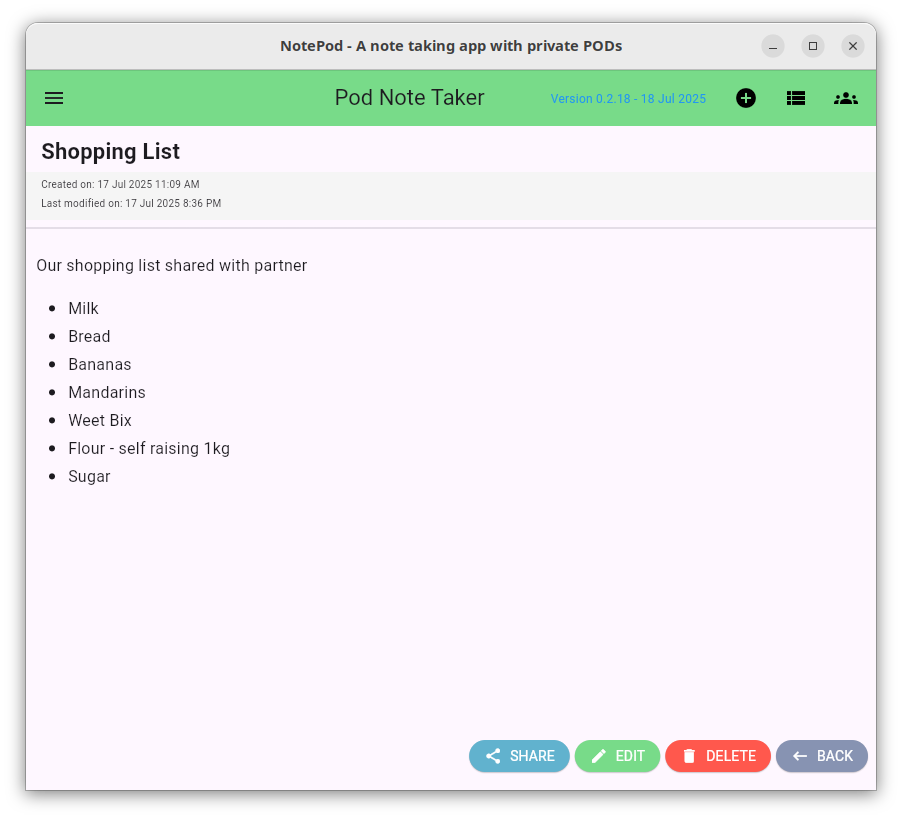
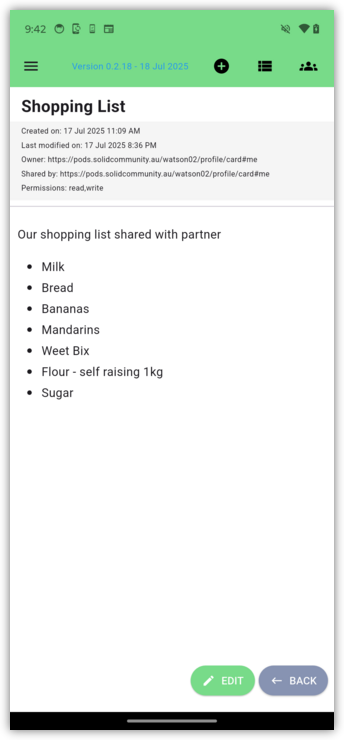
This first beta release (version 0.1.0) is functional and usable. Use cases include writing quick news posts while on the move to come back to later on, capturing shopping lists that can be shared with your family and called up the next time anyone of the family is at the shops, and much more.
Mobile Phone version:
To use the app you will need your own Pod hosted on a Solid server. To try it out you can get yourself a Pod at our experimental server, the Australian Solid Community Pod Server or any one of the available Pod Providers world wide.
You can install the app onto your own device from your device's software repository or directly by using one of our installers. The app will then run locally on your own device rather than hosted on the web server. The installers are available for all platforms from github.
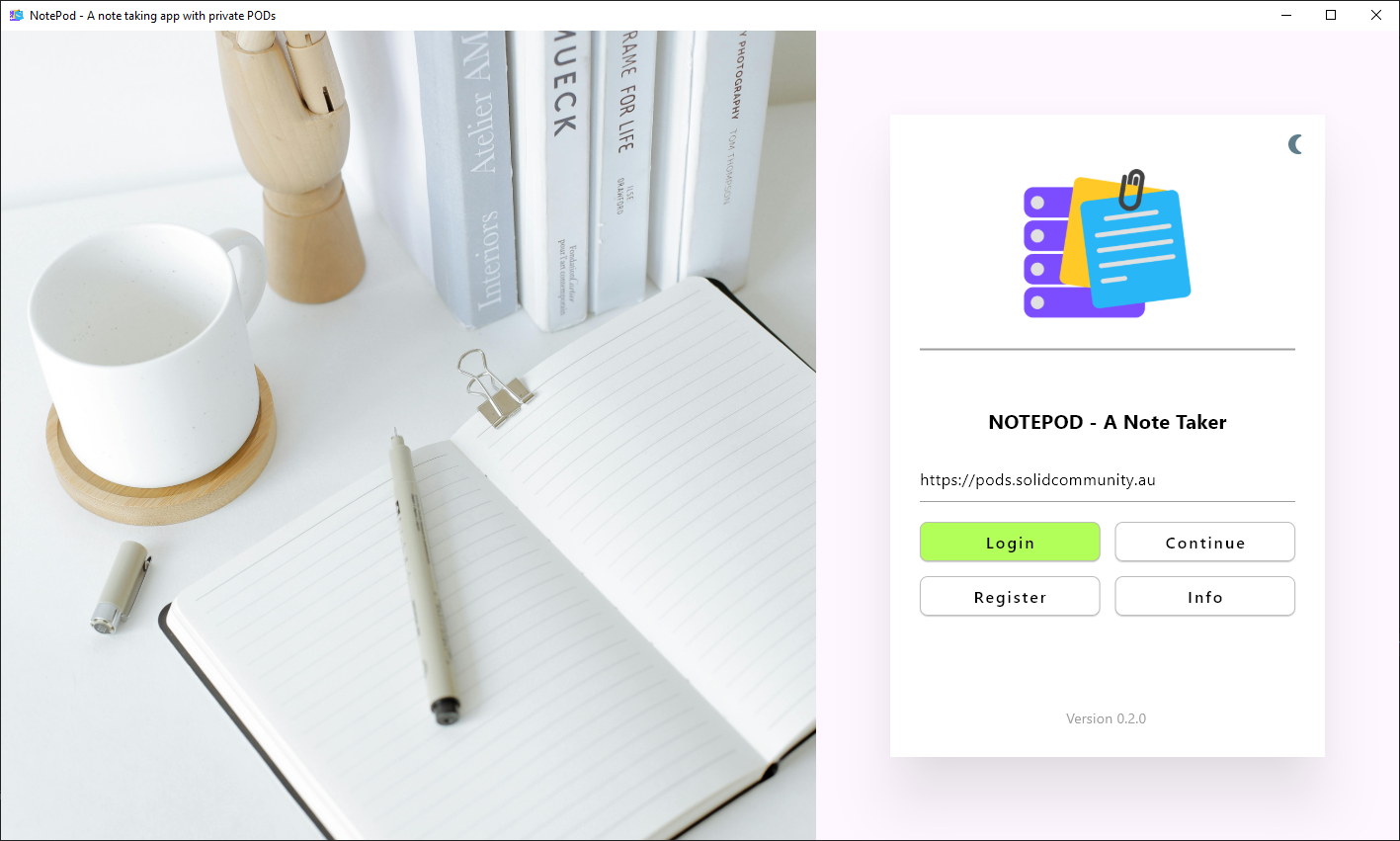
On starting up the app you will see the login screen where a user's WebID is to be entered. The app itself does not know your login details. That is handled by a remote Identify Provider of your choice.
As a developer you can run the app directly from its software source code yourself with a little setup. You can then modify the app to suit your own needs, or to add functionality that you may like to contribute back to the community.
To begin you will install Flutter following the instructions for your preferred platform at Flutter Dev Getting Started
After setting up Flutter run flutter doctor to check your setup, and
then run flutter devices to see which devices you have configured:
flutter devices
Found 4 connected devices:
  iPhone 15 Pro Max (mobile)      • 8978937B-AC64-44B8-8B26-CA6142091678 • ios            • com.apple.CoreSimulator.SimRuntime.iOS-17-0 (simulator)
  iPad (10th generation) (mobile) • 6B849753-743F-4F66-8F46-0396CA4BCFBE • ios            • com.apple.CoreSimulator.SimRuntime.iOS-17-0 (simulator)
  macOS (desktop)                 • macos                                • darwin-arm64   • macOS 14.1.2 23B92 darwin-arm64
  Chrome (web)                    • chrome                               • web-javascript • Google Chrome 120.0.6099.62
You can then git clone https://github.com/jesscmoore/communitypod to clone a
local copy of the software source code. You can run the communitypod app in
debug mode on your chosen device by specifying enough of the device
name to be uniquely identifiable. E.g. for chrome use:
flutter run -d chromeThis project uses a human readable project.yml in macos and ios folders, where
Xcode build configuration files are generated automatically with
xcodegen generate. To alter the build configuration for macos or ios, edit
project.yml in macos/ios folder, re-run xcodegen to generate updated build
configuration and update native pods with pod install, before building or
running the flutter app. The script update_project.sh performs these steps
and aligns Podfile with Xcode build config, so after a build config change, do:
bash update_project.sh [macos/ios]
flutter run [--debug -d macos]
For iOS, the deployment target in iOS project.yml will need to support the iOS verison of your physical or simulated iOS device.
Packages:
These dart packages are under construction to support the development of Pods-based apps with flutter
-
solidpod package: Provides high level functionality to manage a Solid personal online data stores (Pods) via a Flutter application.
-
solid-auth package: Implementation of the Solid-OIDC flow which can be used to authenticate a client application to a Solid Pod. Solid OIDC is built on top of OpenID Connect 1.0. Also provides a suite of tools and widgets to support typical app workflows.
-
solid-encrypt package: The Software Innovation Institute has a focus on the security of our stored data. This package implements data encryption which can be used to encrypt, on device, the content of turtle files to be stored in a Solid Pod. Data is also only decrypted on device.
-
rdflib package: A dart package for working with RDF. Features include find and create triple instances, create a graph to store triples, export graph to ttl, etc.
Time-stamp: <Friday 2026-01-02 15:59:33 +1100 Graham Williams>