Text editors are something that we use everyday to perform everyday tasks. It's pretty unremarkable. But, what if we can make text editors do special things? What if we can customize a text editor to fit our needs? This is where OpenNote comes in. OpenNote is an open-sourced, crowd-sourced text editor where the sky is the limit.
The idea behind this project is sort of like a sleeper PC build; where the computer itself is an old-fashioned 90s PC, but inside it packs the latest graphics cards and CPUs. In this way, this app uses the Metal Java Swing theme and the design is purposely understated. However, under the hood, one can build in Alexa integration, smart suggestions, text-to-speech, you name it.
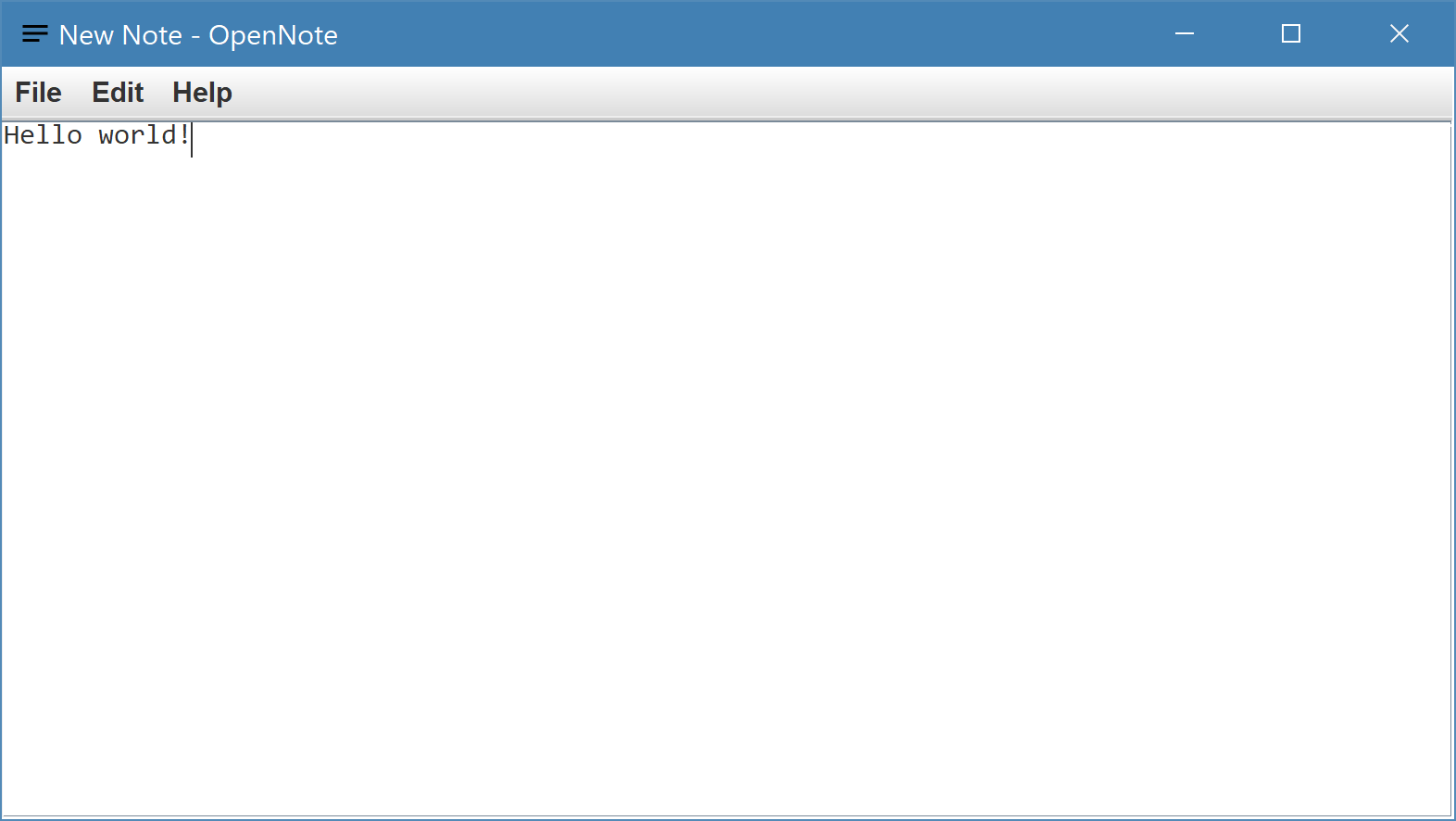
Built in NetBeans 9.0 with JDK 11
- Clone the repository by running the following command
git clone https://github.com/nich227/OpenNote.git
- Change directory to the repository folder
cd OpenNote
- Compile the Java source code using the following command:
javac -d build\classes src\opennote*.java
- Run the Java application
java -cp build/classes opennote.OpenNote
- Clone the repository by running the following command
git clone https://github.com/nich227/OpenNote.git
- Launch NetBeans
- Click "Open Project", navigate to the project folder, click "Open Project"
- Click "Run Project" in the top bar (green play button)