Alloy Parallax Widget
The widget provide an container view to pu an an parallax item in.
- Parallax effect
- Define parallax Intensity
- Working for ios and android
- On android the first move is not smooth
- On Android parallax only working while fingers on screen, a fast short swipe won't cause any effect
- Effect intesity differ between ios and android
- Add the widget to your *Scrollableview:
<Alloy>
	<Window class="container">
		<TableView id="tableView">
			<TableViewRow height="150dp">
				<Label text="HEADER"></Label>
			</TableViewRow>
			<TableViewRow height="200dp">
				<Widget id="parallaxWidget" src="com.parallaxcontainer.blitz"
						height="120"
						parallaxIntensity="10"
						innerMargin="1200">
					<ImageView image="/images/elevator.jpg"></ImageView>
				</Widget>
			</TableViewRow>
			<TableViewRow>
				<Label text="Some other Information"></Label>
			</TableViewRow>
			<TableViewRow backgroundColor="#DEDEDE"></TableViewRow>
		</TableView>
	</Window>
</Alloy>
##Init the Widget
$.parallaxWidget.setViewWithScrollAbility($.tableView);Android:

iOS:
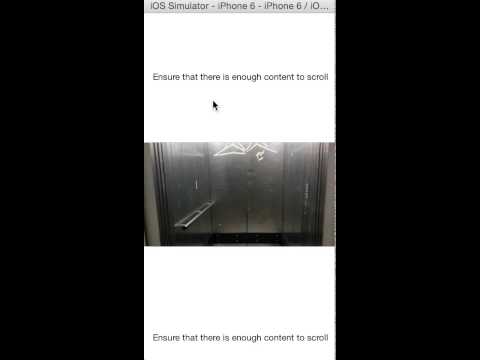
There is a test app in example branch.