A Serilog sink that writes events to the Windows Event Log.
Important: version 3.0 of this sink changed the default value of manageEventSource from true to false. Applications that run with administrative priviliges, and that can therefore create event sources on-the-fly, can opt-in by providing manageEventSource: true as a configuration option.
First, install the package from NuGet:
Install-Package Serilog.Sinks.EventLog
The sink is configured by calling WriteTo.EventLog() on the LoggerConfiguration:
Log.Logger = new LoggerConfiguration()
    .WriteTo.EventLog("Sample App", manageEventSource: true)
    .CreateLogger();

Log.Information("Hello, Windows Event Log!");

Log.CloseAndFlush();
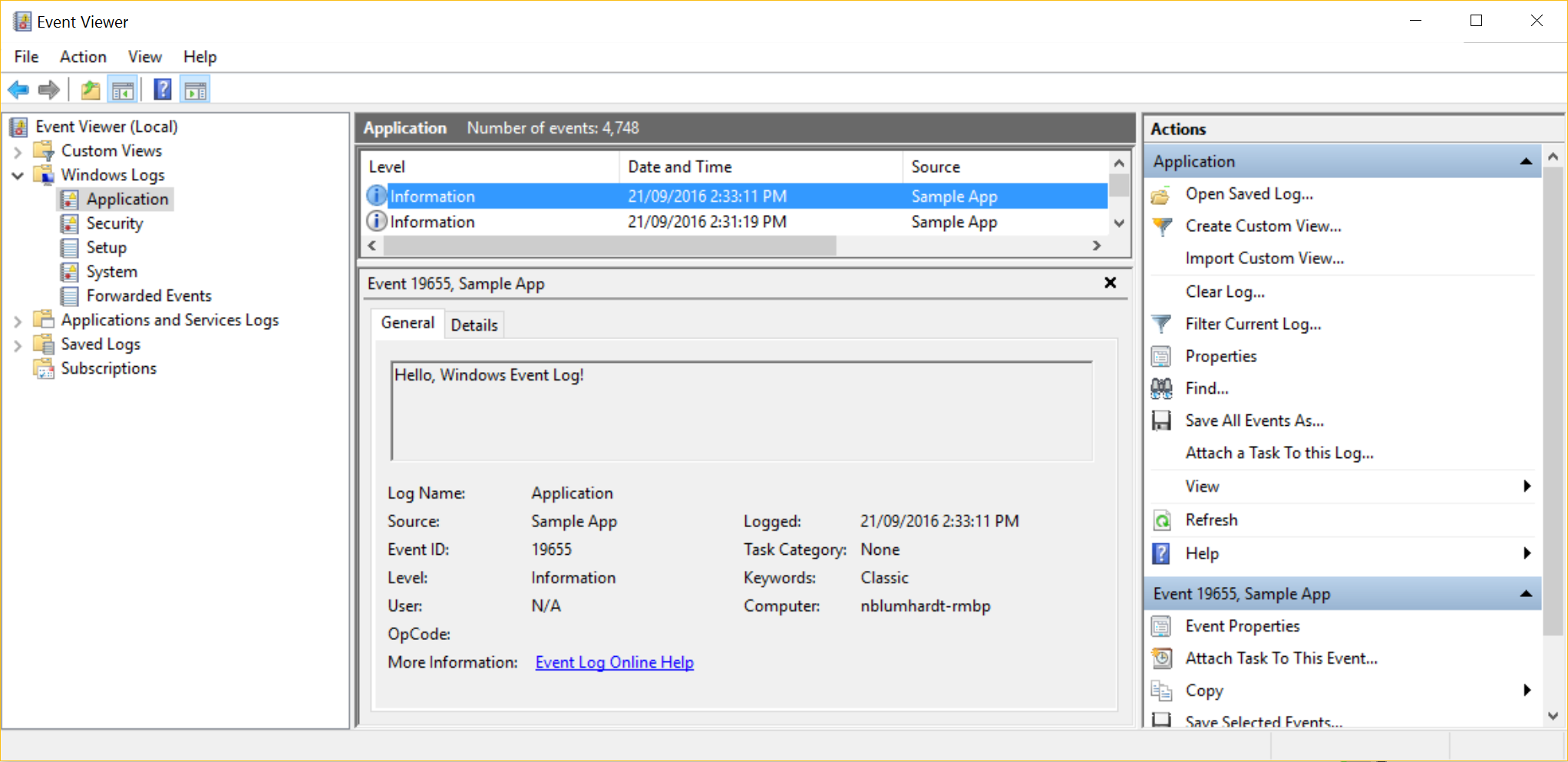
Events will appear under the Application log with the specified source name: