
Display YouTube's player bar outside the video.


- Node.js
- Version info in
./.tool-versions
- Version info in
- pnpm
- Version info in
packageManagerfield of./package.json
- Version info in
You must use pnpm. At the first, corepack enable.
Ready for use the pnpm, then install dependencies.
pnpm install
pnpm run dev
Default dev browser is chrome. You can change other browser.
pnpm run dev:firefoxpnpm run dev:edgepnpm run dev:chromepnpm run dev:arc
pnpm run build- Builds for all browsers. Outputs to the
.outputdir.
- Builds for all browsers. Outputs to the
pnpm run zip- Zips for all browsers. Outputs to the
.outputdir.
- Zips for all browsers. Outputs to the
You can add :<browser> suffix to the script commands.
pnpm run build:firefoxpnpm run zip:firefox- …… other browsers
If the unreleased versioning schema is changed during development, the option must be discarded once (reset to defaultValue).
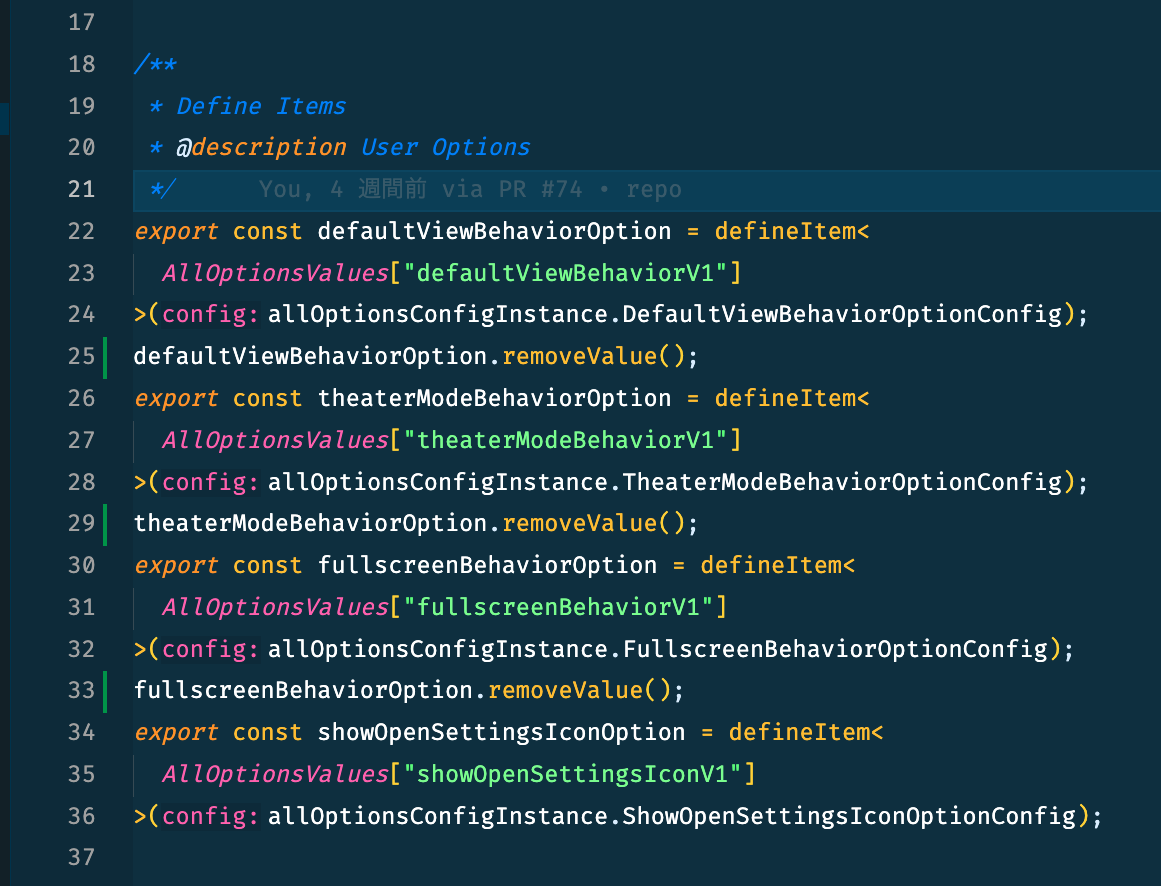
If you want to change a schema that has been released once, you need to migrate to a new version. (ref: https://wxt.dev/guide/storage.html#versioning)
Directory ./src/_locales/*
Put on your locale files.
- List of languages supported by Chrome
To debug locator in a single scenario, use grep option in cli. (https://playwright.dev/docs/test-cli#reference)
pnpm run test:e2e --grep "defaultView outside" --debug
grep example: ""
Use update flag via cli. (https://playwright.dev/docs/test-snapshots#updating-screenshots)
Below is an example of updating only a specific test scenario.
pnpm run test:e2e --grep "fullscreen .*: positionPlayerBar" --update-snapshots