Improve AI-generated pixel art through scale detection, color quantization, and smart downscaling — now significantly faster and more accurate thanks to algorithmic and performance enhancements.
This optimized fork features 10–40× faster content-adaptive downscaling, improved dominant color selection using KMeans, a new hybrid downscaling method, and additional preprocessing/postprocessing options for sharper, cleaner pixel art.
Based on the excellent work by:
- Eugeniy Smirnov (jenissimo/unfake.js) – Original JavaScript implementation
- Igor Bezkrovnyi (ibezkrovnyi/image-quantization) – Image quantization algorithms
- Benjamin Paine (painebenjamin/unfake.py) – Original Python/Rust port
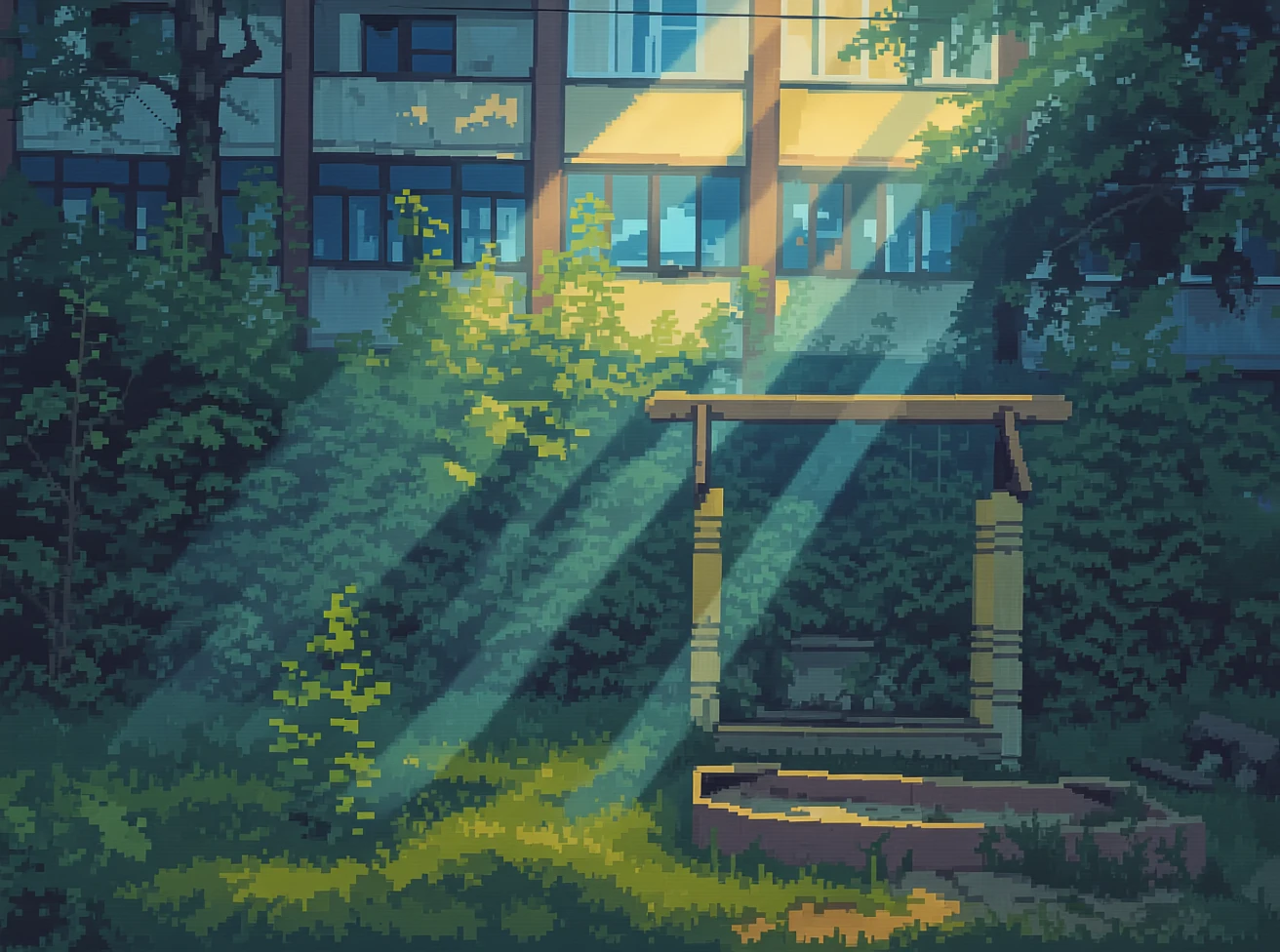
Original Generated Image
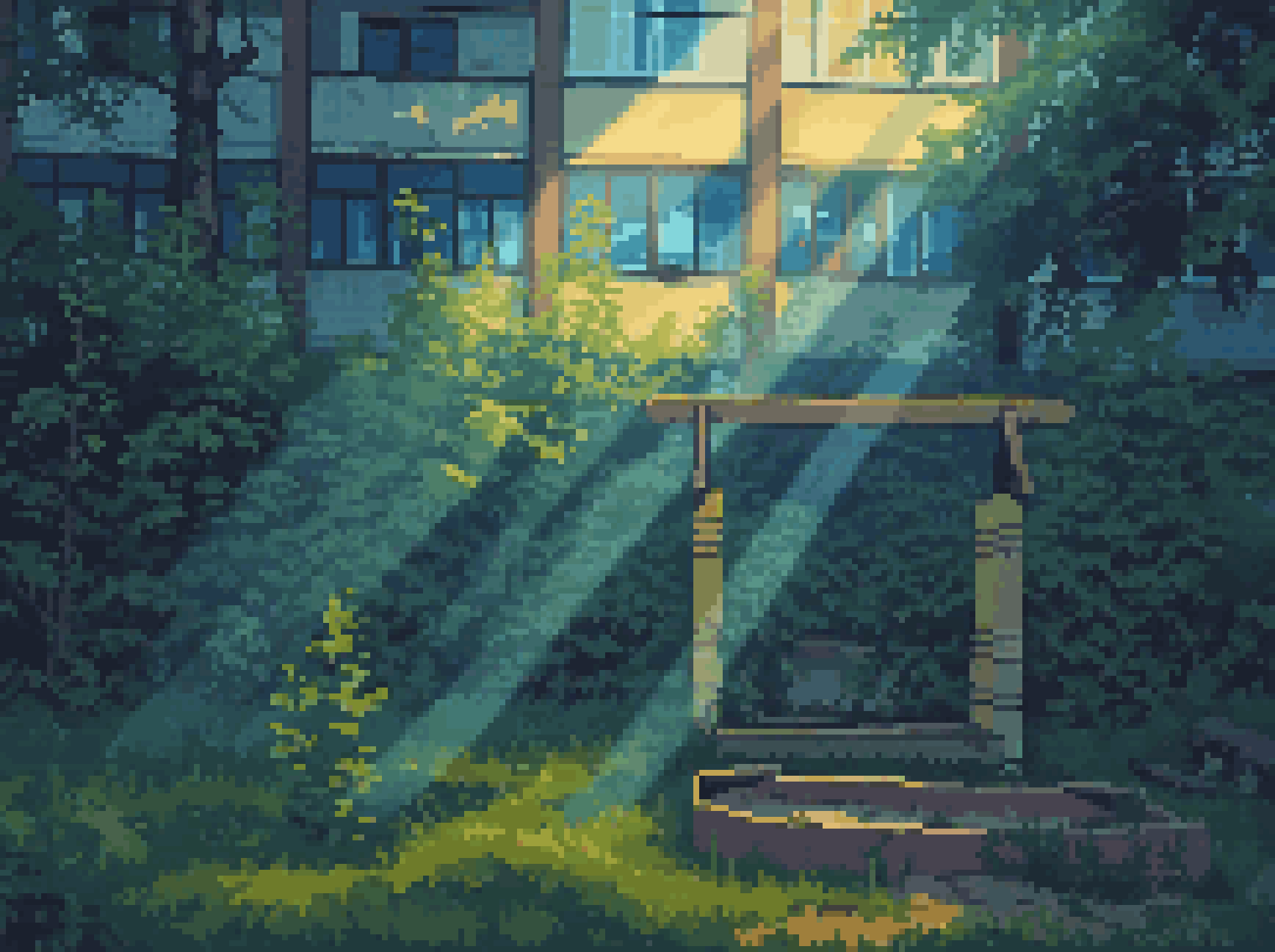
Original Dominant color method
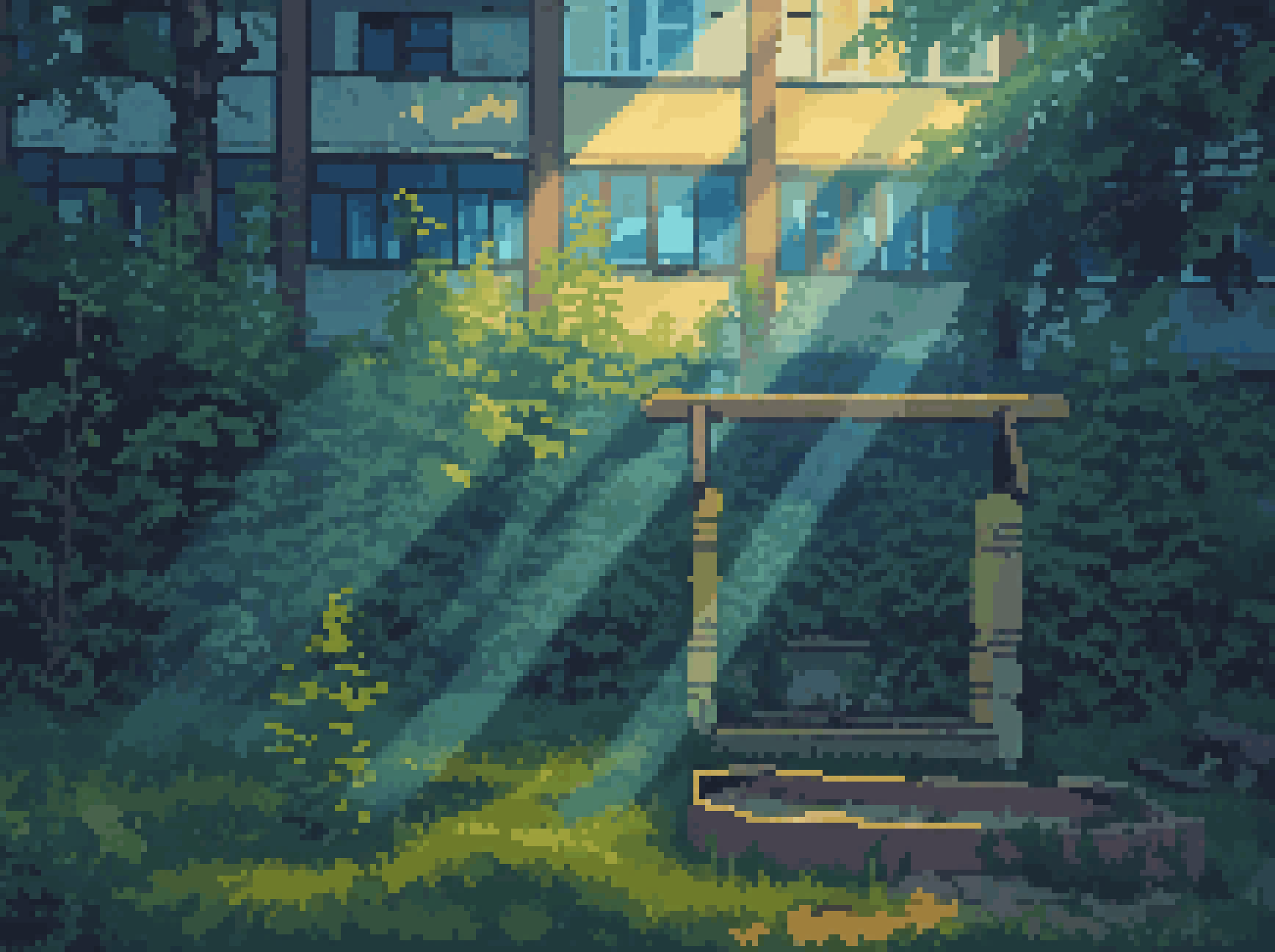
Enhanced Dominant color method
- 10–40× faster
content-adaptivedownscaling via optimized Rust implementation - Improved
dominantmethod: uses KMeans clustering for better color selection, especially on complex pixel-art backgrounds - New
hybriddownscaling method: automatically combine the best fromdominantandcontent-adaptivemethods - Preprocessing: optional light blur (
--pre-filter) before quantization to reduce noise - Edge preservation:
--edge-preserveenhances contour sharpness during downscaling - Post-sharpening: experimental
--post-sharpen(currently under refinement, produce mostly unwanted results) - Adaptive threshold tuning:
--iterations Nallows iterative refinement of the dominant color threshold fordominantmethod
- Automatic Scale Detection: Detects the inherent scale of pixel art using both runs-based and edge-aware methods
- Advanced Color Quantization: Wu algorithm with Rust acceleration + KMeans-enhanced dominant color selection
- Smart Downscaling: Multiple methods including
dominant,median,mode,content-adaptive, and newhybrid - Image Cleanup: Alpha binarization, morphological operations, jaggy edge removal
- Grid Snapping: Automatic alignment to pixel grid for clean results
- Flexible API: Both synchronous and asynchronous interfaces
- Blazing Fast: Process a 1-megapixel image in under a second (with Rust acceleration)
- Refined post-sharpening algorithm
- Vectorization support
# Clone the optimized fork
git clone https://github.com/2dameneko/unfake-opt.py.git
cd unfake-opt

# Install with pip (includes Rust compilation)
pip install .

# Or for development
pip install -e .Note: This fork is not yet published on PyPI. Install from source to access all new features.
- Python 3.10+
- Rust toolchain (for building from source)
- OpenCV Python bindings
- Pillow
- NumPy
- scikit-learn (for KMeans in
dominantmethod)
# Basic usage with auto-detection
unfake input.png

# Specify output file
unfake input.png -o output.png

# Control color palette size
unfake input.png -c 16                    # Maximum 16 colors
unfake input.png --auto-colors            # Auto-detect optimal color count

# Force specific scale
unfake input.png --scale 4                # Force 4x downscaling

# Choose downscaling method (NEW: hybrid!)
unfake input.png -m dominant              # Dominant color (KMeans-enhanced, default)
unfake input.png -m content-adaptive      # High-quality, now 10–40× faster
unfake input.png -m hybrid                # NEW: best of dominant + content-adaptive

# Enable new preprocessing/postprocessing
unfake input.png --pre-filter             # Apply light blur before quantization
unfake input.png --edge-preserve          # Preserve sharp edges during downscaling
unfake input.png --post-sharpen           # Experimental sharpening after quantization, not recommended for now
unfake input.png --iterations 5           # Refine dominant threshold over 5 iterations

# Enable cleanup operations
unfake input.png --cleanup morph,jaggy    # Morphological + jaggy edge cleanup

# Use fixed color palette
unfake input.png --palette palette.txt    # File with hex colors, one per line

# Adjust processing parameters
unfake input.png --alpha-threshold 200    # Higher threshold for alpha binarization
unfake input.png --threshold 0.1          # Initial dominant color threshold (0.0–1.0)
unfake input.png --no-snap                # Disable grid snapping

# Verbose output
unfake input.png -v # Show detailed processing infoimport unfake
# Basic processing with defaults (now uses KMeans-enhanced dominant)
result = unfake.process_image_sync(
"input.png",
max_colors=32,
detect_method="auto",
downscale_method="hybrid", # NEW option!
cleanup={"morph": False, "jaggy": False},
snap_grid=True,
pre_filter=True, # NEW
edge_preserve=True, # NEW
post_sharpen=False, # Experimental
iterations=3 # NEW: threshold refinement
)
# Access results
processed_image = result['image'] # PIL Image
palette = result['palette'] # List of hex colors
manifest = result['manifest'] # Processing metadataimport asyncio
import unfake
async def process_image_async():
result = await unfake.process_image(
"input.png",
max_colors=16,
downscale_method="hybrid",
pre_filter=True,
edge_preserve=True
)
result["image"].save("output.png")
asyncio.run(process_image_async())dominant(default): Now uses KMeans clustering for more accurate dominant color selection — especially effective on textured or gradient pixel-art backgroundscontent-adaptive: Same high-quality algorithm, but 10–40× faster thanks to Rust optimizationhybrid(NEW): Combine best fromdominantandcontent-adaptivefor optimal fidelitymedian/mode/mean: Unchanged, for compatibility
--pre-filter: Applies a slight Gaussian blur before quantization to reduce noise and improve color coherence--edge-preserve: Enhances edge contrast during downscaling to maintain crisp silhouettes--post-sharpen: Experimental unsharp masking after quantization (not recommended for now)--iterations N: Runs N iterations of threshold tuning for thedominantmethod to find optimal color dominance cutoff
- Uses KMeans clustering in RGB space to group similar colors
- Selects the cluster centroid with the most pixels as the representative color
- Better handles dithering, gradients, and noisy backgrounds common in AI-generated pixel art
- For each scale×scale block:
- Compute results from both
dominantandcontent-adaptive - Combine results based of details frequency (low - dominant, high - adaptive)
- Compute results from both
- Roughly O(num_kernels * num_pixels) => O(num_pixels) per iteration
- v1.0.7.1: Merged changes from original v1.0.7
- v1.0.4.1: Initial fork from original v1.0.4, added new options (
hybrid,--pre-filter,--edge-preserve,--iterations, etc.)
This optimized fork builds upon:
- unfake.js by Eugeniy Smirnov
- image-quantization by Igor Bezkrovnyi
- unfake.py by Benjamin Paine
Additional references:
- Wu, Xiaolin. "Efficient Statistical Computations for Optimal Color Quantization" (1992)
- Kopf, Johannes and Dani Lischinski. "Depixelizing Pixel Art" (2011)
- Scikit-learn: KMeans implementation for color clustering
MIT License