Read this in another language: Русский


Native voice dictation powered by Sber GigaAM v3. Inference on Apple Silicon.
Instant text input via ⌥ + Space and offline media file transcription.

- Featured in Awesome Swift macOS Apps — Official curated directory of elite native Swift applications for macOS by @jaywcjlove.
- Full Autonomy (Zero Cloud). Inference runs 100% locally. Audio stream never leaves your Mac. Total privacy.
- Direct Input. Press
⌥ + Space— dictate — text drops instantly under your active cursor. Works in any app: VS Code, Notion, Telegram, Xcode, Obsidian, Slack, and more. - Hardware Acceleration. The model is optimized specifically for Apple Silicon (M-series). Execution is offloaded to CoreML / Apple Neural Engine (ANE) without CPU overheating.
- Context & Slang Awareness. Excellent understanding of Russian, English, IT slang, code-switching ("Runglish"), and automatic punctuation placement.
- Batch File Processing. Offline transcription for audio/video files of any duration (MP3, WAV, M4A, MP4, WebM).
| Component | Specification |
|---|---|
| OS | macOS 13.0+ (Ventura, Sonoma, Sequoia) |
| Hardware | Apple Silicon (M1 / M2 / M3 / M4 / M5) |
| Model Engine | GigaAM v3 RNN-T (GGUF Q8_0) / Whisper Large v3 |
| RAM (Idle) | ~70 MB |
| RAM (Active Inference) | ~100 MB |
| Distribution Size | ~270 MB |
- Download the latest
Golosok.dmgfrom the Releases section. - Drag
Golosok.appinto your/Applicationsfolder.
Bypassing macOS Gatekeeper:
This project is distributed as open-source software without an annual paid Apple Developer ID certificate. To prevent macOS from blocking the first launch, remove the quarantine attribute via Terminal:
xattr -cr /Applications/Golosok.app(GUI Alternative: Control + Right-click on the app icon -> Open -> Confirm).
On the first launch, the app will request two macOS permissions:
- Microphone — for capturing voice input.
- Accessibility — for automated text insertion (
Cmd + V) directly under your active cursor.
(If you are updating from an older version and the Accessibility toggle seems frozen — remove Golosok from the system list using the - button and re-add it).
Golosok runs silently in the background. Control is bound to global hotkeys:
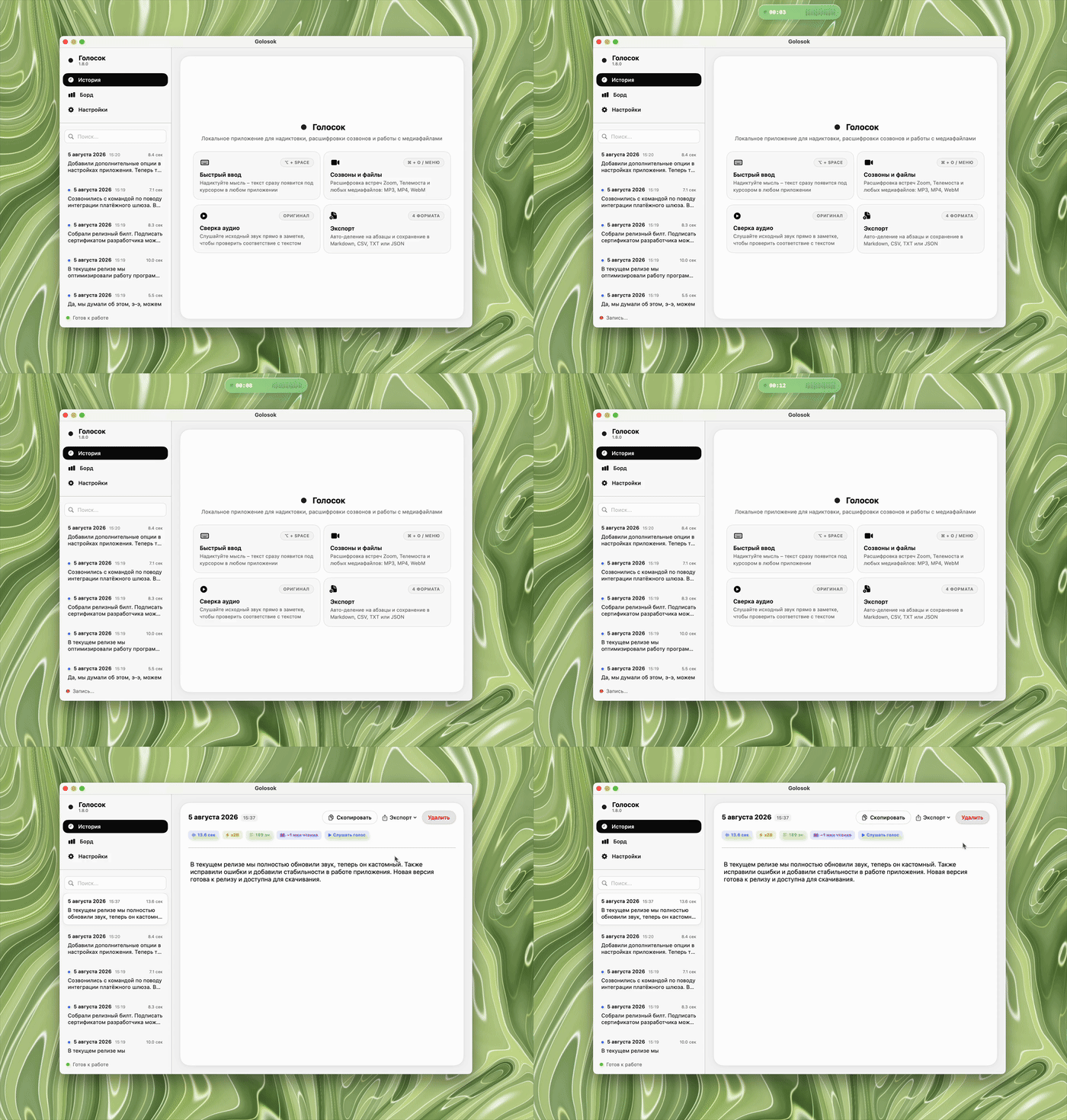
⌥ + Space(Option + Space) — Start / Stop Dictation- 1st Press: Activates recording (white island UI with green equalizer).
- 2nd Press: Stops recording. Triggers inference (~0.1s) and pastes text into your focused input field.
- Push-to-Talk / Hold Mode (Selectable in Settings)
- Hold
⌥ + Spaceto record, release to instantly transcribe and paste.
- Hold
ESC— Cancel- Instant hard-reset of the current recording without pasting or saving.
A menu bar icon (waveform) provides access to recent dictation history, one-click clipboard copying, and app settings.
If you want to clone the repository and build the Xcode project manually:
# 1. Clone the repository
git clone https://github.com/Berliner187/Golosok.git
cd Golosok

# 2. Download GigaAM model weights
curl -L -o Golosok/gigaam.gguf https://huggingface.co/memoravox/gigaam-v3-e2e-rnnt-gguf/resolve/main/gigaam-v3-e2e-rnnt-Q8_0.gguf

# 3. Open project in Xcode
open Golosok.xcodeproj
In Xcode, press ⌘ + R to build and run.