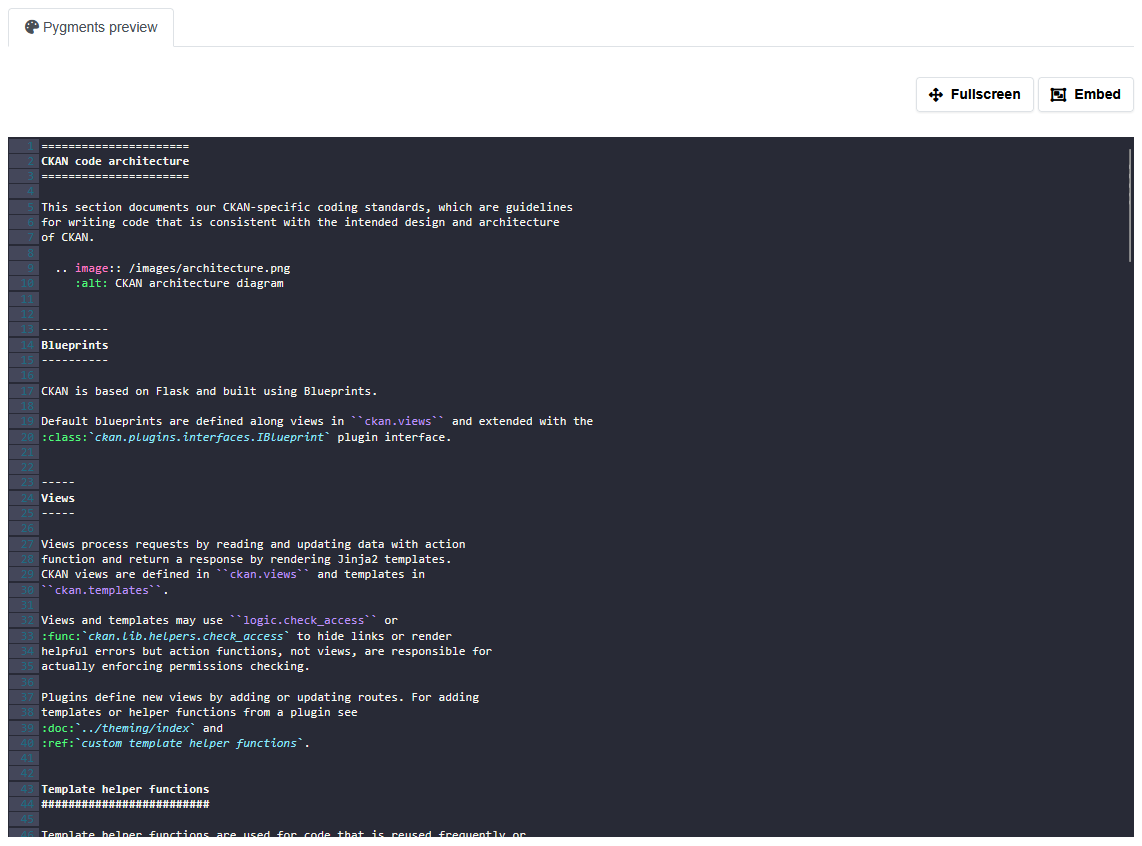
This extension provides a preview with syntax highlight for multiple text resources formats.
Install from source
pip install -e .Or use pip
pip install ckanext-pygmentsEnable the plugin and the view in your CKAN config file:
ckan.plugins = pygments_view
ckan.views.default_views = pygments_view
There is a caching mechanism implemented in this extension. It is disabled by default. To enable it, set ckanext.pygments.cache.enable to True. You can also set the time to live for the cache in seconds with ckanext.pygments.cache.ttl. The default is 7200 seconds (2 hours). You can also set the maximum size of the resource to cache in bytes with ckanext.pygments.cache.resouce_max_size. The default is 20MB.
We use Redis for caching and it uses memory. If you have a lot of resources and they are big, you can run out of memory. That's why it is disabled by default. It's still debatable if we need cache at all. Big resource processed with pygments will be even bigger. So we can have a lot of memory usage. But if we have a lot of resources and many users access it, we can save a lot of time on processing.
If you're using the ckanext-admin-panel extension, you can configure the pygments settings from the admin panel. Otherwise, you can configure it in the ckan.ini file.
To run the tests, do:
pytest --ckan-ini=test.ini