Sometimes you want to persist data, but not until the end of times...
With Alpine Cache, you can easily persist the state across page loads until an expiration date.
Specially useful to remember temporary UI state, to cache API calls, to schedule recurring notifications, etc.
You can even use it inside Alpine context and outside of it, without losing reactivity!
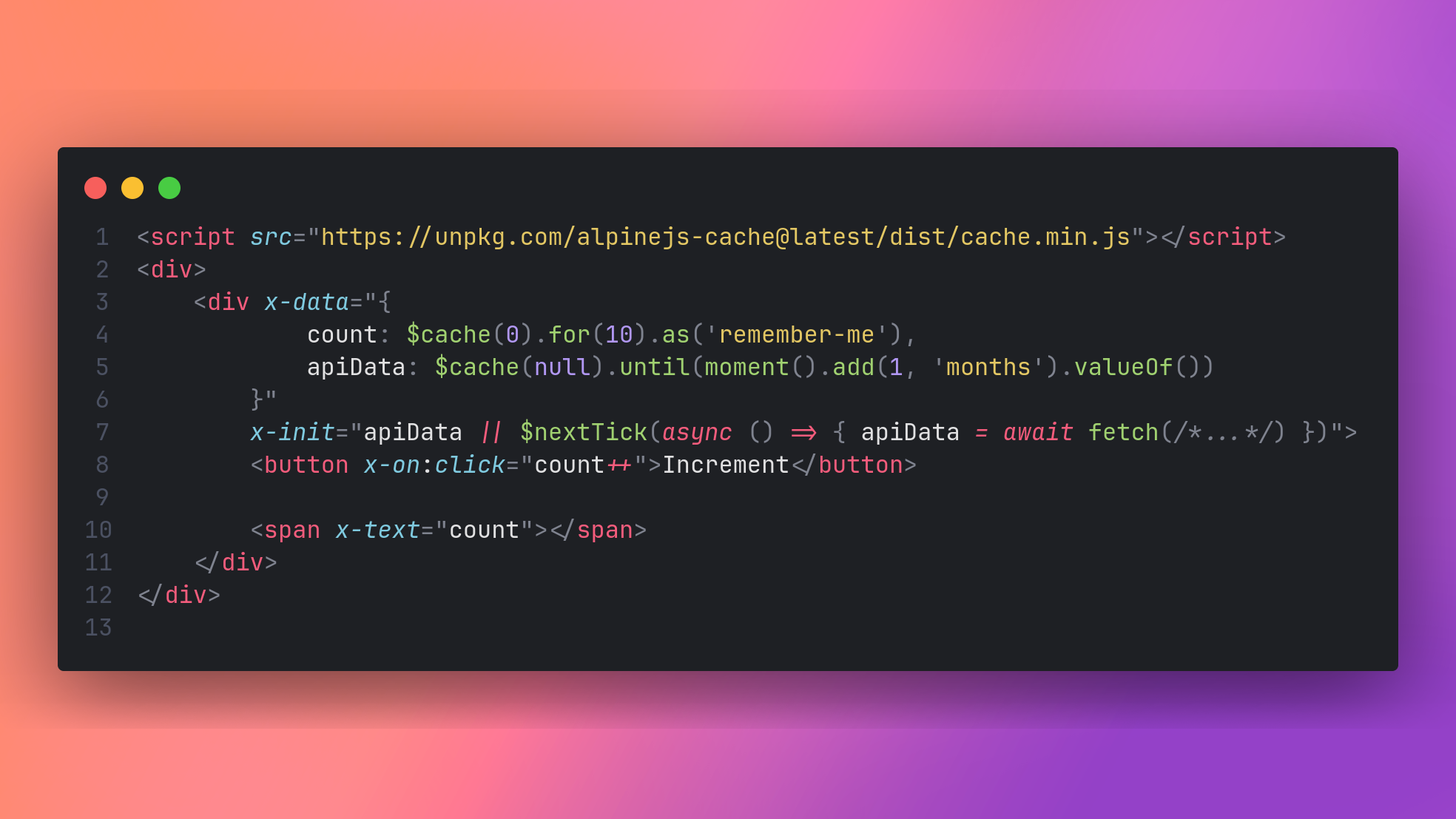
You can import Alpine Cache through a CDN like:
<html>
    <head>
        <script src="https://unpkg.com/alpinejs@3.x.x/dist/cdn.min.js" defer></script>

        <script src="https://unpkg.com/alpinejs-cache@latest/dist/cache.min.js"></script>
    </head>
</html>If you're using a web bundler, you can install Alpine Cache via NPM:
npm i alpinejs-cache -D
Then import it and register the plugin:
import Alpine from 'alpinejs'
import cache from 'alpinejs-cache'

Alpine.plugin(cache)

window.Alpine = Alpine

Alpine.start()You can find an examples on the examples/ directory of this repository.
Cache was inspired by Persist, and so, they share the same caveats and style of configuration.
The primary API for using this plugin is the magic $cache method.
<div x-data="{ count: $cache(0).for(20).as('my-counter') }">
    <button x-on:click="count++">Increment</button>
    <span x-text="count"></span>
</div>
You can set a default value, and an optional custom key which will be used to save the data with the .as modifier.
Unlike $persist, you can set the expiration time of the value, in seconds, with the .for modifier. Each time the value gets changed the cache will be revalidated by .for seconds (60 by default). If the cache gets invalidated the default value is set again on load.
An .until modifier can be used instead of .for, to put a timestamp instead of the amount of seconds.
Alpine Cache uses the localStorage Browser API by default to store all data.
You can change the storage driver for a single record with the .using modifer.
<div x-data="{ count: $cache(0).using(cookieStorage).for(10) }">
    <button x-on:click="count++">Increment</button>

    <span x-text="count"></span>
</div>
You can also change the default storage driver globally via:
Alpine.cache.defaultDriver = MyCustomStorageDriver;To create a custom driver, you must implement the following contract:
interface CacheStorageDriver {
    setItem: (key: string, record: CacheRecord) => void,
    getItem: (key: string) => ?CacheRecord
}
The way Alpine Cache works, is with simple CacheRecord objects that wraps your data and adds a timestamp to it:
type CacheRecord = {
    data: any,
    expires_at: number
}
You're responsable to serialize and deserialize this construct on the setItem and getItem methods.
You can get, set and manually invalidate data, outside the Alpine context while still maintaining the reactivity of the Alpine components that are using $cache.
Alpine.cache is an object with the following signature:
type cacheUtils = {
    defaultDriver: CacheStorageDriver,
    invalidate: (key: string, storage: CacheStorageDriver?) => void,
    set: (key: string, data: any, time: number, storage: CacheStorageDriver?) => void,
    get: (key: string, storage: CacheStorageDriver?) => any
}
set and get works as you expect they would. invalidate is a shorthand to set the value to undefined which Alpine Cache detects as an expired record. The storage parameter is the equivalent to the .using modifier, to override the default driver.
As it happens with $persist, if you want to use $cache within Alpine.data, you need to be sure to use a standard function instead of an arrow function.
Alpine.data('productsIndex', function () {
    return {
        fetchData: this.$cache(null).until(Date.now() + 1000 * 5),
        init(){
            if(!this.fetchData){
                this.$nextTick(async () => {
                    this.fetchData = await fetch(/*...*/).then((v) => v.json());
                })
            }
        }
    }
})
A caveat not explained in the docs. The values from $cache (and $persist), are read-only on the first tick.
No data will be saved if you try to set the properties on init(). If this is your case, wrap the setter in a $nextTick callback.