Languages: English | 简体中文
WillowTab is a clean and elegant new tab extension for Chromium-based browsers. It provides a focused search entry, multi-engine search switching, light and dark themes, and personal appearance settings so every new tab feels quieter and more comfortable.
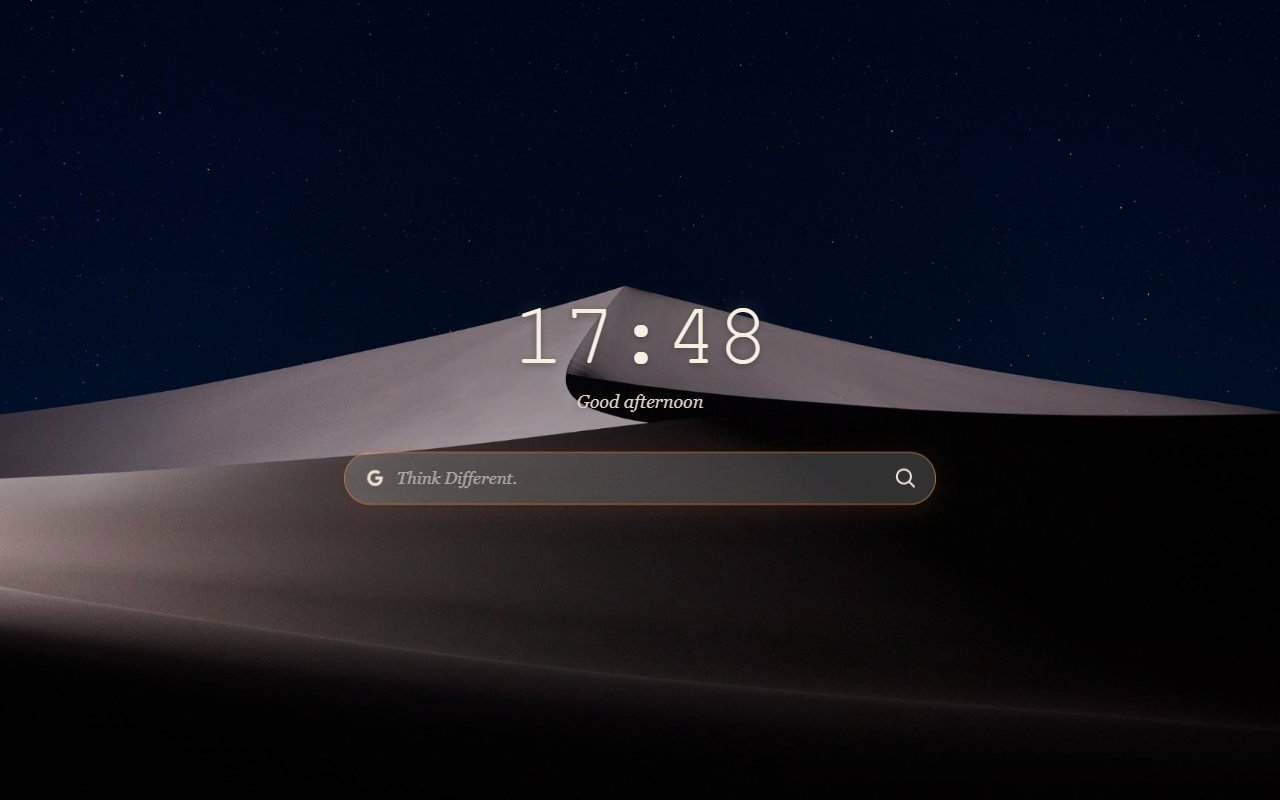
Use the centered search box to start searching quickly. WillowTab supports Google, Baidu, Bing, and DuckDuckGo, so you can choose the engine that fits your habits. You can also enable search suggestions to make keyword entry smoother.
Use a solid color background, import local images, or import a local folder. You can manage multiple wallpapers, choose one manually, or rotate them automatically. In wallpaper mode, WillowTab also adjusts text, controls, and the search surface to keep the interface readable.
Choose light mode, dark mode, or follow the system appearance so the page stays comfortable across different times of day and usage environments.
Adjust fonts, corner radius, shadow strength, settings button placement, and the browser tab title so the interface better matches your habits.
WillowTab does not collect, track, or sell personal data.
WillowTab is for people who want a new tab page that stays simple, beautiful, and efficient without adding distracting information.
Edge users should install WillowTab directly from Microsoft Edge Add-ons:
Install from Microsoft Edge Add-ons
Google Chrome users should install WillowTab directly from the Chrome Web Store:
For other Chromium-based browsers, install manually from GitHub Releases:
Download WillowTab-v1.6.2.zip, the generic build for Chromium-based browsers.
Manual installation steps:
- Download
WillowTab-v1.6.2.zip. - Extract it to a local folder.
- Open your browser's extension management page, such as
chrome://extensions. - Enable Developer mode.
- Click "Load unpacked" and select the extracted folder.
WillowTab-for-Chrome-v1.6.2.zip is a dedicated Chrome Web Store build for Google compliance. It is mainly intended for Chrome Web Store submission and review.
WillowTab/
├── manifest.json
├── newtab.html
├── privacy-policy.html
├── css/
│   └── style.css
├── js/
│   ├── i18n.js
│   ├── search.js
│   ├── clock.js
│   ├── settings.js
│   └── theme.js
├── icons/
└── chrome-store/
The Chrome Web Store build lives in chrome-store/. Its policy-specific override files include manifest.json, newtab.html, js/search.js, js/settings.js, js/i18n.js, privacy-policy.html, and README.md.
Think Different.