Pilot is a UDP synthesizer designed to be controlled externally. It was created as a companion application to the livecoding environment ORCA.
You can download builds for OSX, Windows and Linux, or if you wish to build it yourself, follow these steps:
git clone https://github.com/hundredrabbits/Pilot.git
cd Pilot/desktop/
npm install
npm start
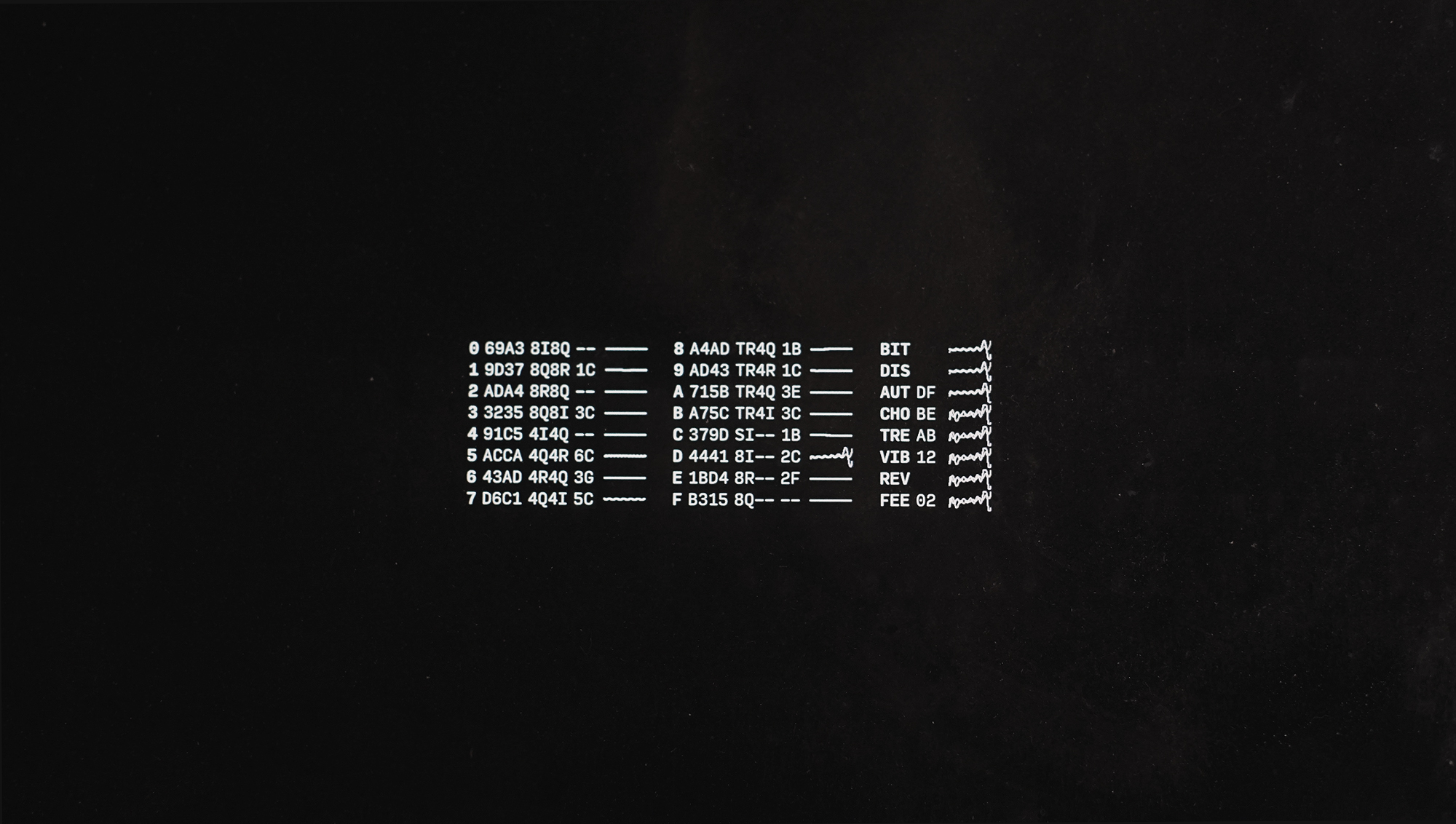
Pilot has 16 voices and 8 effects. Commands can be entered directly with the input bar, or through UDP via the port 49161. You can send multiple commands at once by using the ; character. For example, 03C;13E will play a C3 and E3 chord.
- 0 to 5 is Amplitude Modulation (poly)
- 6 to 9 is Frequency Modulation (poly)
- 10 to 11 is a single oscillator, a filter and two envelopes (mono)
- 12 to 14 is a single oscillator with an amplitude envelope and frequency ramp to emulate membrane (mono)
The last voice (F) features a sample player with 116 drum sounds from the Roland TR-808, with courtecy of Michael Fischer .
- BASS DRUMS (C0 - C2) - 25 samples
- SNARES (C#2 - C#4) - 25 samples
- CYMBALS (D4 - D6) - 25 samples
- TOMS: LOW, MID, HI (D#6 - F7) - 15 samples
- CONGAS: LOW, MID, HI (F#7 - G#8) - 15 samples
- HI-HATS SECTION (A8 - D9) - [ 1 Closed, 5 Open]
- ONE-SHOTS (D#9 - G9) - [Cowbell, Clave, Clap, Maracas, Rimshot]
To use your own sample set, add audio files to the media folder and edit mapping.json to your needs.
The Play commands allows you to play synth notes.
| Command | Channel | Octave | Note | Velocity | Length |
|---|---|---|---|---|---|
04C |
0 | 4 | C | 64 | 1/16 |
04Cf |
0 | 4 | C | 127 | 1/16 |
04Cff |
0 | 4 | C | 127 | 1bar |
The Settings commands allow you to change the sound of the synth. The settings command format is a channel value between 0-G, a 3 characters long name, followed by four values between 0-G. The possible waveforms are si, 2i, 4i, 8i, tr, 2r, 4r, 8r, sq, 2q, 4q 8q, sw, 2w, 4w and 8w.
| Command | Channel | Name | Info |
|---|---|---|---|
0ENV056f |
0 | Envelope | Set Attack:0.00, Decay:0.33, Sustain:0.40 and Release:1.00 |
1OSCsisq |
1 | Oscilloscope | Set Osc1:Sine, Osc2:Square |
The Effects are applied to all channels. The effect command format is a 3 characters long name, followed by one value between 0-G for wet and depth.
| Command | Channel | Operation | Info |
|---|---|---|---|
BITff |
All | Bitcrusher | .. |
DISff |
All | Distortion | .. |
WAHff |
All | AutoWah | .. |
CHEff |
All | Chebyshev | .. |
FEEff |
All | Feedback | .. |
DELff |
All | Ping Pong Delay | .. |
TREff |
All | Tremolo | .. |
REVff |
All | Reverb | .. |
PHAff |
All | Pashor | .. |
VIBff |
All | Vibrato | .. |
CHOff |
All | Chorus | .. |
STEff |
All | StereoWidener | .. |
EQUff |
All | EQ3 | .. |
COMff |
All | Compressor | .. |
VOLff |
All | Volume | .. |
LIMff |
All | Limiter | .. |
EQU0, COM0, VOL0, LIM0, 0-z to set levels, reset for initial values.
dB metering 
-6

-18

-48

no signal
bpm140, sets the BPM to140. This command is designed to apply to effects like feedback.renv, randomizes envelopes.rosc, randomizes oscillators.refx, randomizes effects.reset, reset all.
Press cmd/ctrl+r to record, and press it again to stop.
Just use ffmpeg.
~/Documents/ffmpeg -i last.{ogg,mp3}
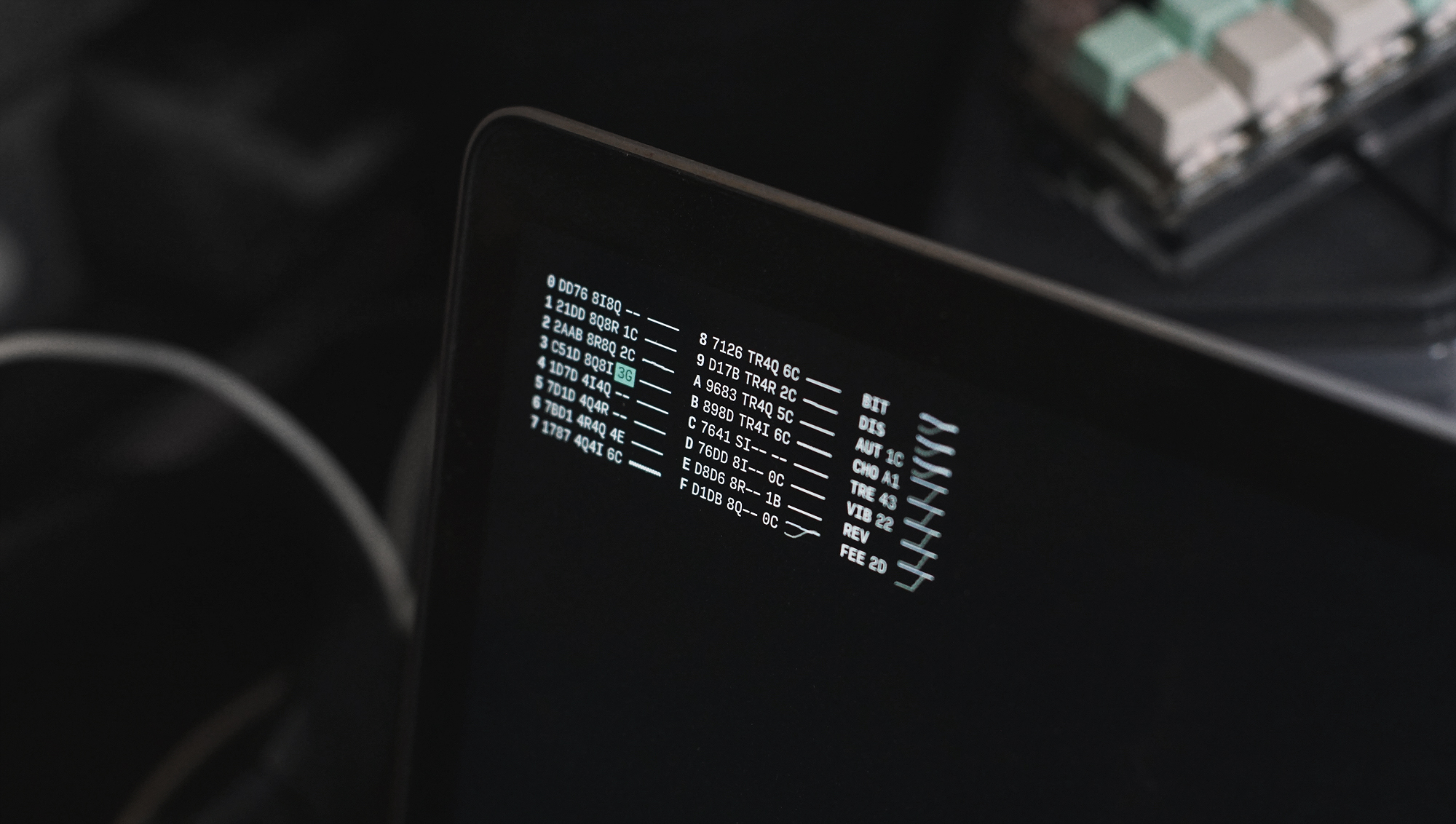
- This application supports the Ecosystem Theme.
- Support this project through Patreon.
- See the License file for license rights and limitations (MIT).
- Pull Requests are welcome!