|
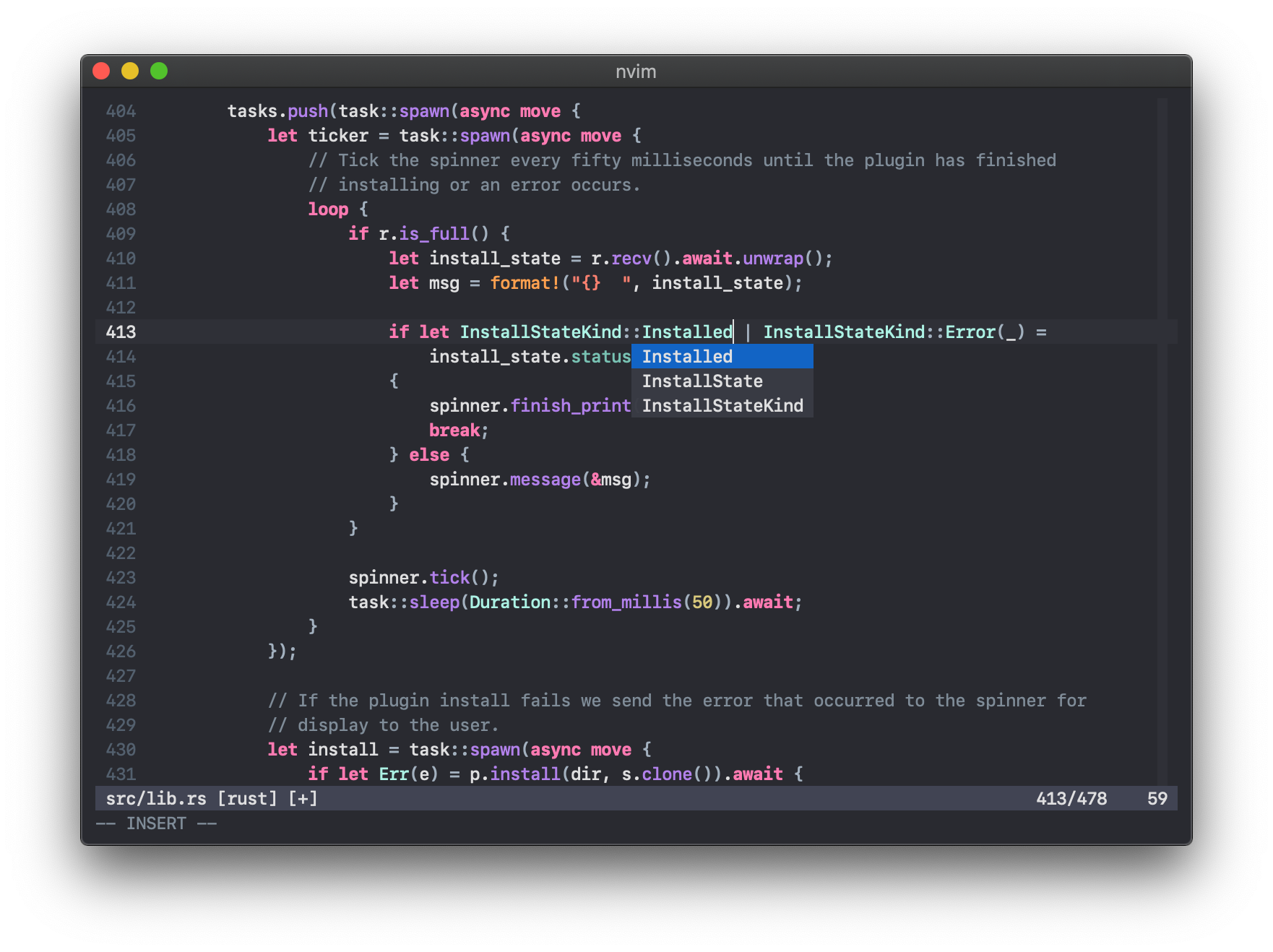
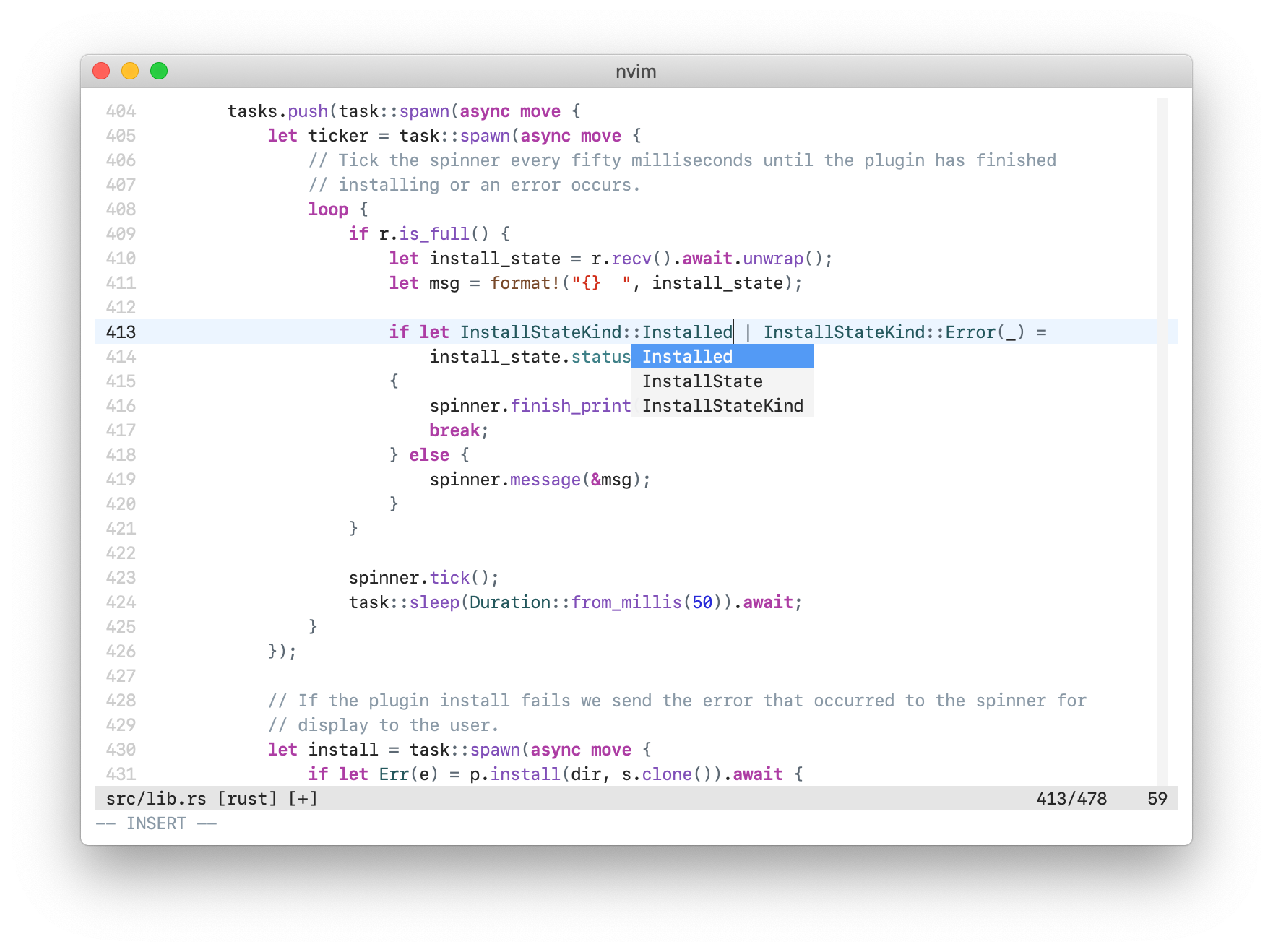
Use your favorite runtimepath/plugin manager, or place xcodedark.vim and xcodelight.vim into ~/.vim/colors/ for *nix and %userprofile%\vimfiles\colors\ for Windows.
If you’re using a GUI, then vim-colors-xcode should work out of the box. However, if you’re planning to use vim-colors-xcode in a terminal, the terminal must support 24-bit colour, also known as True Colour. If you want other terminal output to match with vim-colors-xcode, then set its colours to match the ones below:
Dark:
| Colour | Normal | Bright |
|---|---|---|
| Black | #33343c |
#7f8c98 |
| Red | #ff8170 |
#ff8170 |
| Green | #78c2b3 |
#acf2e4 |
| Yellow | #d9c97c |
#ffa14f |
| Blue | #4eb0cc |
#6bdfff |
| Magenta | #ff7ab2 |
#ff7ab2 |
| Cyan | #b281eb |
#dabaff |
| White | #dfdfe0 |
#dfdfe0 |
| Foreground | #dfdfe0 |
|
| Background | #292a30 |
Light:
| Colour | Normal | Bright |
|---|---|---|
| Black | #e5e5e5 |
#8a99a6 |
| Red | #d12f1b |
#d12f1b |
| Green | #3e8087 |
#23575c |
| Yellow | #78492a |
#78492a |
| Blue | #0f68a0 |
#0b4f79 |
| Magenta | #ad3da4 |
#ad3da4 |
| Cyan | #804fb8 |
#4b21b0 |
| White | #262626 |
#262626 |
| Foreground | #262626 |
|
| Background | #ffffff |
iTerm presets for both of these are included with this repository.
The font in the screenshots is SF Mono, which you can download from Apple’s website.