A ToDo app to manage your daily tasks. Based on Solid Pod technology.
***Still under development
Authors: Anushka Vidanage
License: GNU GPL V3



The TidyPod app is an demonstrator app for Solid personal online data stores (Pods) written in Flutter and Dart. Using this app you can manage your daily tasks. It is a cross-platform app that will run on desktop, mobile, and web. All your task data will be saved on your Pod hosted on a Solid server. You maintain full control over your data, not the app developer or anyone else.
This app is build as part of a suite of demonstrator apps developed by the research team at the ANU Software Innovation Institute (SII). To access more apps like this using Solid Pod technology please go to Solid Community AU website.
To use the app you will need your own Pod hosted on a Solid server. To try it out you can get yourself a Pod at SII's experimental server, the Australian Solid Community Pod Server or any one of the available Pod Providers world wide.
Download the latest version: Windows: exe, Android: apk
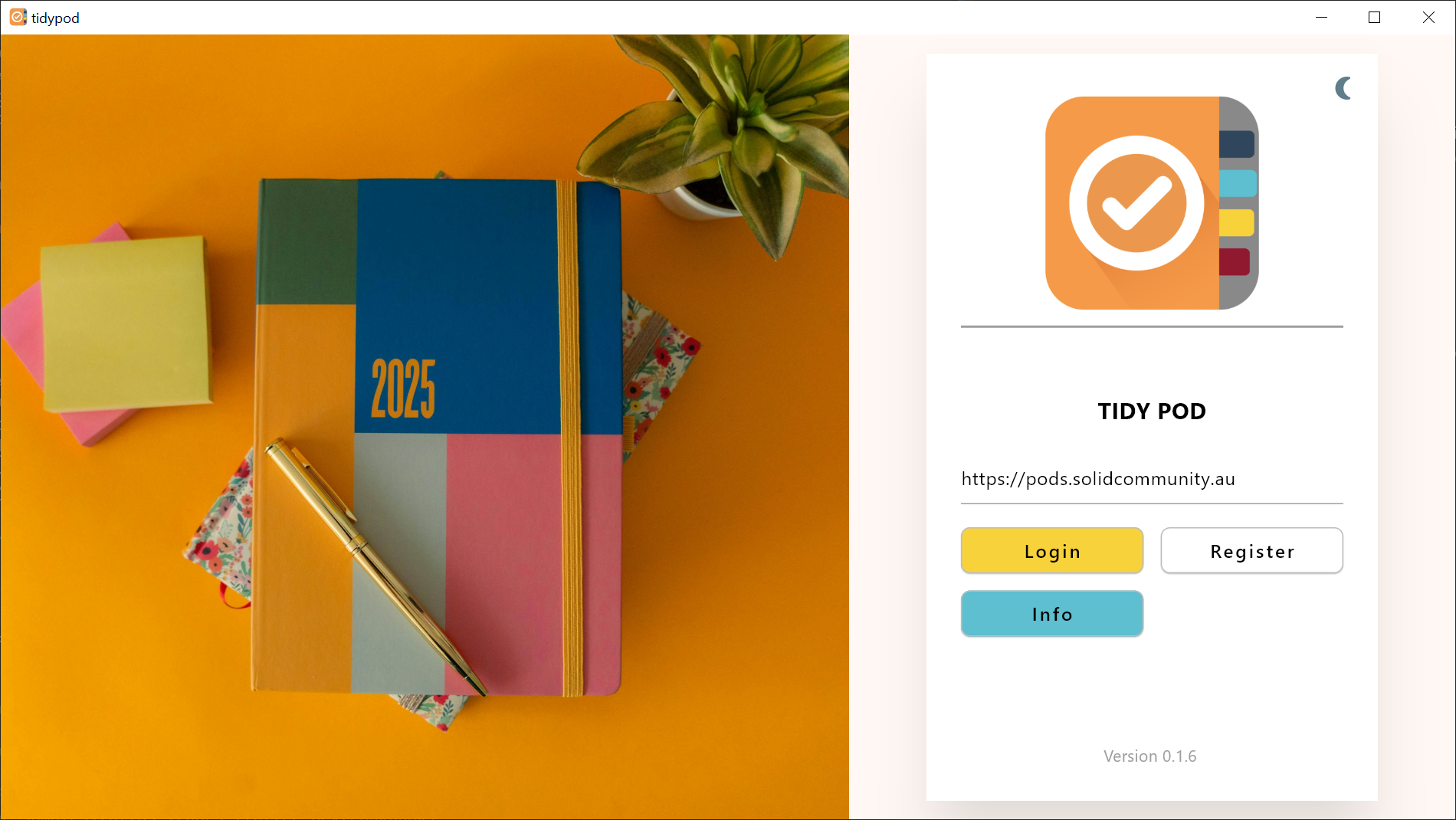
At the start up you will first need to login to your pod by clicking
the Login button. You can register for a Pod using the Register
button.
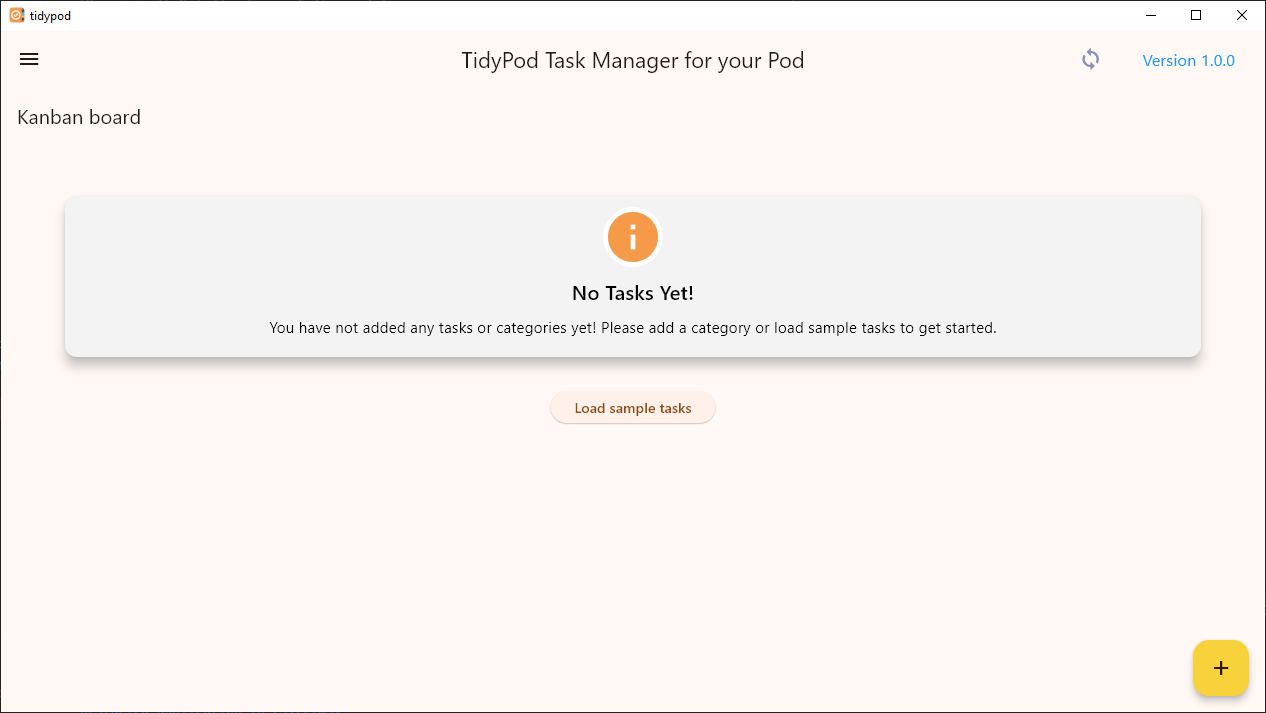
When you login for the first time, you will have an option to load a list of sample tasks or you can get started by adding a new category.
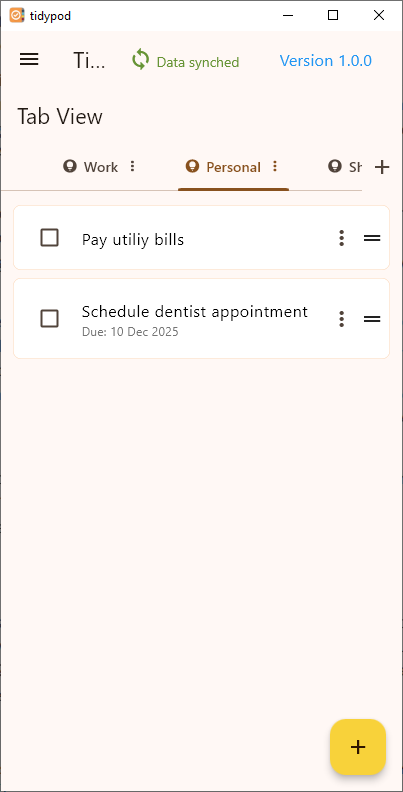
You will have two layout style options to manage your tasks, Kanban board view and Tab view. You are able to move categories around and event move tasks between categories.
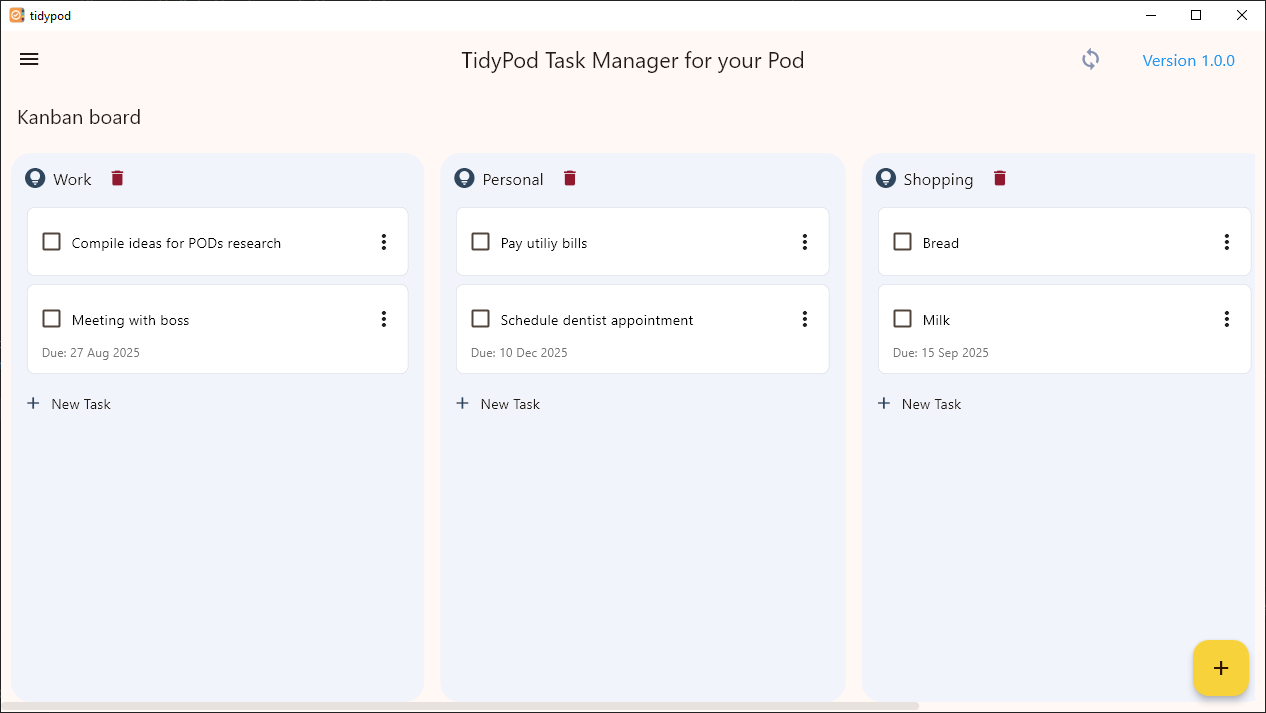
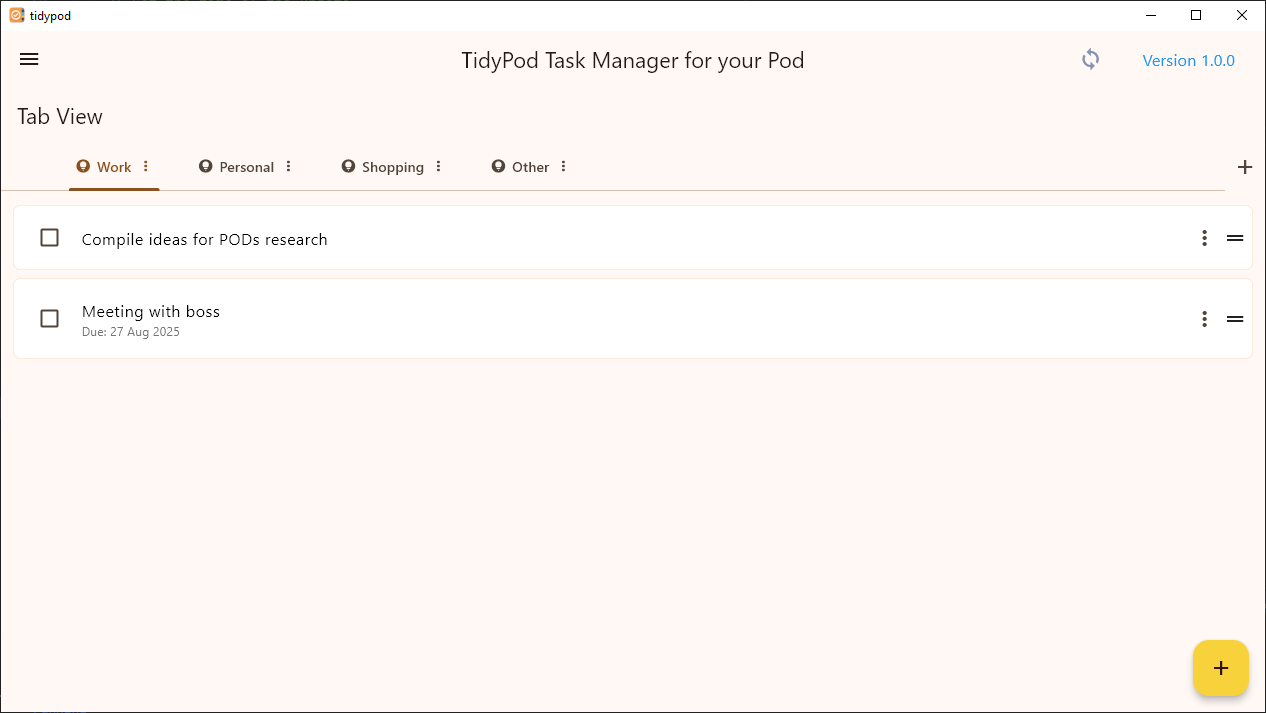
You can add new categories and tasks using the corresponding buttons. When adding new tasks, you will have the option to add a due date as well.
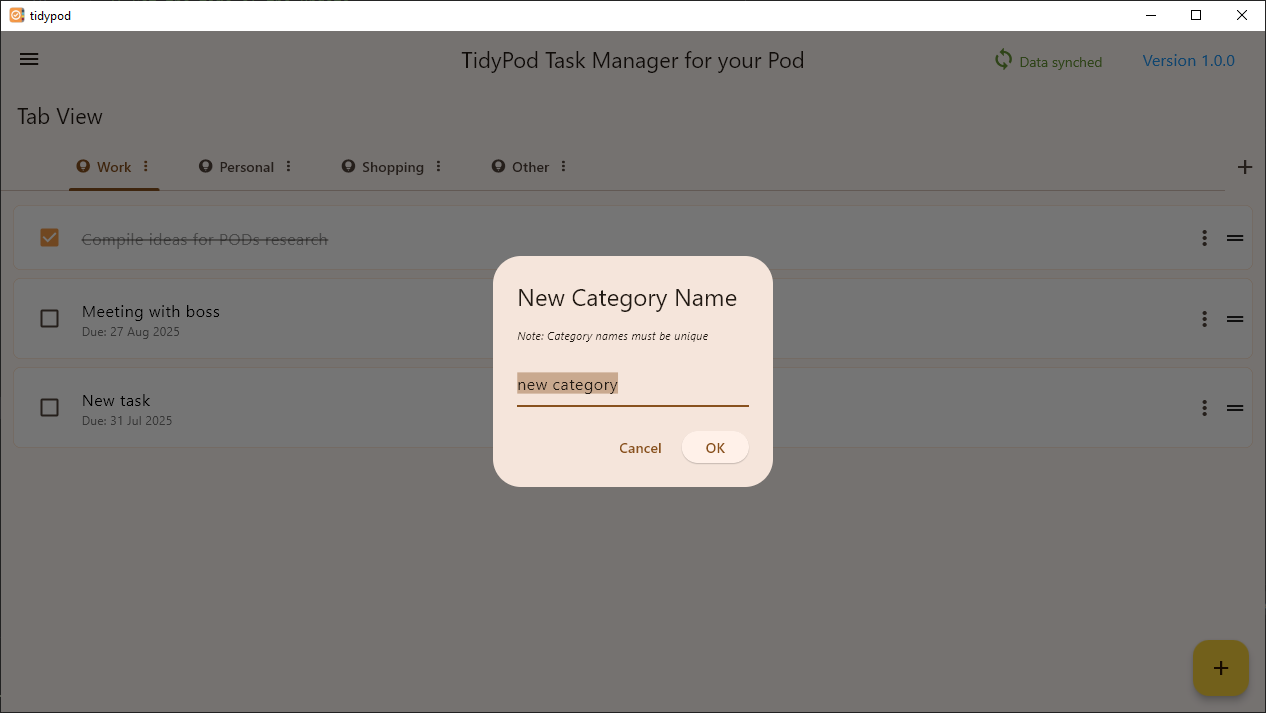
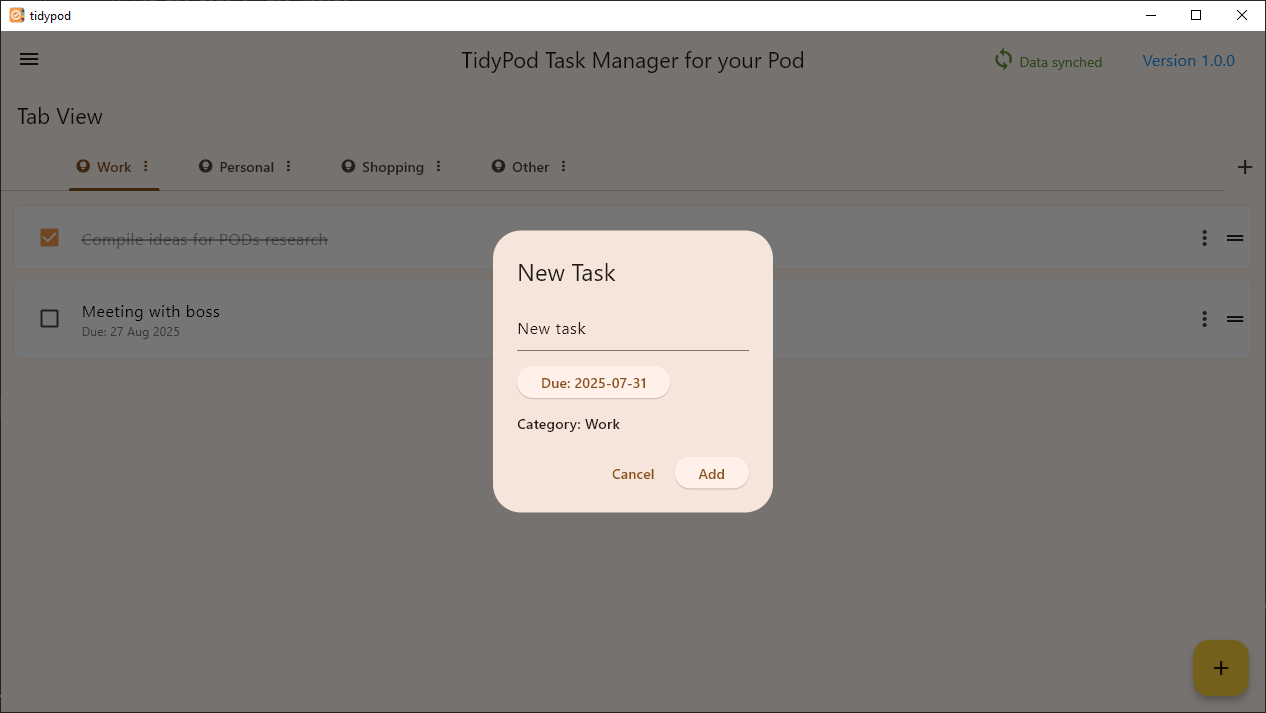
Your data will be automatically saved in the local storage of the device and will be synced with the Pod every 10 seconds (will execute on the background). If you close and re-open your app, your last saved tasks will be retrieved either from your Pod or from the local storage (depending on which has the latest updates).
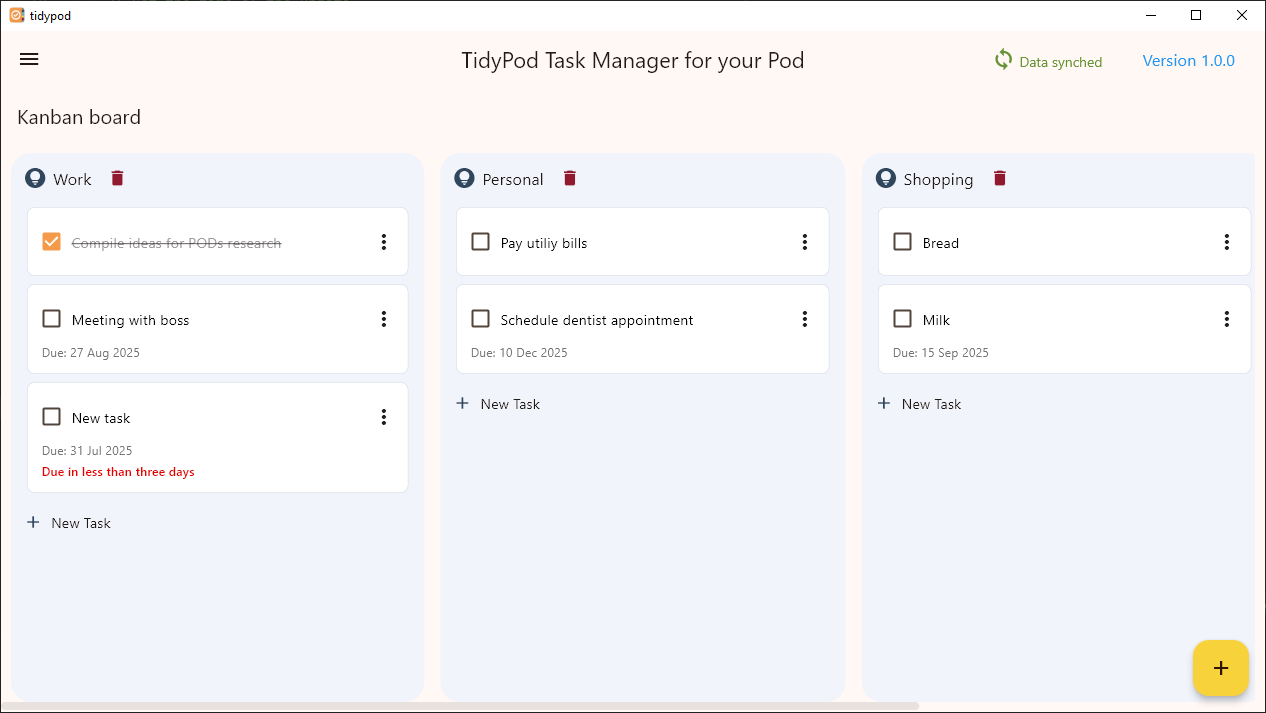
If you start your app on a mobile device, by default you will be directed to the Tab view of the app since it is much easier to navigate through the Tab view. However, you can still go to the Kanban board view using the navigation menu.