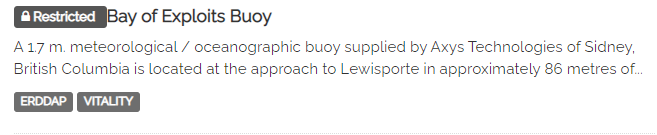
Plugin Use
The restricted search / restricted EOV & keyword plugin is an extension to CKAN (>2.9) based on the CIOOS-SIOOC CKAN fork.
The plugin adds two new metadata fields for datasets; Restricted Keywords and Restricted EOVs. These two fields act similar to the standard keywords and EOVs, but are used as a notation so the user knows the data involved with those categories is restricted in some form. The plugin also allows for including/excluding datasets with restricted attributes while searching for keywords and EOVs.
Restricted keywords and EOVs can be found on the dataset page below their non-restricted counterparts
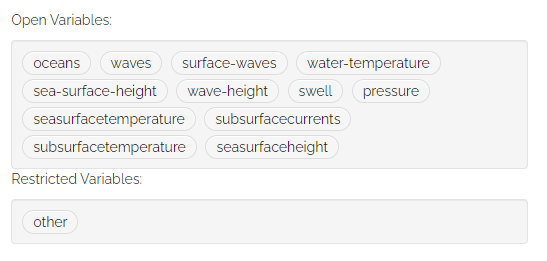
Restricted keywords will be placed in their own tag box. Labels indicating the type of keyword will be placed above each box. If a dataset doesn't have any restricted keywords the default view will be used (one box, no label)
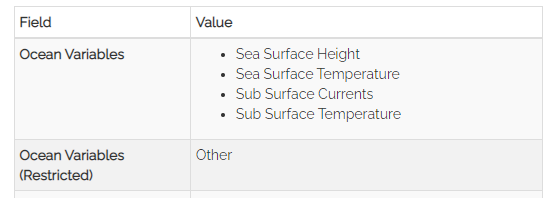
EOVs will similarly appear below their open counterpart. If a dataset doesn't have any restricted EOVs the lower field will not appear and the default view will be used
Restricted EOV and keyword searching takes place on the dataset page of a CKAN site. With the plugin installed the standard dataset view remains unchanged from the base CKAN styling.
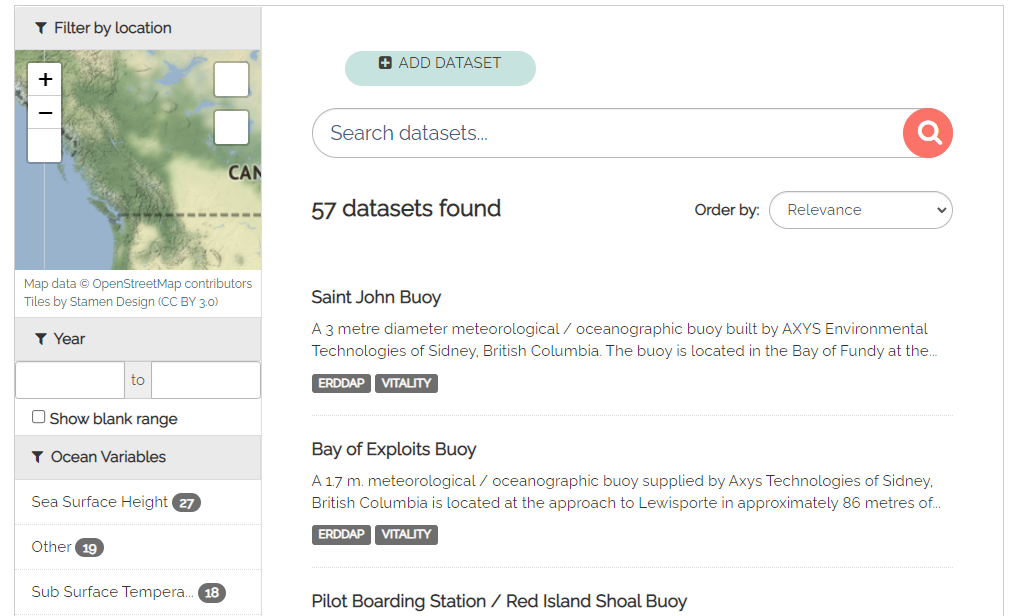
To perform a restricted search, either a keyword or an EOV must be selected from the facet menu (or on one of the clickable tags from a dataset page
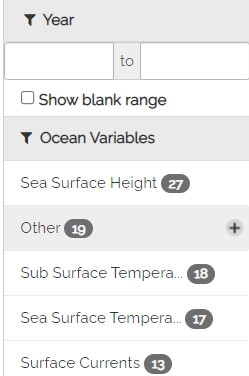

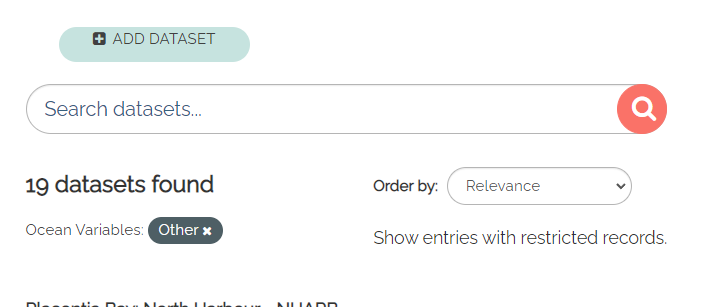
Once a keyword or EOV has been selected, the page will reload and there will be a link at the top of the page labeled 'Show entries with restricted records'
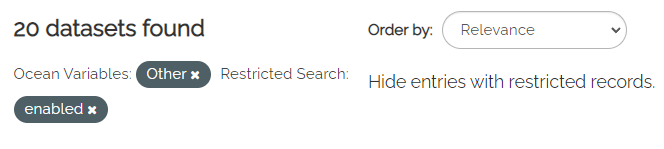
After clicking on the link, the page will update and now will include a modifier shown as 'Restricted Search: enabled'. This modifier has CKAN also search through the restricted metadata fields for matches of the data contained in the unrestricted keyword and EOV fields.
If the user wishes to hide the datasets with fields tagged as restricted, they can click on the 'Hide entries with restricted records' link that appears where the old 'Show entries' link was previously
Datasets that are returned as a result of the restricted search are tagged with a [Restricted] tag. In the case that multiple keywords or EOVs are being searched, as long as at least one of them is restricted this tag will appear