How to Use
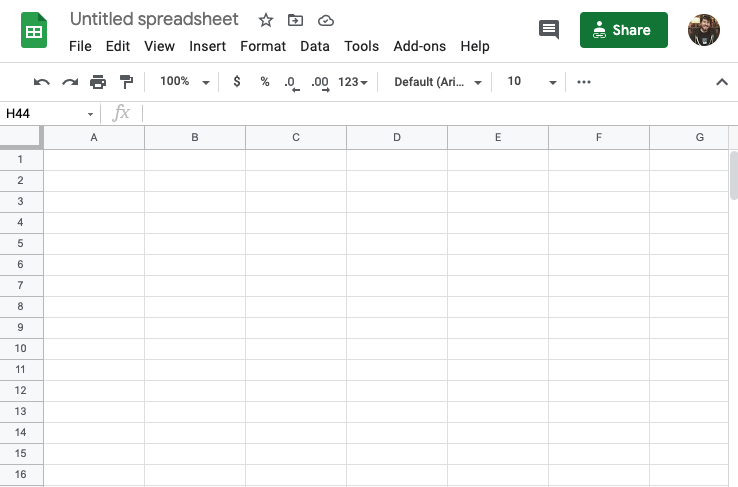
Go to sheets.google.com and make a new spreadsheet.
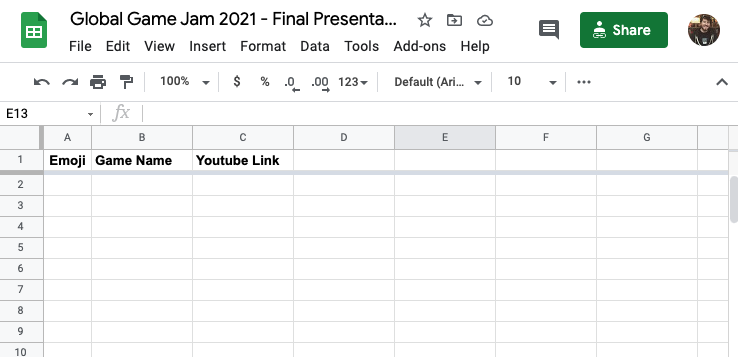
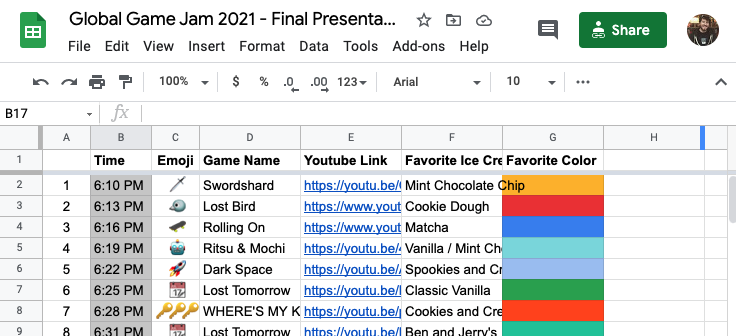
Add row headers for Game Name and Youtube Link. You must spell and capitalize it exactly as Game Name and Youtube Link.
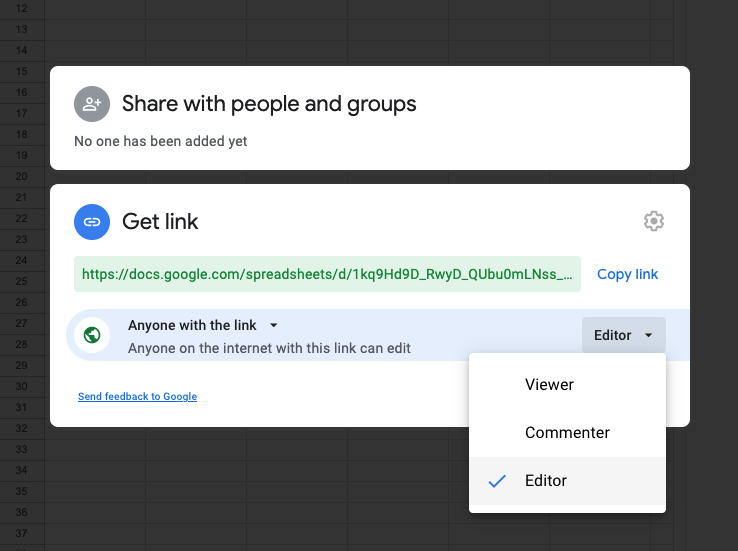
Invite your game jammers to your spreadsheet. Be sure to make it publicly editable by anyone by selecting Change to anyone with the link, changing the users from Restricted to Anyone, and changing the user permissions from Viewer to Editor. Copy and send that link to all your jammers!
Watch as your jammers fill up the spreadsheet with their game jam entries.
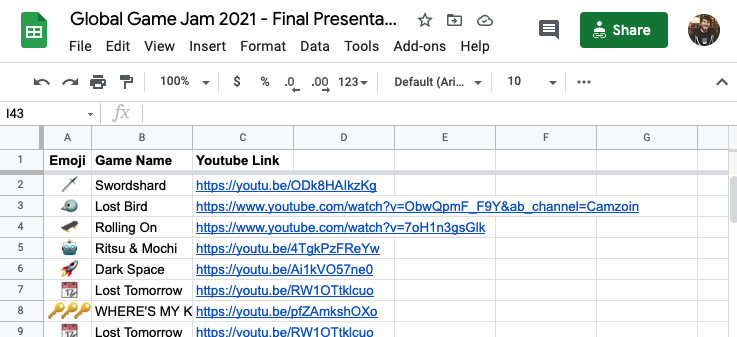
Feel free to add extra columns. The presentation will ignore most of them. (Except the Emoji field, which it'll add to the title cards for each game jam entry!)
Copy your link into https://ehgoodenough.github.io/gamejamfinale to generate your finale~!

If somebody edits the google sheet after you generated the finale, you'll need to reload the page.