


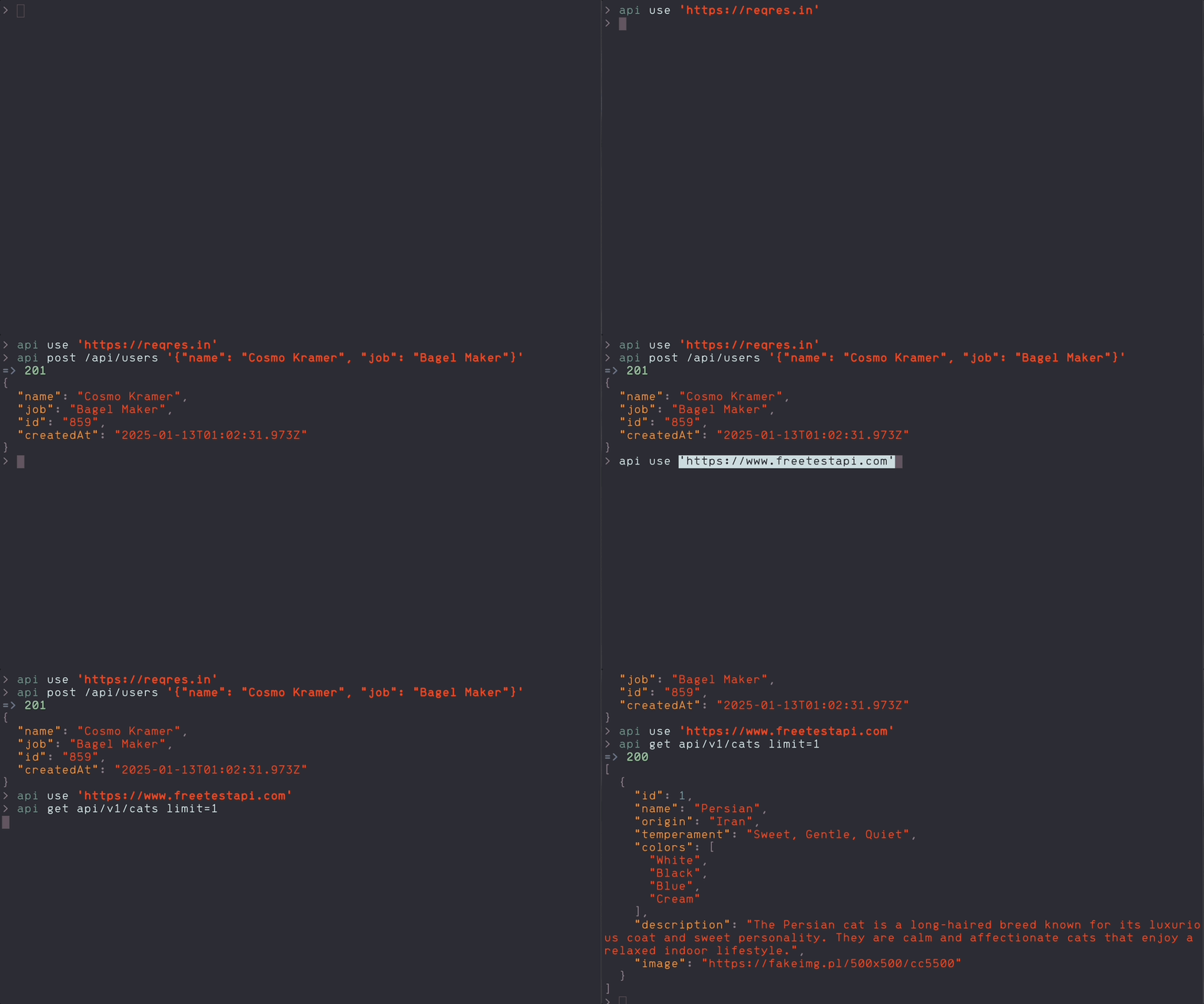
The most pleasant HTTP API CLI tool
- Quick to set up
- Easy to use
- Automated OAuth2 sign-in
- Copy/paste-able results
As long as you have python 3.13 or higher (I recommend using pyenv), just:
pip install api-buddyFirst, specify the API you're exploring
api use https://some.api.comWhich will set the api_url value in your preferences file
# ~/.api-buddy.yaml
api_url: https://some.api.com
Then it's as easy as:
api get some-endpoint=> 200
{
"look": "I haz data",
"thx": "API Buddy"
}You can add query params in key=val format:
api get \
  my/favorite/endpoint \
  first_name=cosmo \
  last_name=kramer
You can also add request body data in JSON format:
api post \
  some-endpoint \
  '{"id": 1, "field": "value"}'
🤔 Note the single-quotes, which keeps your json as a sing continuous string. This means you can expand across multiple lines too:
api post \
  some-endpoint \
  '{
     "id": 1,
     "field": "value"
  }'
Variables can be interpolated within your endpoint, as part of values in your query params, or anywhere in your request body data, as long as they're defined by name in your preferences:
api post \
  'users/#{{user_id}}' \
  'name=#{{name}}' \
  '{
    "occupation": "#{{occupation}}"
  }'
It works with graphql too
api post graphql '{"query": "{something{withFields,{andNestedFeilds}}}"}'use: (optional) Set the baseapi_urlyou're exploring in your preferences file.- It come with the actual
api_urlvalue
- It come with the actual
If you're actually sending an HTTP request:
http_method: (optional) The HTTP method to use in your request.- It should be one of:
getpostpatchputdelete
- It should be one of:
endpoint: (required) The relative path to an API endpoint.- AKA you don't need to type the base api url again here.
params: (optional) A list ofkey=valquery paramsdata: (optional) A JSON string of requets body data.- You can't use this with
getbecause HTTP.
- You can't use this with
-h,--help: Show the help message-v,--version: Show the installed version
Requires:
Steps to start working:
- Build and create the local venv with
bin/setup - Make sure everything works with
bin/test - Try the local cli with
poetry run api --help - Find other management commands with
bin/list
Note to self, publish flow is:
bin/bumpgit add . && git commit -m 'Major/Minor/Patch bump x.x.x -> y.y.y'bin/publishgit pushbin/tag