WaxBuilder is a tool built on the shell of Wax, a minimal, static site-builder for digital collections. WaxBuilder includes added features borrowed from CollectionBuilder, including different data download formats, a timeline, an interactive web map, subject tags, and more.
Each include, layout, and folder includes a doc entitled "doc.md" that provides information about how to use that folder or file to customize your site.
Before using WaxBuilder, I suggest you familiarise yourself with Wax, including the Wax documentation. You will need the supplemental documentation for Wax, available from Cornell University's Digital CoLab to help you, since Wax's documentation is scant.
Note that WaxBuilder is a work in progress. If you have suggested changes or comments, please reach out or submit a pull request.
You can see the demo site for WaxBuilder, Medieval Fragments at Cornell.
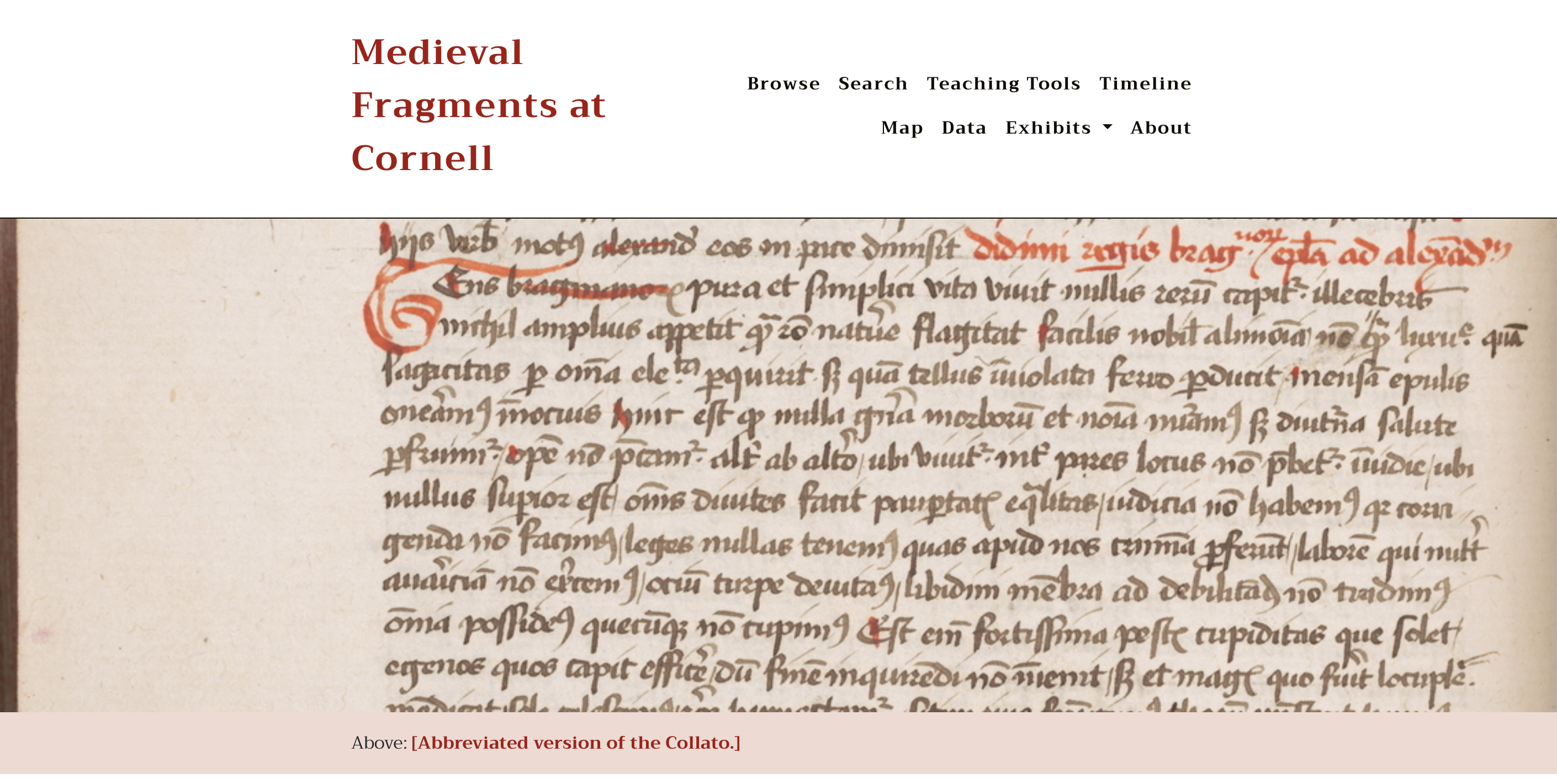
You can get started with WaxBuilder by following the extended Wax documentation. Navigate to the WaxBuilder section for documentation on the map, timeline, tags, and other features not included in Wax.
The data folder contains your most essential files, including the:
- Raw images
- Config files for the map (config-map.csv and config-theme-colors.csv)
- Your uploaded metadata csv
- theme.yml file (which includes settings for the map)
The exhibits folder contains the Markdown files that contain your exhibits. See the Wax Documentation for details. This is a native Wax feature.
This folder includes all of the includes for layouts and features across the site. This folder includes the head, header, and footer elements, as well as various viewers and the tag carousel. For information on how to use an include, see the docs.md file in the _includes folder.
This folder includes all of the page layouts for the site, including:
- default.html: the default layout
- event.html: the layout for an individual event in the timeline
- exhibit.html: the default layout for an exhibit
- generic_collection_item.html: the default layout for an individual collection item
- grid.html: the grid layout in the timeline
- map.html: the default layout for the map
- page.html: the default page layout
- single.html: the single layout in the timeline
- tags.html: the default layout for tags.md, from which tag pages generate
- timeline.html: the layout for the timeline
- timedefault.html: the base layout for all timeline elements
This folder contains the styling elements for the site and its assets.
This folder contains all scripts, images, and stylesheeets for various Javascript and HTML elements on the site.
This folder contains all of the derivate images and some of the icons for the map.
This folder contains the markdown files for all of the individual pages displayed on the site.
This folder contains the search index.json for the file for the search page/search bar.
This file contains the markdown that will generate pages for each tag when they're clicked on.
This file contains the markdown for the main homepage content of the site.
This file contains all of the settings for teh configuration of the site.
All other files (Gemfiles, RAKEfiles, etc.) are essential to the functioning of Jekyll, which is the static site generator powering all Wax sites.