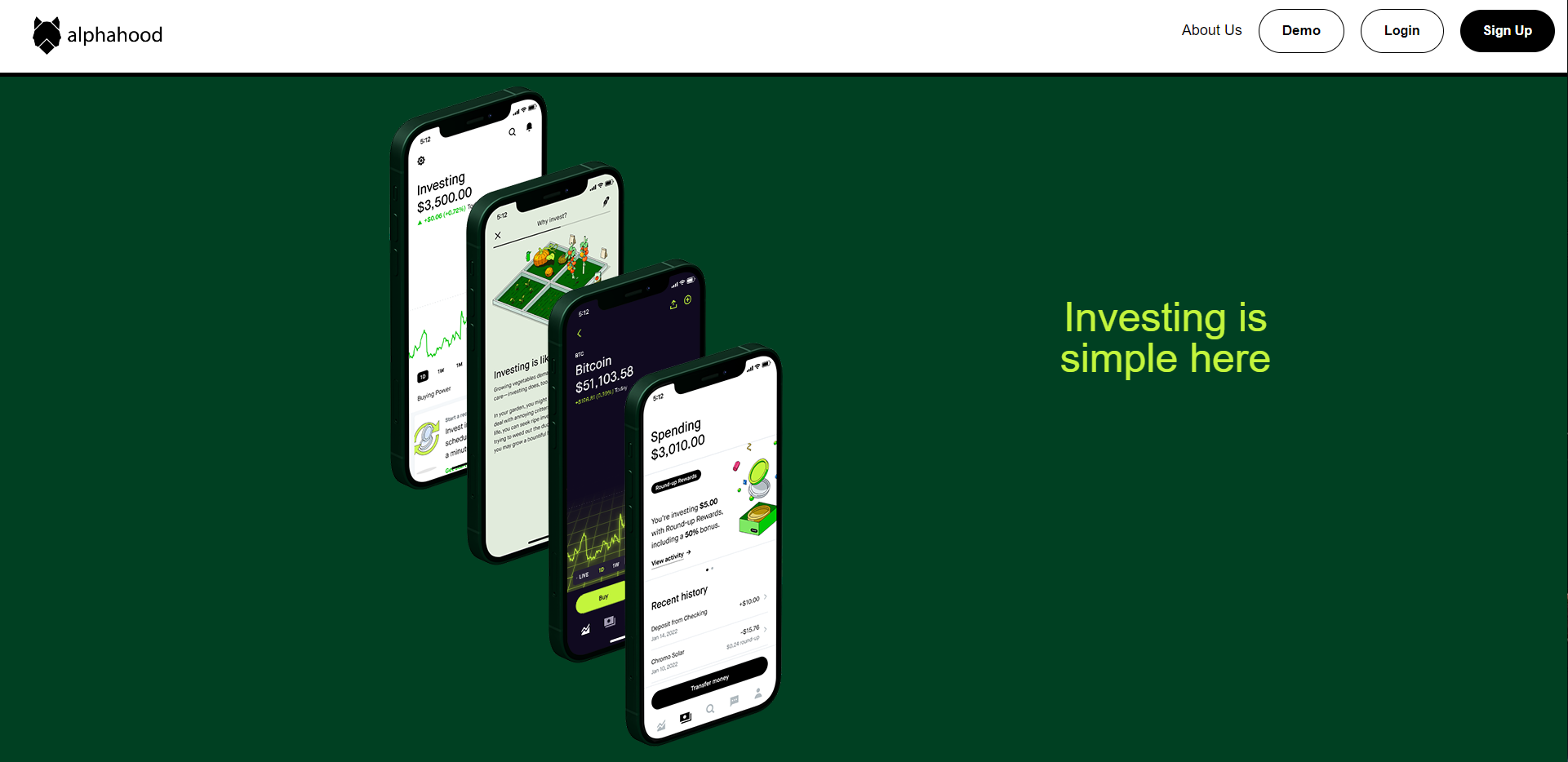
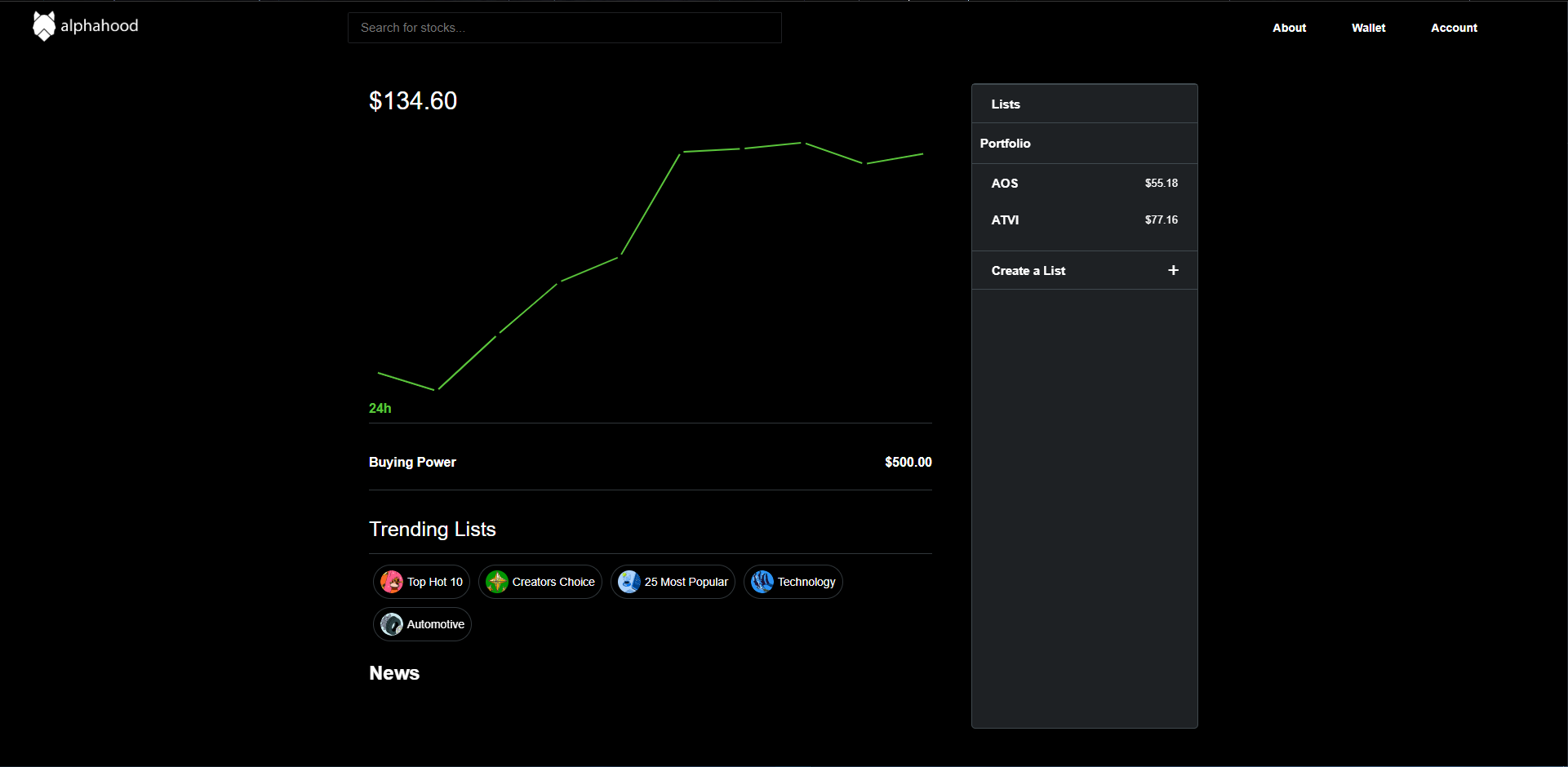
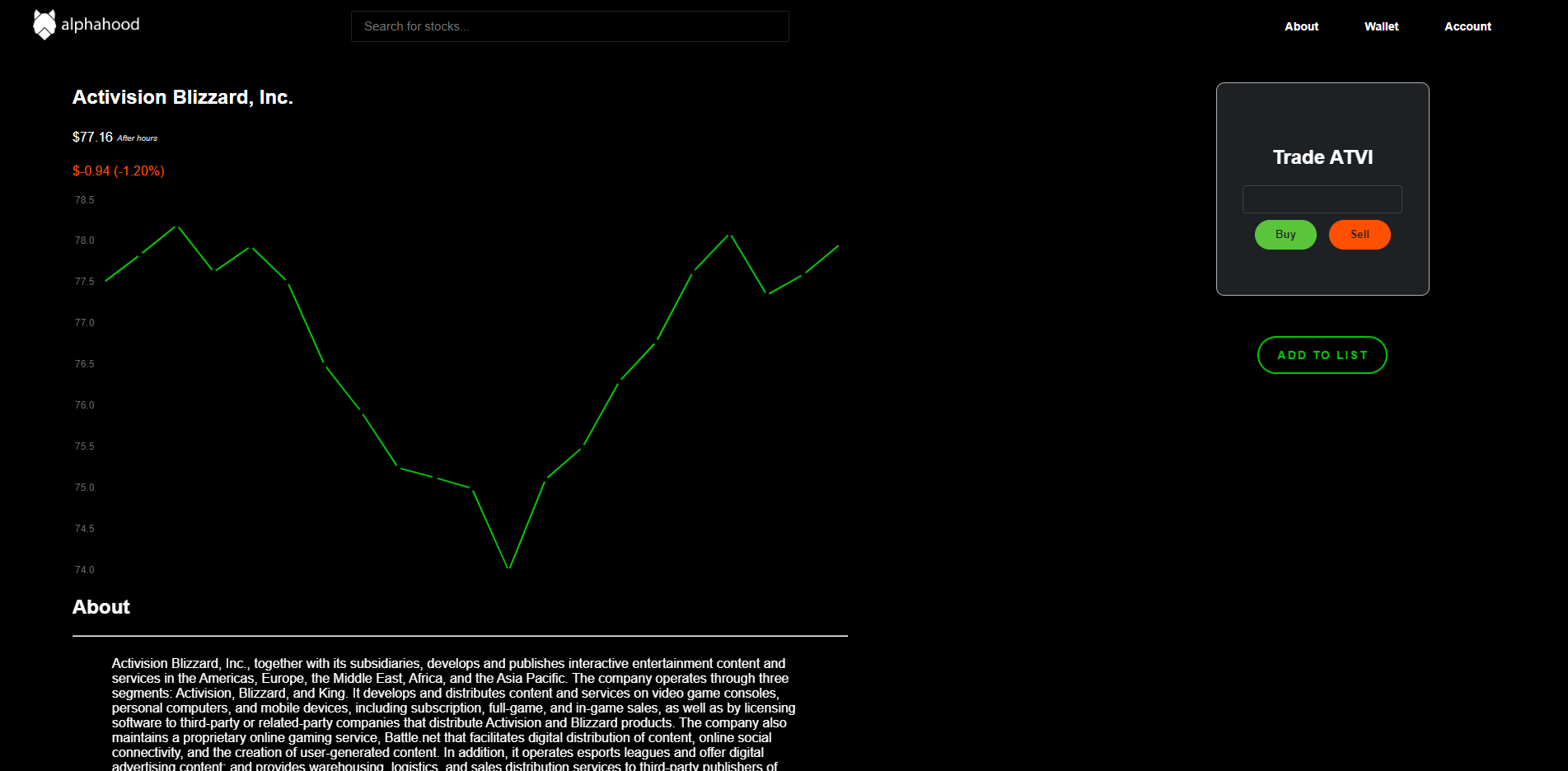
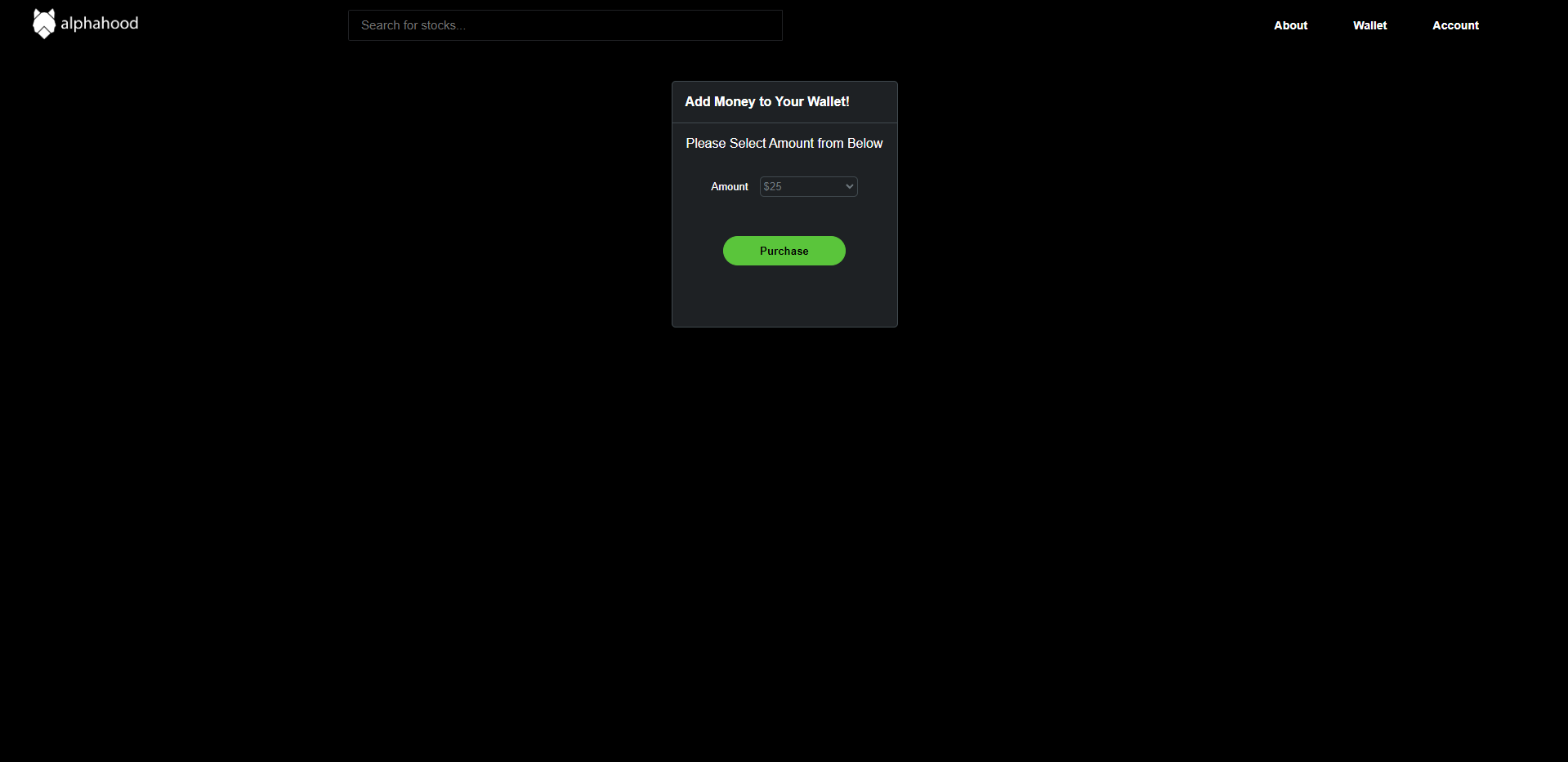
Alphahood is a Robinhood clone where users are able to trade and invest into the market revolving around a variety of S&P 500 Index stocks. (PLEASE NOTE DATA IS UPDATED BUT SHOULD NOT BE USED FOR ANY FINANCIAL DECISIONS)
Start Investing today! https://alphahood.herokuapp.com/
- Javascript
- yfinance
- Python
- Flask
- React
- Redux
- Docker
- SQLAlchemy
- PostgreSQL
- HTML
- CSS
- Heroku
-Real Time Chart History Updates -Profile Updates and Gain/Loss
For this project we use YFinance to pull Yahoo Finance real time updates, to make our project work with this we had to really deep dive into the documentation and get this to comply with our code. Here are some snippets on how we got stock history related to the current user and send it to the front end.
   for stock in listPort:
        stockTicker = Stock.query.filter(Stock.id == stock["stockId"])
        numOfShares = stock["shares"]
        for stock in stockTicker:
            tick = yf.Ticker(stock.ticker)
            data = yf.download(stock.ticker, group_by="Ticker", period="1d", interval="5m")
            data = data[['Open']]
            data.columns =  [data.columns[0]]
            separated = [data.iloc[:,i] for i in range(len(data.columns))]
            row = list(filter(lambda x: x[0:4] == "2022", str(separated).split("\n")))
            for timeFrames in row:
                splitList = timeFrames.split("    ")
                splitList[1] = float(splitList[1]) * numOfShares
                listStock.append(splitList[0]+"    "+ str(splitList[1]))
            listTickers.append(listStock)

    portDict = {}
    for stockFrames in listStock:
        splitList = stockFrames.split("    ")
        if splitList[0] in portDict:
            portDict[splitList[0]] += float(splitList[1])
        else:
            portDict[splitList[0]] = float(splitList[1])
    return jsonify(portDict)
- Clone https://github.com/israel-arvizu/AlphaHood
- pipenv install --dev -r dev-requirements.txt && pipenv install -r requirements.txt
- Setup your PostgreSQL user, password and database and make sure it matches your .env file
- Add an
.envfile and update with the required information, look at.env-examplefor infomation - Get into your pipenv, migrate your database, seed your database, and run your flask app -pipenv shell -flask db upgrade -flask seed all -flask run
- Start your react front-end with npm start command
- Done! Just navigate to where you set up your locahost in the
.envfile