CI for Node #2
CI for Node #2
Conversation


|
The title of this pull request isn't what I expected! To rename your pull request:
I'll respond when I detect this pull request has been renamed. |

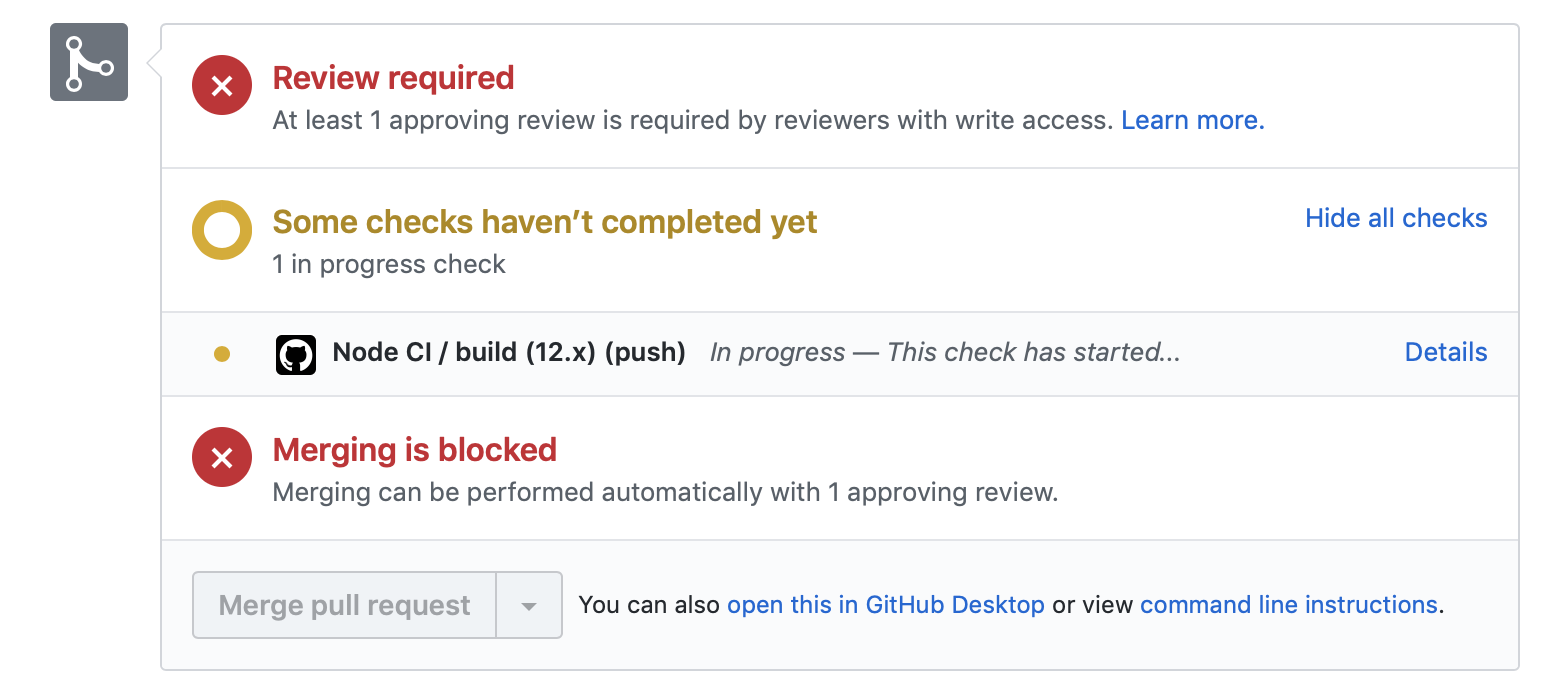
Templated workflow success!Great job adding the templated workflow. Adding that file to this branch is enough for GitHub Actions to begin running CI on your repository. This takes a couple of minutes, so let's take this opportunity to learn about some of the components of the workflow file you just added. We'll dive deeper into some of the key elements of this file in future steps of the course. Step 2: Run a templated workflowI'll respond when GitHub Actions finishes running the workflow. You can follow along in the Actions tab, or by clicking Details on the pending status below. Actions workflow not running? Click hereWhen a GitHub Actions workflow is running, you should see some checks in progress, like the screenshot below.
If the checks don't appear or if the checks are stuck in progress, there's a few things you can do to try and trigger them:
|


No description provided.