

By Kenneth Burchfiel
Released under the MIT license
Initially released in 2022; updated extensively in 2026
GitHub link: https://github.com/kburchfiel/media_geotag_mapper
Related blog post (with commentary on some of the maps created within the tutorial notebook): https://kburchfiel3.wordpress.com/2022/05/10/using-media-geotag-mapper-mgtm-to-visualize-my-travels-over-the-past-10-years/
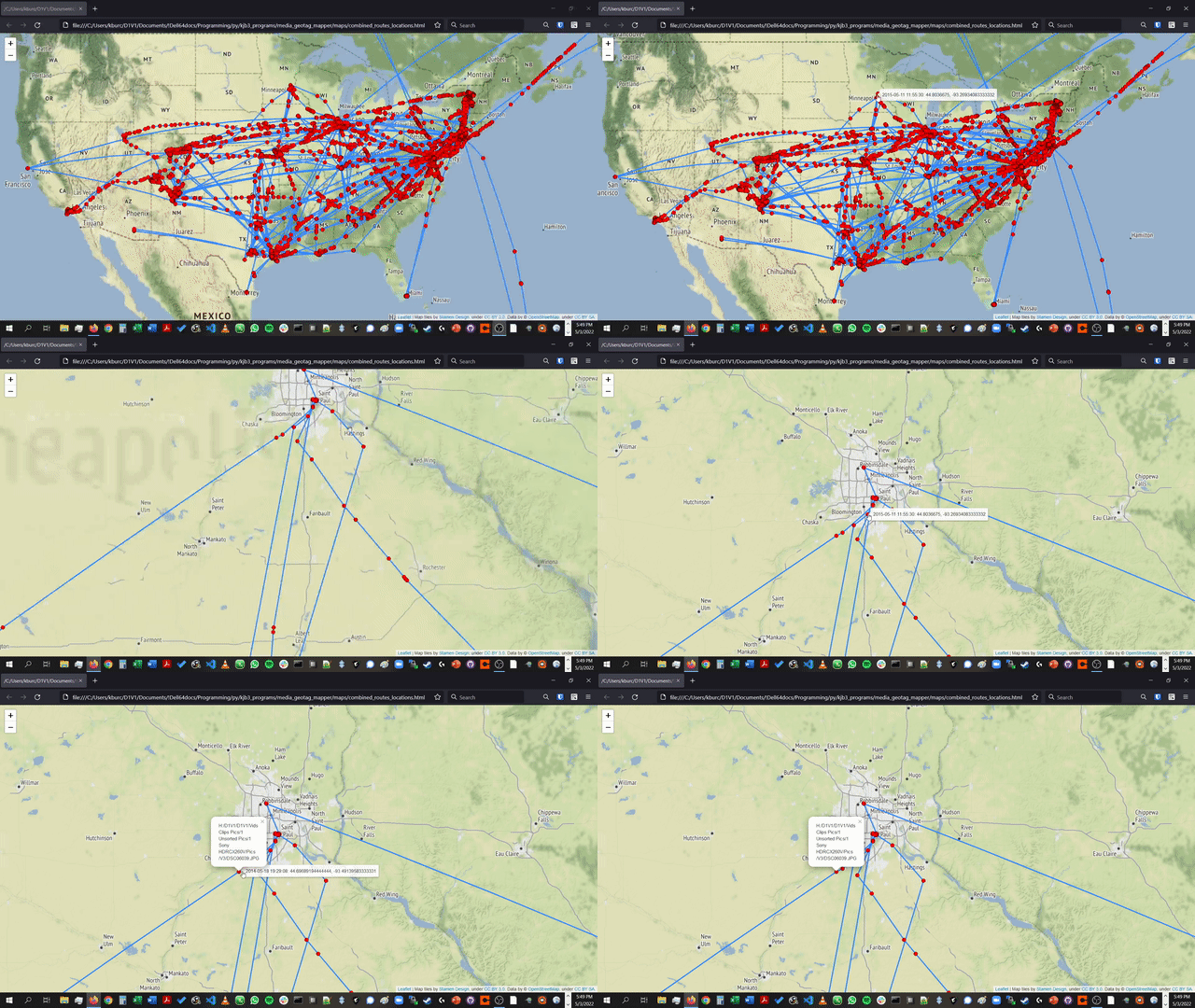
(The video on which this GIF was based can be found within the project directory as sample_output.mp4.)
Media GeoTag Mapper allows you to extract geotag data (e.g. geographical coordinates) from image and video files on your computer, then create maps based on that data. In doing so, it lets you see all the places you've traveled--provided that you took a geotagged image or video clip there.
The maps created by Media GeoTag mapper are in HTML form and interactive in nature. You can pan and zoom them to get a closer look, and by hovering over markers, you can see the geographic coordinates and image creation times for each marker. In addition, clicking on a marker reveals the path to the original file. In addition, the project contains code for converting these HTML maps to both high-quality .png files and lower-sized .jpg files (some of which are shown below).
So far, I've tested out this code on Samsung, Sony, and Apple devices using a Linux computer (although the code was originally created for a Windows laptop). The code that extracts geotag data from images and videos may need to be tweaked in order to work with other devices.
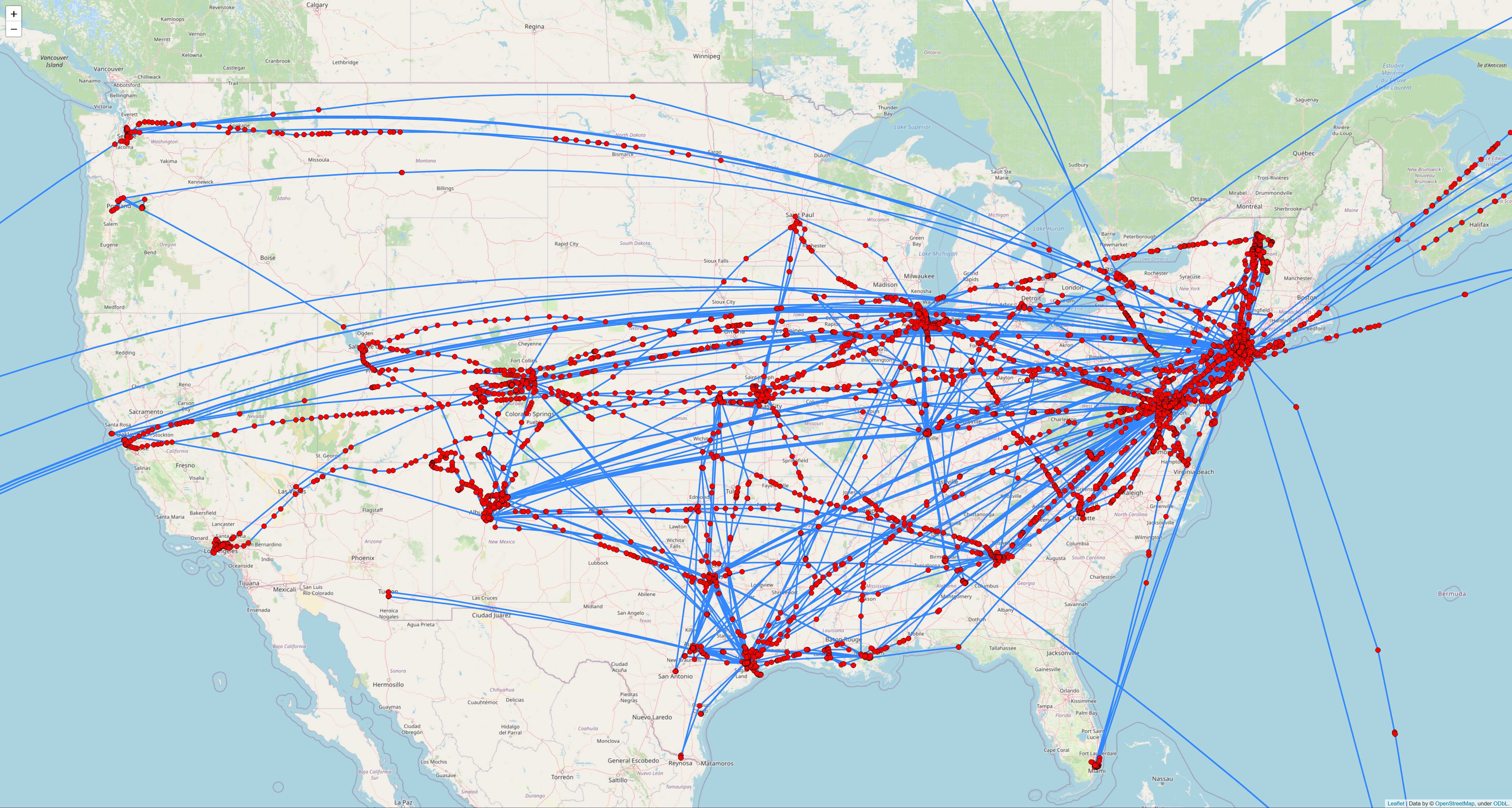
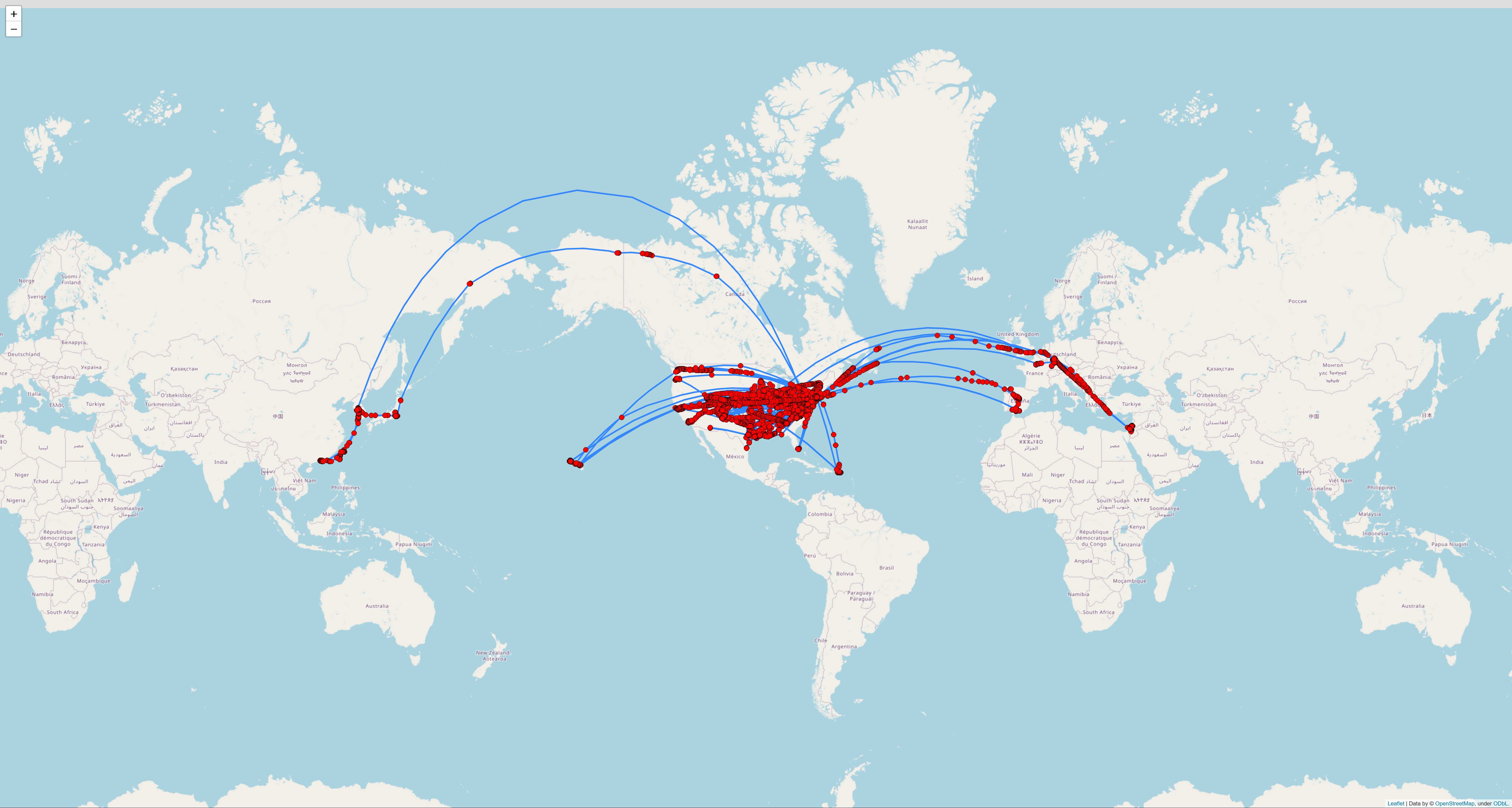
Here are two maps of thousands of geotagged images and video clips that I've taken since 2012:
US-centric view:
Global view:
If you don't want to see the paths in between geotags, you can also create maps of just the geotag locations:
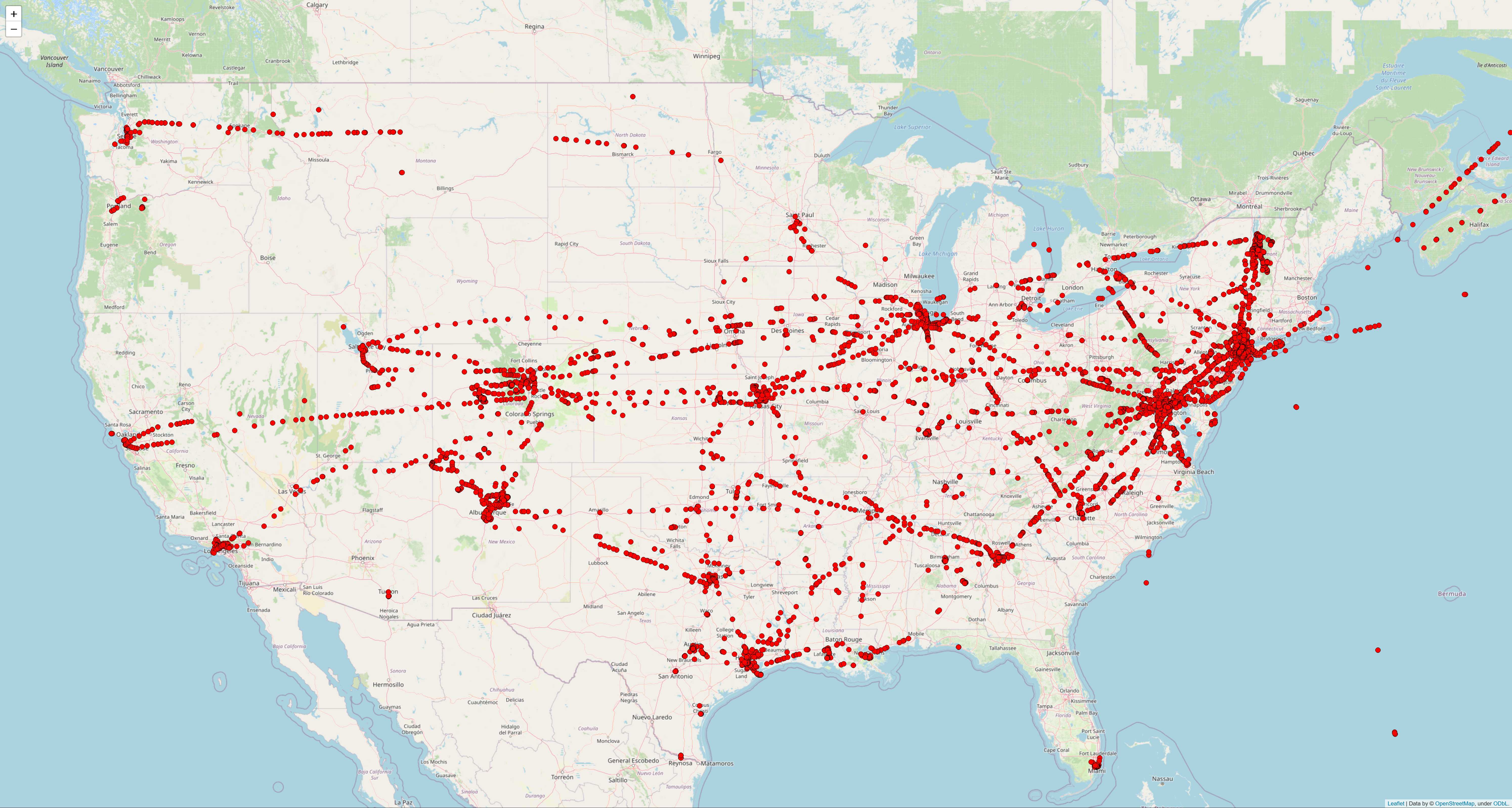
These are all static JPG files; however, Media Geotag Mapper also creates interactive copies of maps (of which these files are actually just Selenium-generated screenshots). Although I excluded most HTML-based maps from the repository for privacy reasons, you can find interactive examples of maps from two trips via the following links:
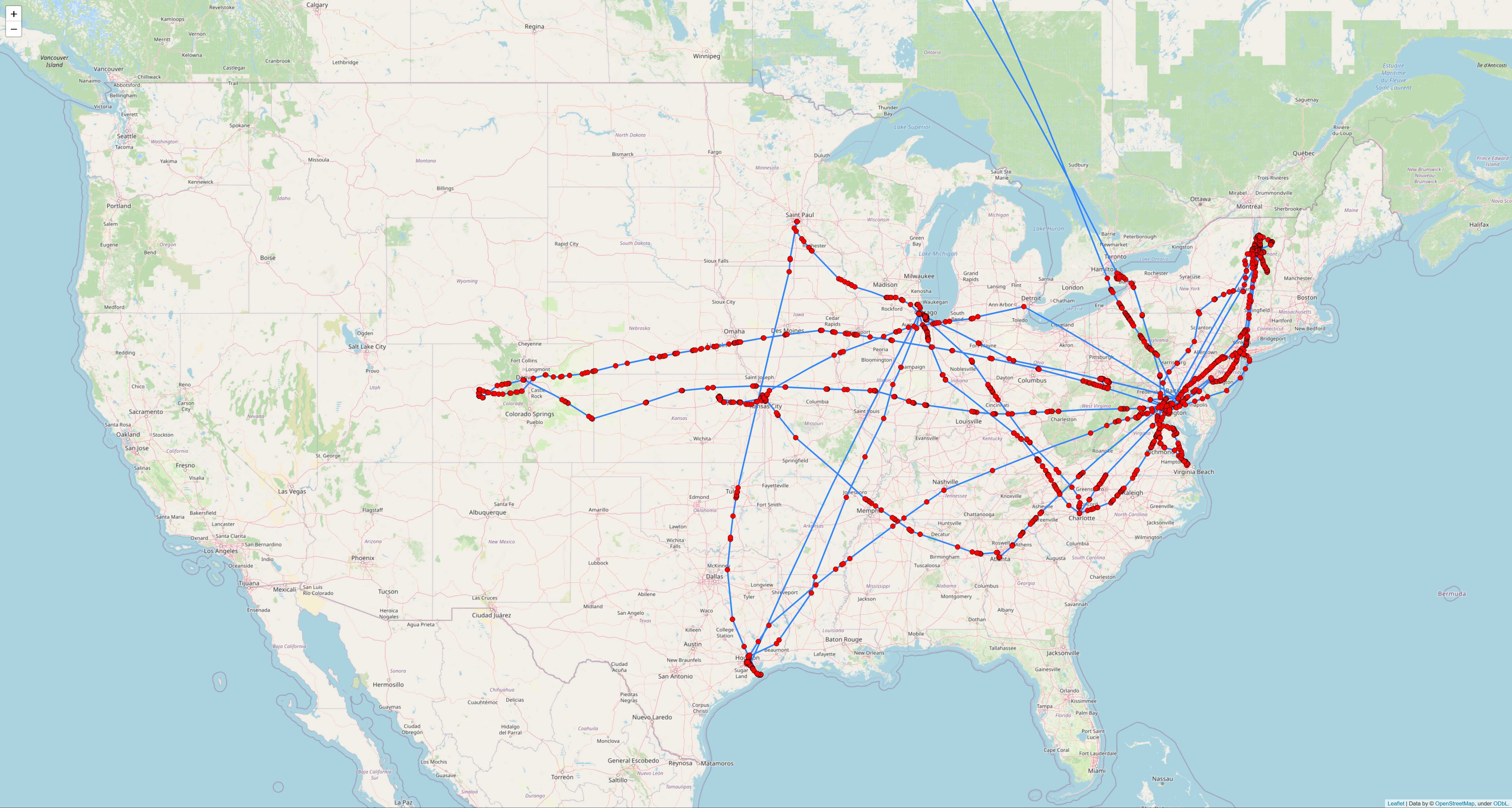
It's also interesting to generate maps for each year. For instance, in 2013, you can see that I spent lots of time in Vermont and Virginia:
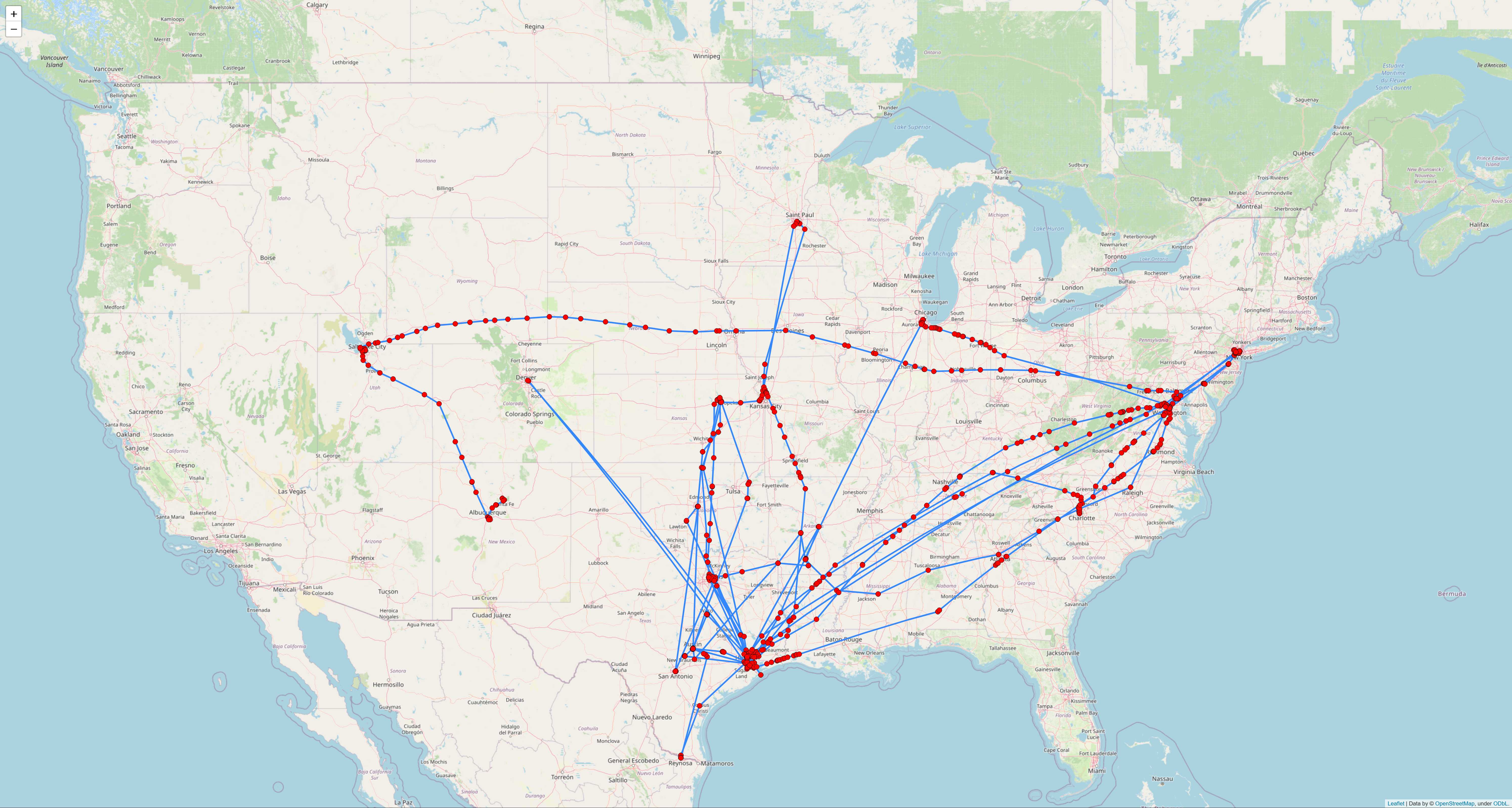
Meanwhile, in 2015, many of my trips originated from Houston:
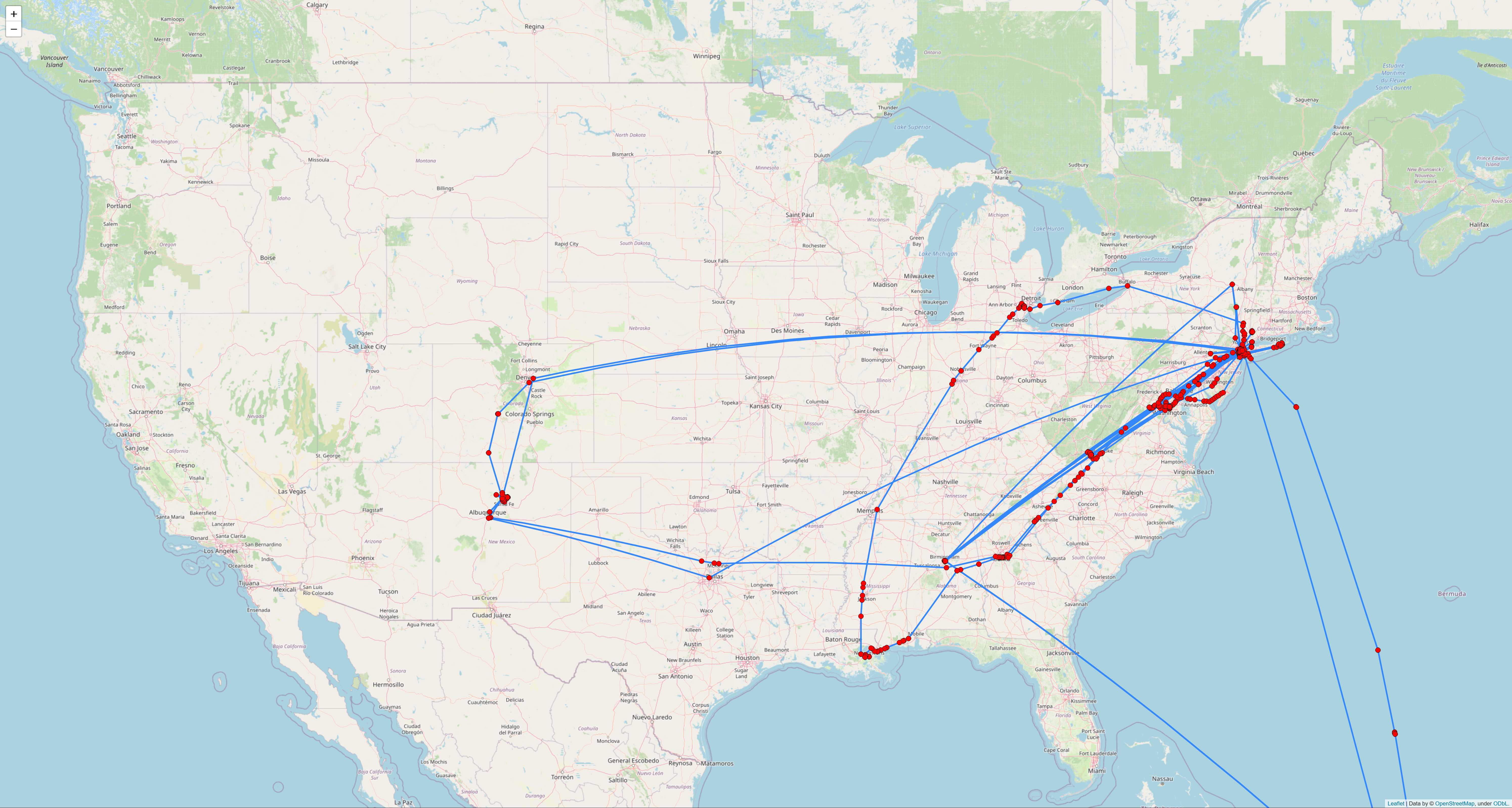
And in 2021, most of my travels were focused on the East Coast:
media_geotag_functions_v6.py (or a later version) contains the core functions used within Media Geotag Mapper.
media_geotag_mapper_tutorial_v14 (or a later version) demonstrates how to use the functions in media_geotag_functions.py to retrieve, store, and map geotag data for photos and videos.
Two interactive HTML maps created within the media_geotag_mapper_tutorial notebook can be found within the maps folder. These maps are interactive, so by downloading them, you can retrieve more information about each marker by hovering over them and by clicking them. You can also pan and zoom each map.
Meanwhile, the map_screenshots folder contains screenshots of many more maps generated within the media_geotag_mapper_tutorial notebook (though I excluded these from the Git repository), and the smaller_screenshots folder contains .jpg versions of these screenshots with a lower file size.
df_media_israel.csv and df_locations_israel.csv show samples of the media and locations DataFrames created within the media_geotag_mapper_tutorial notebook.
I am grateful to the developers of the exif-py and ffmpeg-python libraries, which this script relies on heavily in order to process image and video metadata. These are just two of the many libraries (Folium, Selenium, etc.) that this script utilizes.