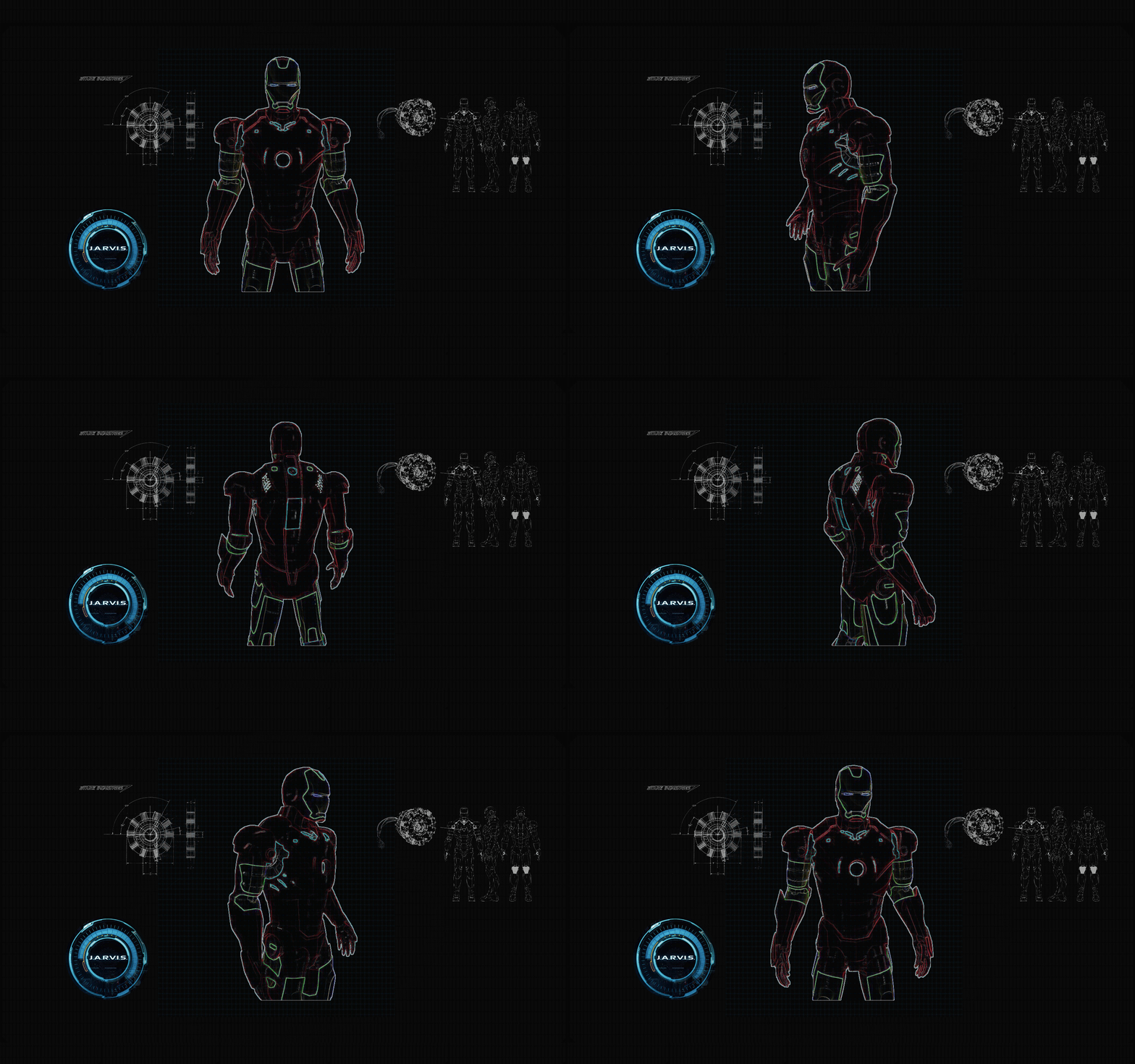
Have you ever wondered how cool it would be to have your own assistant? Imagine how easier it would be doing Wikipedia searches without opening web browsers, and performing many other daily tasks like playing music with the help of a single voice command, opening different browsers in just a voice command.
This project is simple desktop voice assistant built with python named as “Jarvis Desktop Voice Assistant”. This project is fully completed and error free. It was compiled in VS Code Editor.
🔸 Let's be honest, it's not as intelligent as in the movie, but it can do a lot of cool things and automate your daily tasks you do on your personal computers/laptops.
It can do a lot of cool things, some of them being:
- Greet user
- Tell current time and date
- Launch applications/softwares
- Open any website
- Tells about any person (via Wikipedia)
- Can search anything on Google
- Plays music
- Take important note in text file
- Can take screenshot and save it with custom filename
- Can tell jokes
Python 3.6+
-
Fork The Repository
- Click the "Fork" button on the top right corner of the repository page.
-
Clone The Repository
- Clone the forked repository to your local machine:
git clone <URL>
cd Jarvis-Desktop-Voice-Assistant
- Clone the forked repository to your local machine:
-
Create and Activate a Virtual Environment
- Create a virtual environment:
python -m venv .venv
- Activate the virtual environment:
- For Windows:
.venv\Scripts\activate
- For macOS/Linux:
source .venv/bin/activate
- For Windows:
- This activates the virtual environment and should look like
(venv) directory/of/your/project>
-
Install Requirements
- Install all the requirements given in requirements.txt by running the command
pip install -r requirements.txt
- Install all the requirements given in requirements.txt by running the command
-
Install PyAudio
- Follow the instructions given here
-
Run the Assistant
- Run the main script:
python jarvis.py
- Now Enjoy with your own assistant !!!!
- Deactivate the Virtual Environment
- After you're done, deactivate the virtual environment:
deactivate
- After you're done, deactivate the virtual environment:
Pull requests are welcome. For major changes, please open an issue first to discuss what you would like to change.
👤 Kishan Kumar Rai
- Twitter: @kishan_rajput23
- Github: @kishanrajput23
- LinkedIn: @kishan-kumar-rai
Please ⭐️ this repository if this project helped you!
This project is MIT licensed.
To build this project further and enhance its capabilities, a strong understanding of the following areas is recommended:
Python is the core language behind this project. A solid grasp of syntax, control flow, functions, and error handling will help you modify and extend the assistant’s functionality.
👉 Python Programming Course
Voice commands are processed using speech and text-based techniques. Understanding Natural Language Processing (NLP) concepts such as tokenization and text analysis can help improve voice interaction.
👉 Introduction to NLP
Currently, the assistant follows predefined logic. By integrating Generative AI concepts, it can be enhanced into a conversational assistant capable of generating intelligent responses and performing web-based tasks.
👉 Introduction to Generative AI
To make the assistant more advanced, computer vision can be introduced for features like face detection and gesture control. Learning image and video processing fundamentals is a good starting point.
👉 Computer Vision Essentials
For a conceptual overview of building voice assistants in Python, you can refer to this article: CLICK HERE
Some learning resources mentioned above are shared as part of an educational collaboration.


