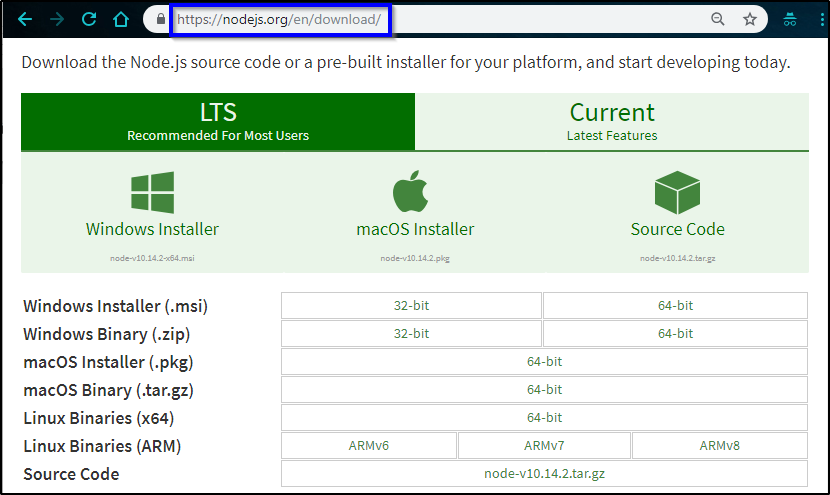
- Install Node v18.17.1 (or the latest version)
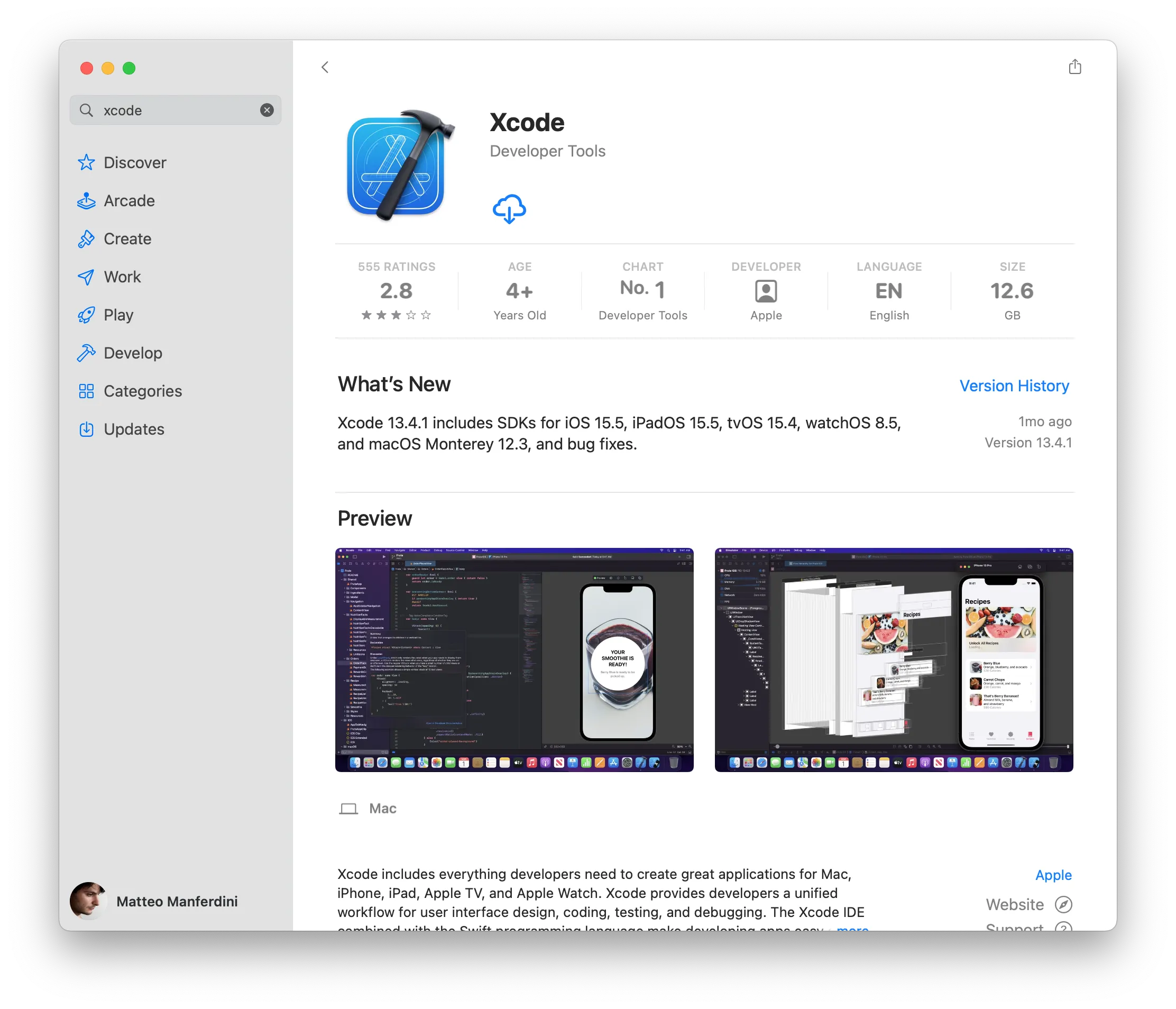
- Install Xcode
- Open xCode once, accept conditions, and run a test project simulator for the iphone 14 pro
- Clone repo
- Enter the project terminal
- run "npm install -g expo-cli"
- run "npm install"
- run "npm run ios -- --reset-cache"

Have XCode open in the background if it's not your primary IDE
- npm run ios (best for macs -- which is the preffered device for this project)
- Will automatically start the server and open the iOS simulator
- npm start (if you want to test another OS)
- The terminal will give instructions on how to open different device simulators