My website was created on pythonanywhere
1)The second task
1️⃣ The python program is created to help the user navigate in JSON file
2️⃣ My program shows the user the object and available key/index for the next step
The user has two options here:
🐊 following the instructions of my program
🦕 write "exit" to finish
The pros of my program are:
2)The third task
Description:
✏️ This web page asks a user to enter a nickname on Twitter without '@'
✏️ As a result, it returns the map of the user's friends' locations
✏️ It can take time to load all locations because I did it without any limits
✏️ It is made with help of [https://www.pythonanywhere.com/] and module flask
About code:
1️⃣ with my evaluated keys, receive the JSON file with users' locations info with the help of 'hidden.py,' 'twurl.py,' and 'oauth.py'.
2️⃣ read it and convert it to a list of usernames and locations
3️⃣ with geopy, find the coordinates of user twitte2.py.'
4️⃣ create the map with the help of folium 'my_map3.html.'
5️⃣ create an html-file for the web page 'run.html.'
6️⃣ create a CSS file with the description of the image of the website 'style.css'
7️⃣ connect html-file with CSS
8️⃣ create app.py for connecting the frontend to the backend
9️⃣ create the directories: 'templates' for HTML, 'static' for CSS
1️⃣0️⃣ uploading the files and directories to [https://www.pythonanywhere.com/]
About the web page:
This is a link for my site [http://anastasiiapetrovych.pythonanywhere.com/]
The main page looks like this:
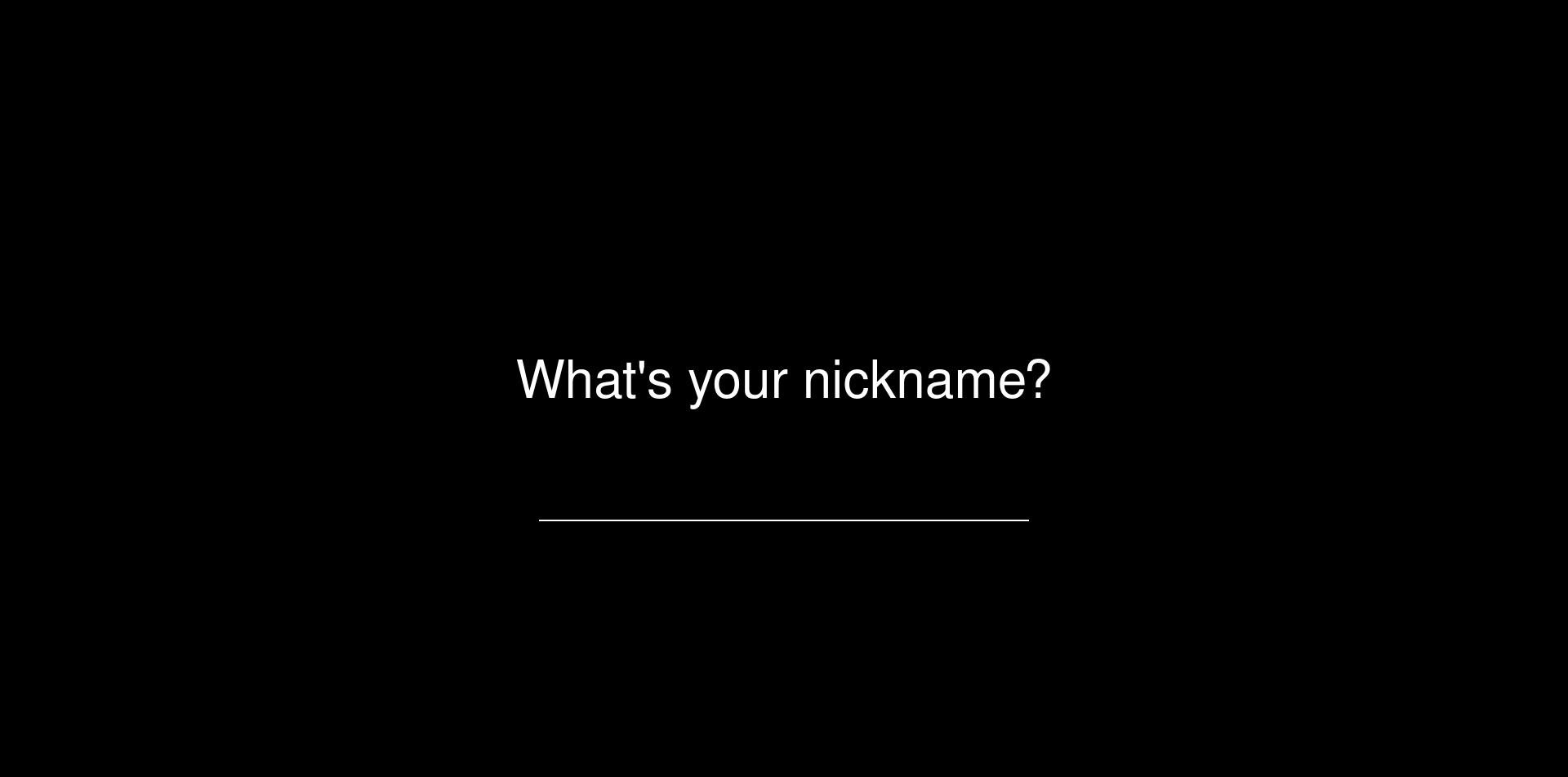
Let's create a map of Elon Musk's friends.
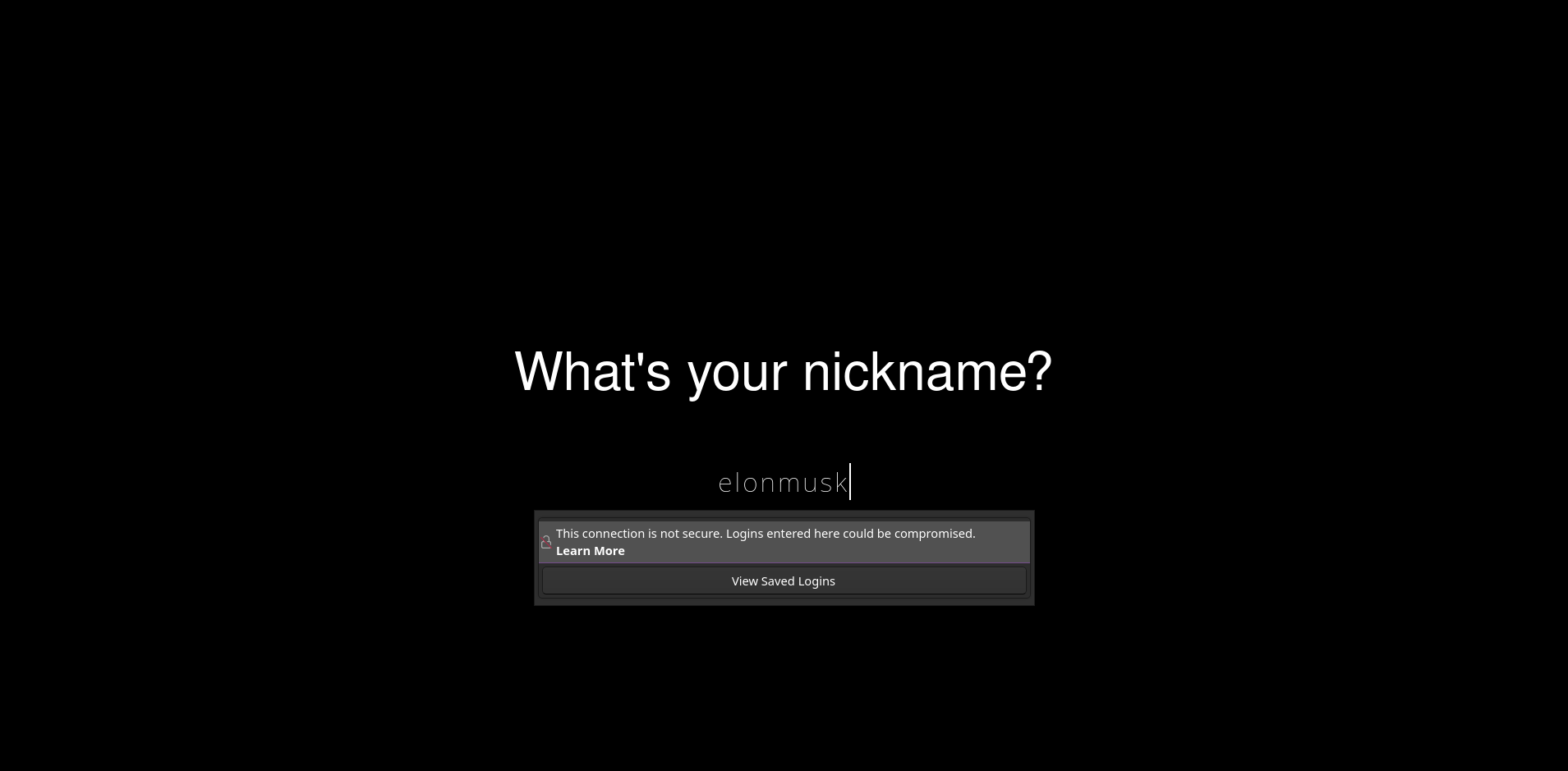
❗It works without button: You need to push 'enter'
Generating map( a default location is Paris(my soul lives there)
It's done!!!
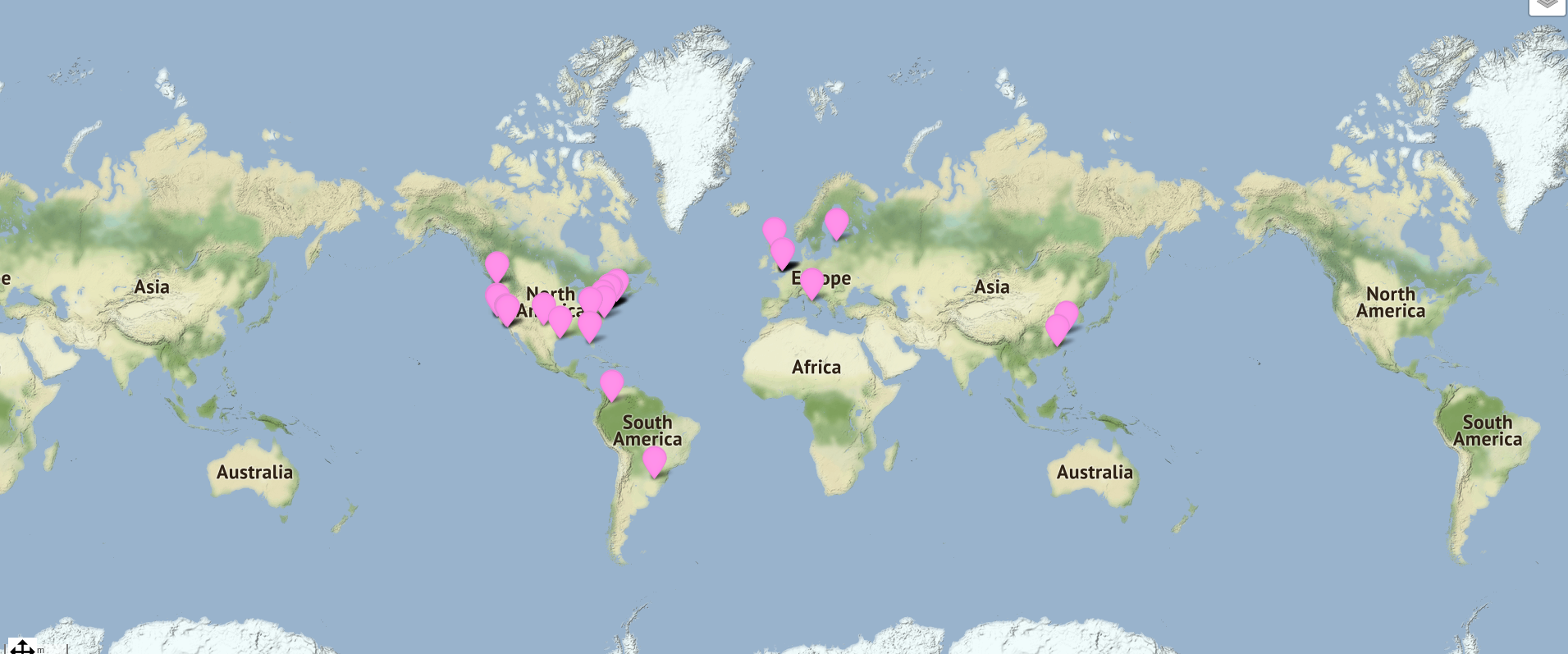
It has a layer which you can switch
