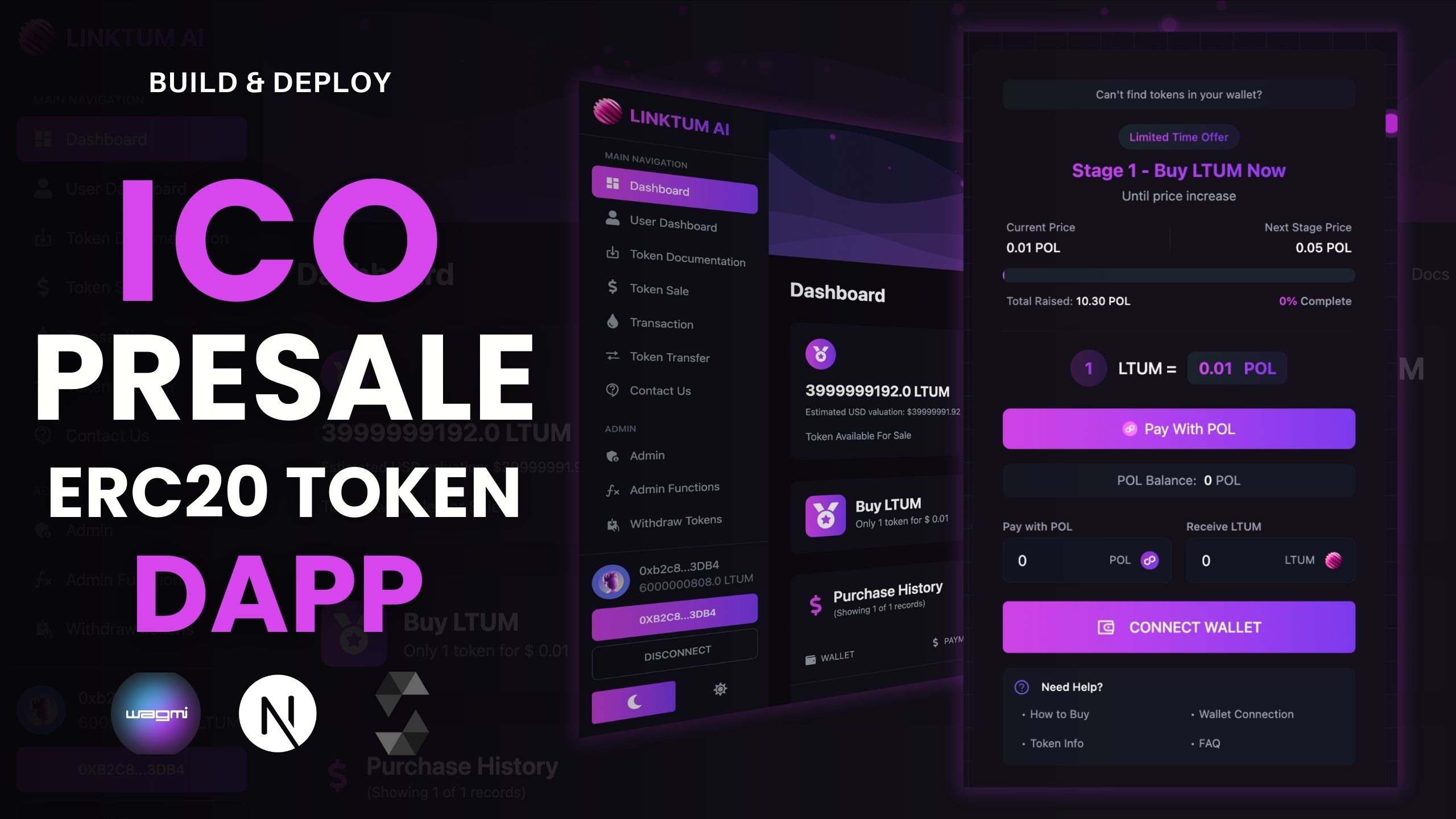
Build & Deploy ICO PreSale (ERC20 Token) DApp | Solidity + Next.js | Binance, Polygon, Ethereum
In this project, you'll learn how to build and deploy a full-stack ICO PreSale DApp from scratch using Solidity, Next.js, and Web3 tools. We'll create an ERC20 token, build a presale smart contract, and deploy it on Binance Smart Chain (BSC), Polygon, and Ethereum. The frontend will be developed in Next.js and integrated using wagmi, web3.js, and Web3 Provider to connect user wallets like MetaMask.
💡 What You’ll Learn:
- How to create an ERC20 token in Solidity
- How to build an ICO PreSale smart contract
- Deploy smart contracts to BSC, Polygon, and Ethereum
- Integrate smart contracts with a frontend using Next.js
- Use wagmi and web3.js for Web3 wallet integration
- Connect MetaMask and manage user interaction
🚀 Tech Stack:
- ERC20 Token Standard
- Solidity Smart Contracts
- Next.js Frontend Framework
- web3.js & wagmi for Web3 functionality
- Web3 Provider for wallet connections
📦 Tags: erc20 token, nextjs solidity, web3.js, wagmi, ICO presale DApp, BSC token sale, polygon crypto, ethereum dapp, deploy ICO, smart contract
Kindly follow the following Instructions to run the project in your system and install the necessary requirements
  WATCH: Hostinger
  Get : Discount 75%
  URL: https://www.hostg.xyz/aff_c?offer_id=6&aff_id=139422
  PROJECT: MULTI-CURRENCY ICO DAPP
  Code: https://www.theblockchaincoders.com/sourceCode/multi-currency-ico-dapp-using-next.js-solidity-and-wagmi
  VIDEO: https://youtu.be/j8NO8ea5zVo?si=jCmvfXmpmefwjhO5
  GET: VsCode Editor
  URL: https://code.visualstudio.com/download
  NodeJs: v18.17.1 / LATEST
  NPM: 8.19.2
  URL: https://nodejs.org/en/download
  Video: https://youtu.be/PIR0oBVowXU?si=9eNdR29u37F2ujJJ
  SETUP VIDEO: https://youtu.be/6hkzT62Oo_8?si=JrxD0q5rfhWp2Gag
  URL: https://www.theblockchaincoders.com/sourceCode/build-and-deploy-ico-presale-(erc20-token)-dapp-or-solidity-+-next.js-or-binance-polygon-ethereum
All you need to follow the complete project and follow the instructions which are explained in the tutorial by Daulat
If you download the final source code then you can follow the following instructions to run the Dapp successfully
  OPEN: PINATA.CLOUD
  URL:https://pinata.cloud/
  OPEN: WALLET CONNECT
  URL: https://docs.reown.com/cloud/relay
  OPEN: FORMSPREE
  URL: https://formspree.io/
  OPEN: ALCHEMY.COM
  URL: https://www.alchemy.com/