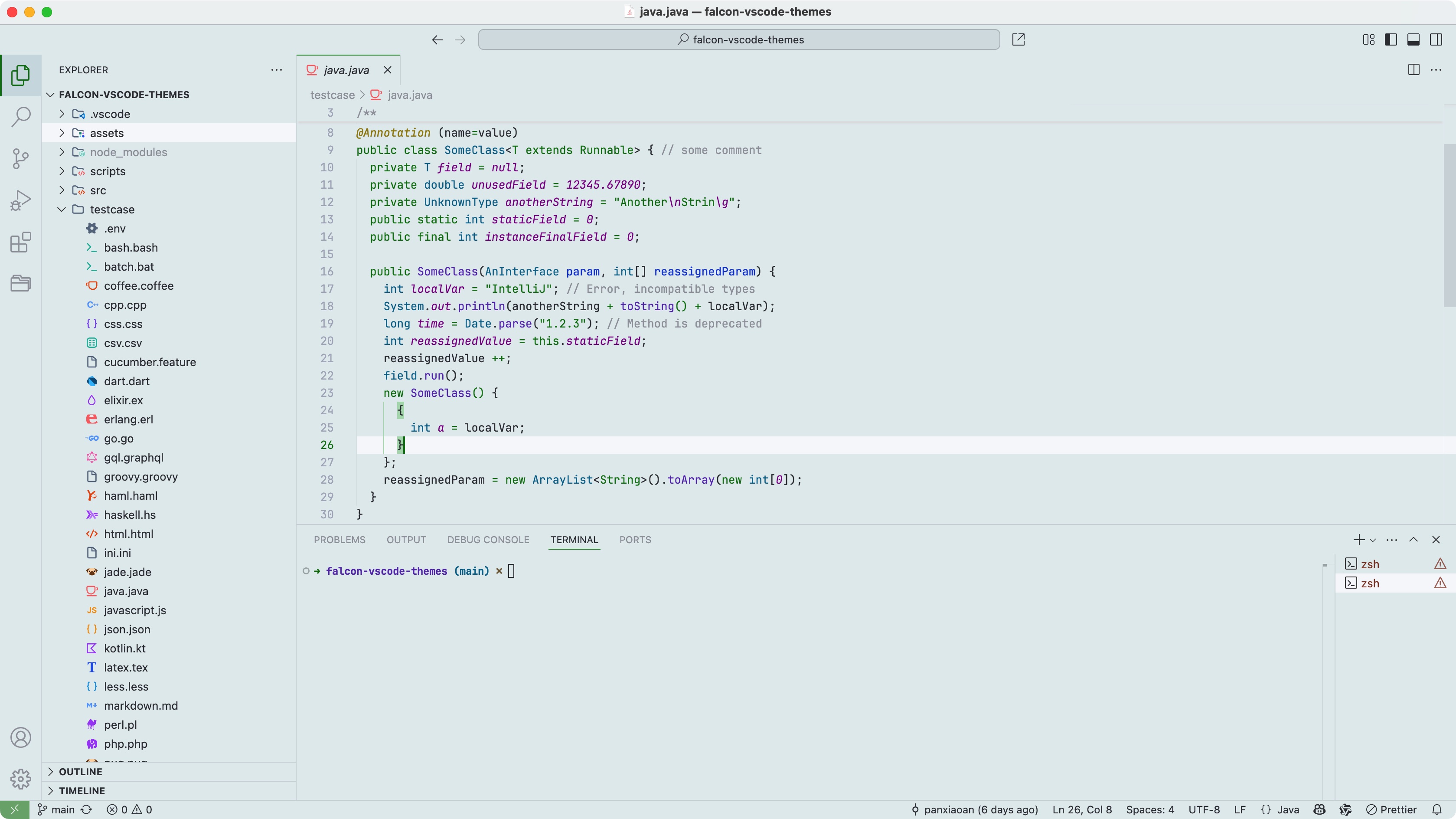
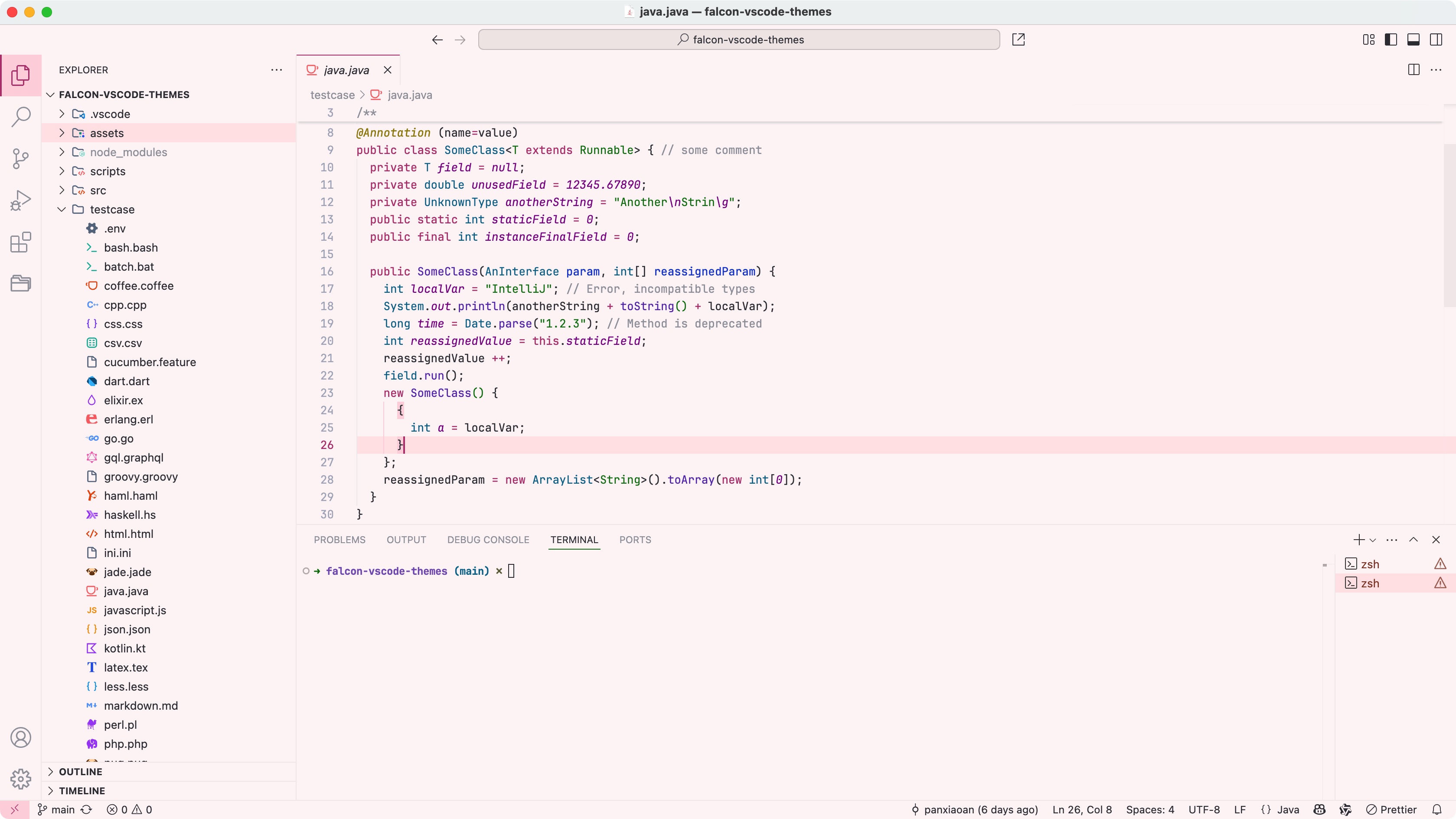
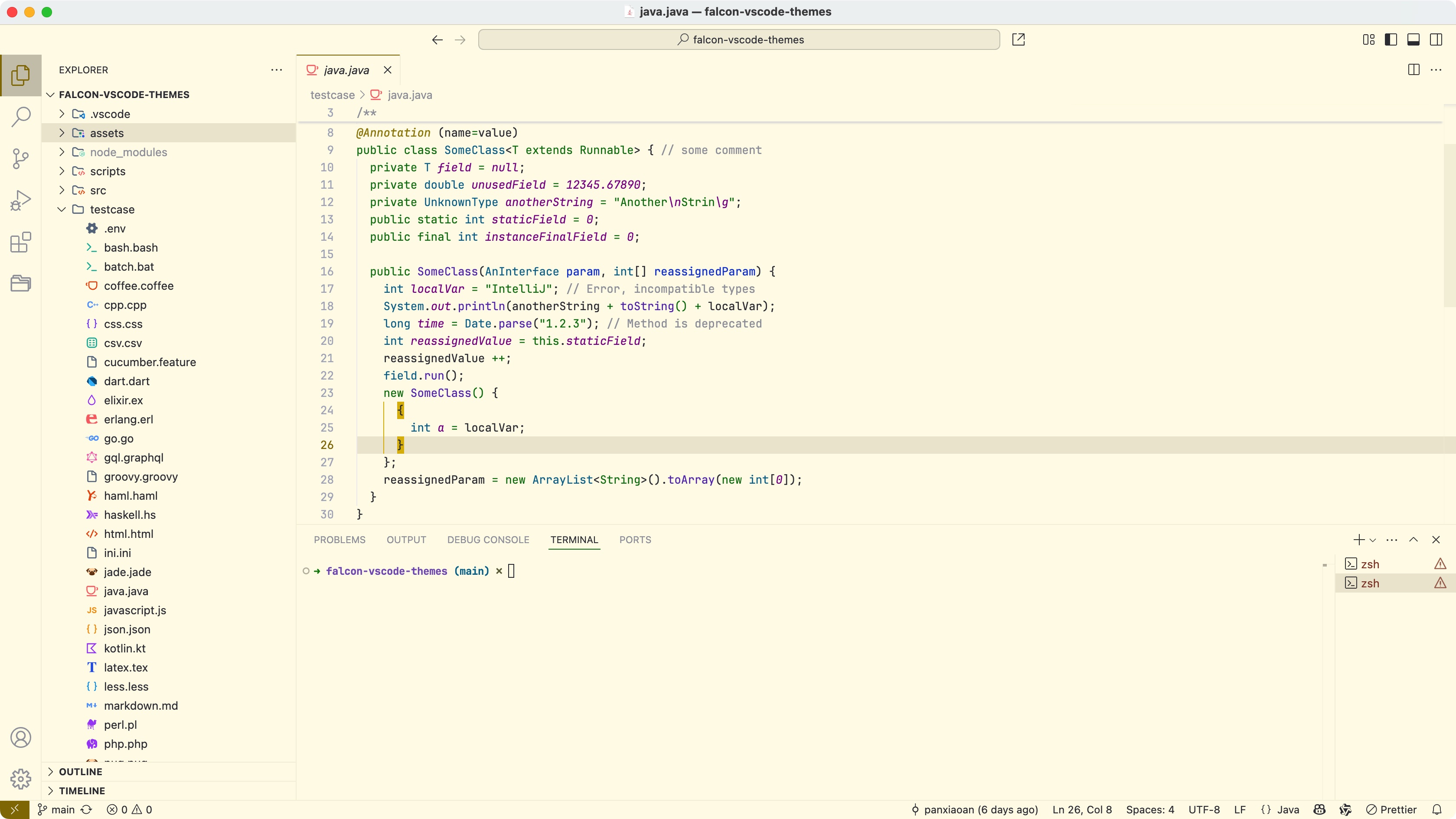
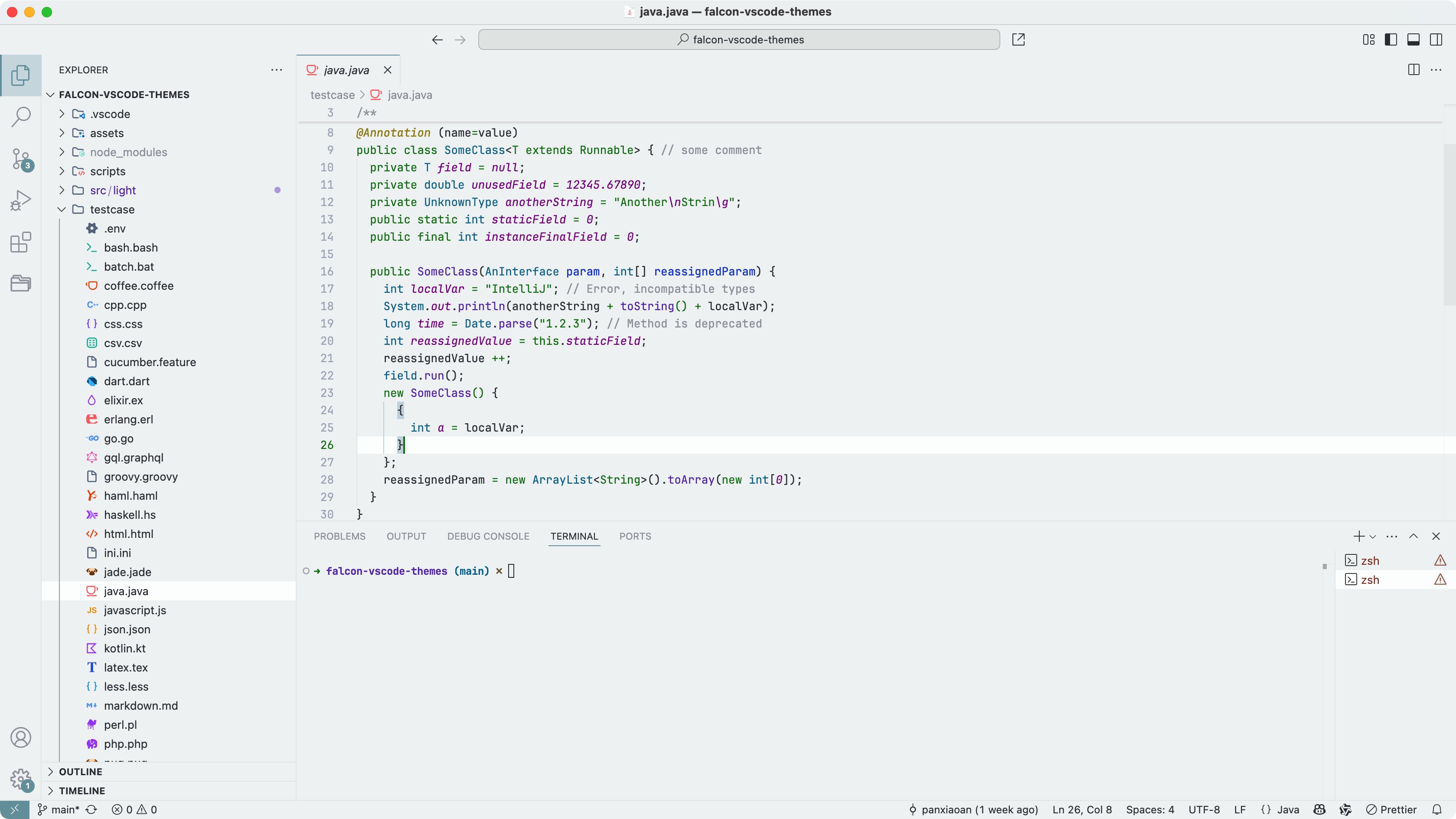
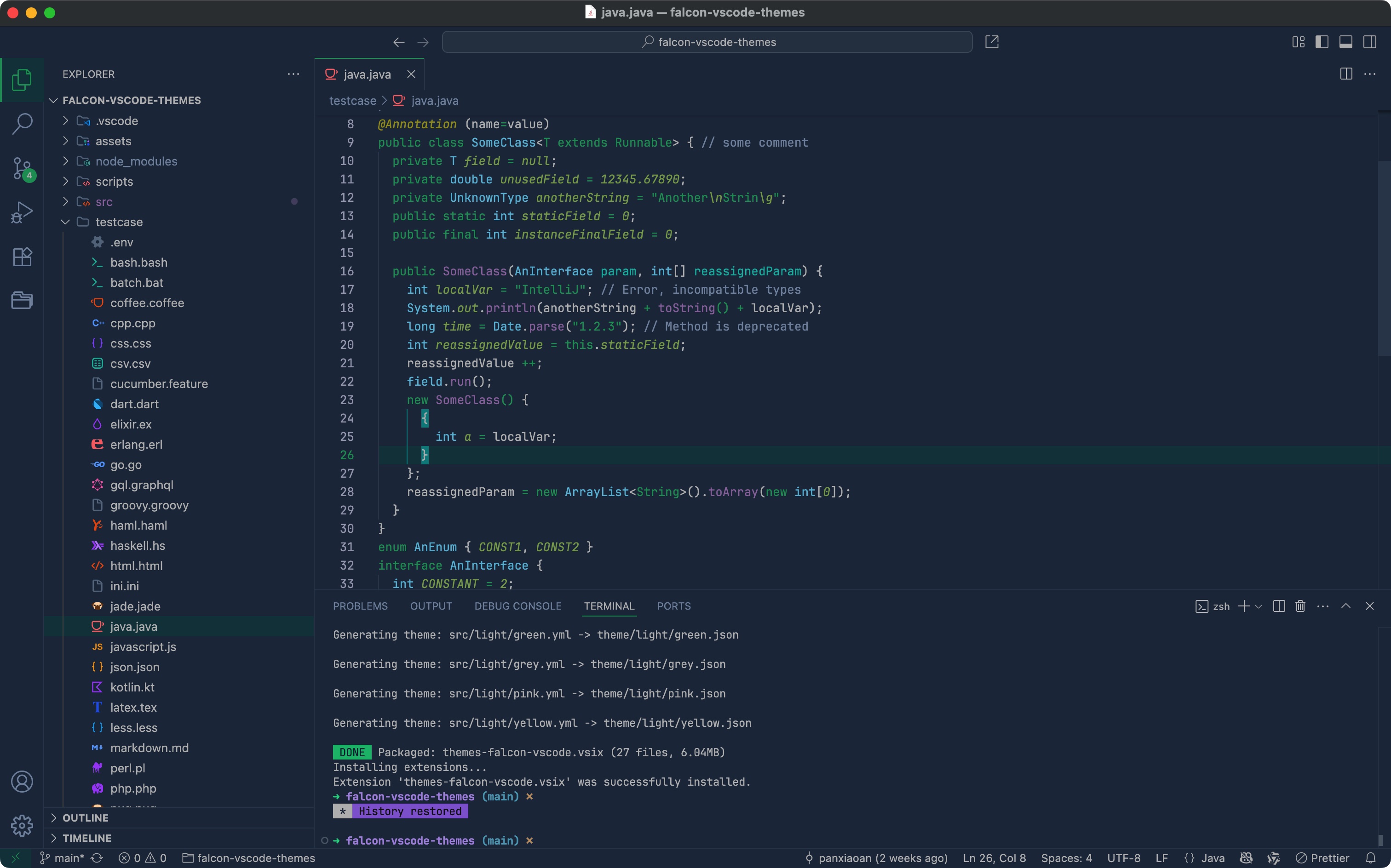
Falcon Relaxing-Eyes Themes for VS Code

A gentle, eye-friendly theme to protect your eyesight for Visual Studio Code
一个温和的,对眼睛友好,保护视力的 VS Code 护眼主题
从 VS Code 插件市场下载该主题: VS Code Marketplace
从 Open VSX 插件市场下载该主题(例如 Trae AI IDE 的用户就可以从这里安装): Open VSX Registry
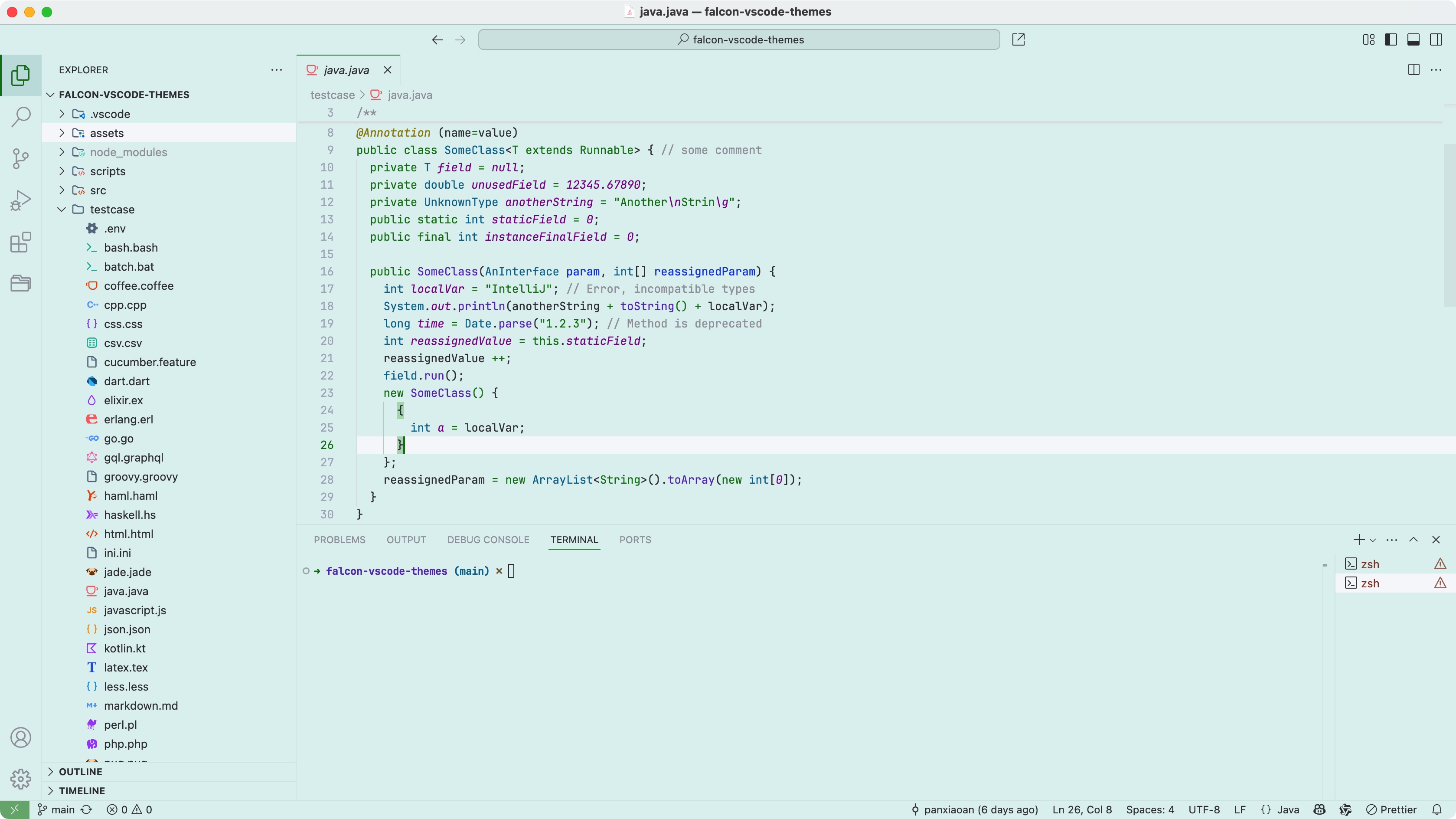
If you're working in a bright environment for extended periods, a light-colored theme is usually better.
You might want to try The Falcon Relaxing-Eyes Themes.
在明亮的工作环境中,长时间使用 IDE,建议使用浅色主题,减少视觉疲劳。
Features:
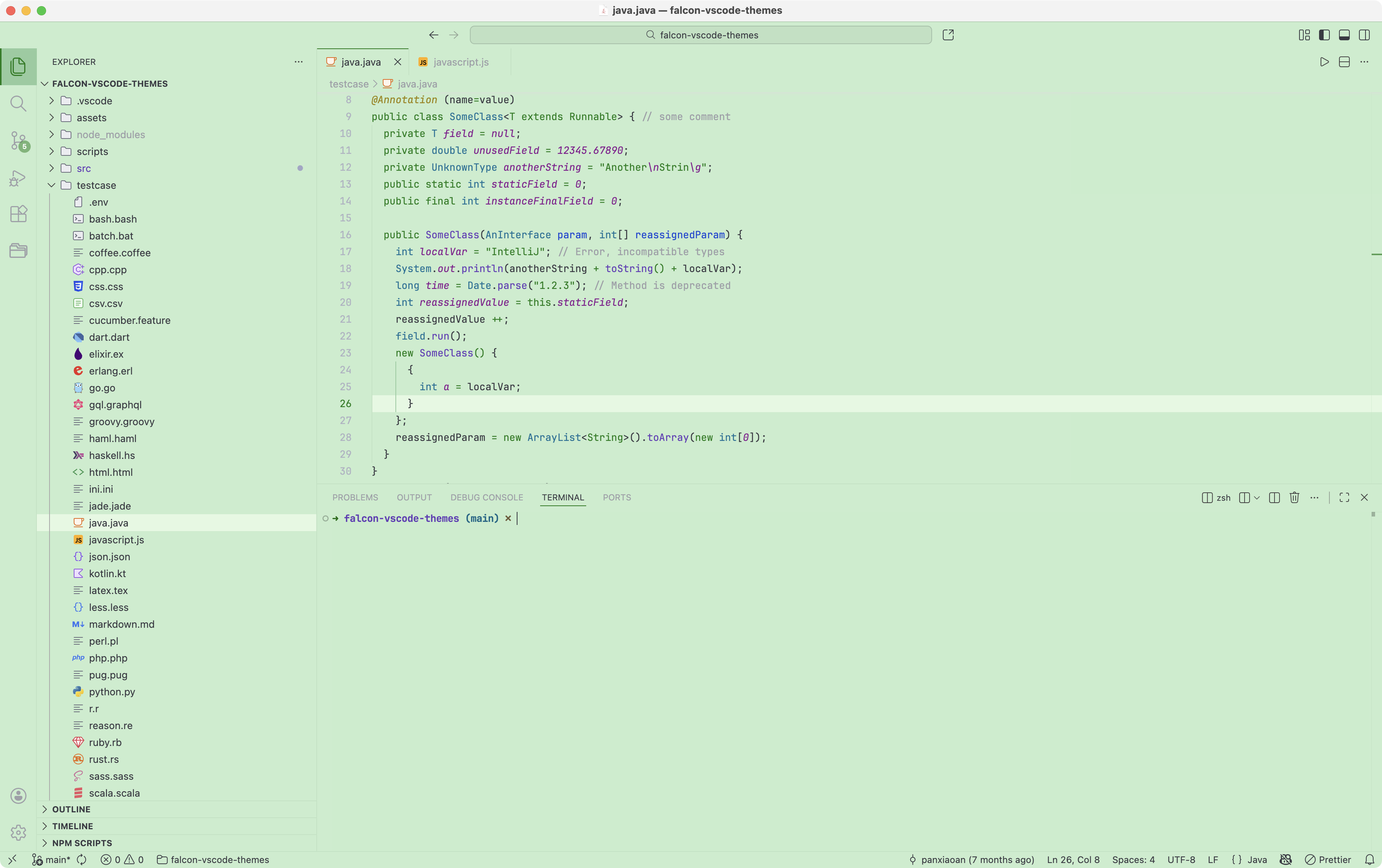
- 🌿 Gentle, eye-friendly colors to reduce strain
- ✨ Improved syntax highlighting for clarity
- 🎨 Consistent and clean theme style
- ⚡ Lightweight design with minimal impact on VS Code - performance
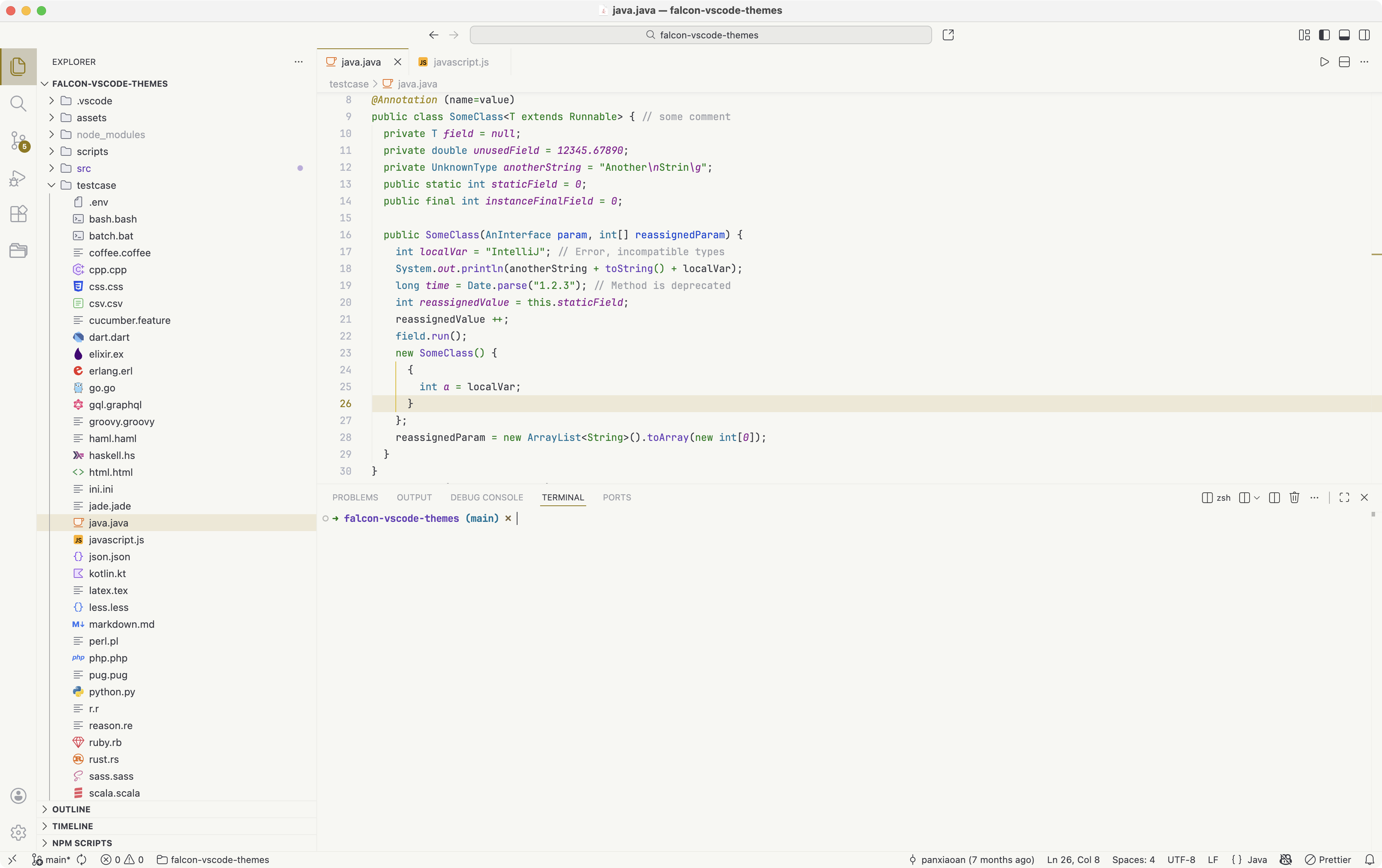
Light themes (for bright environments):
- ☘️ Falcon Light Green
- 🍵 Falcon Light Celadon
- 🌸 Falcon Light Pink
- 🐣 Falcon Light Yellow
- 🗞️ Falcon Light Grey
- 🍃 Falcon Light Bean Green
- 🐂 Falcon Light Buff
- 🏝️ Falcon Light Green(Islands) for Trae IDE
- There is more coming soooooon!!!
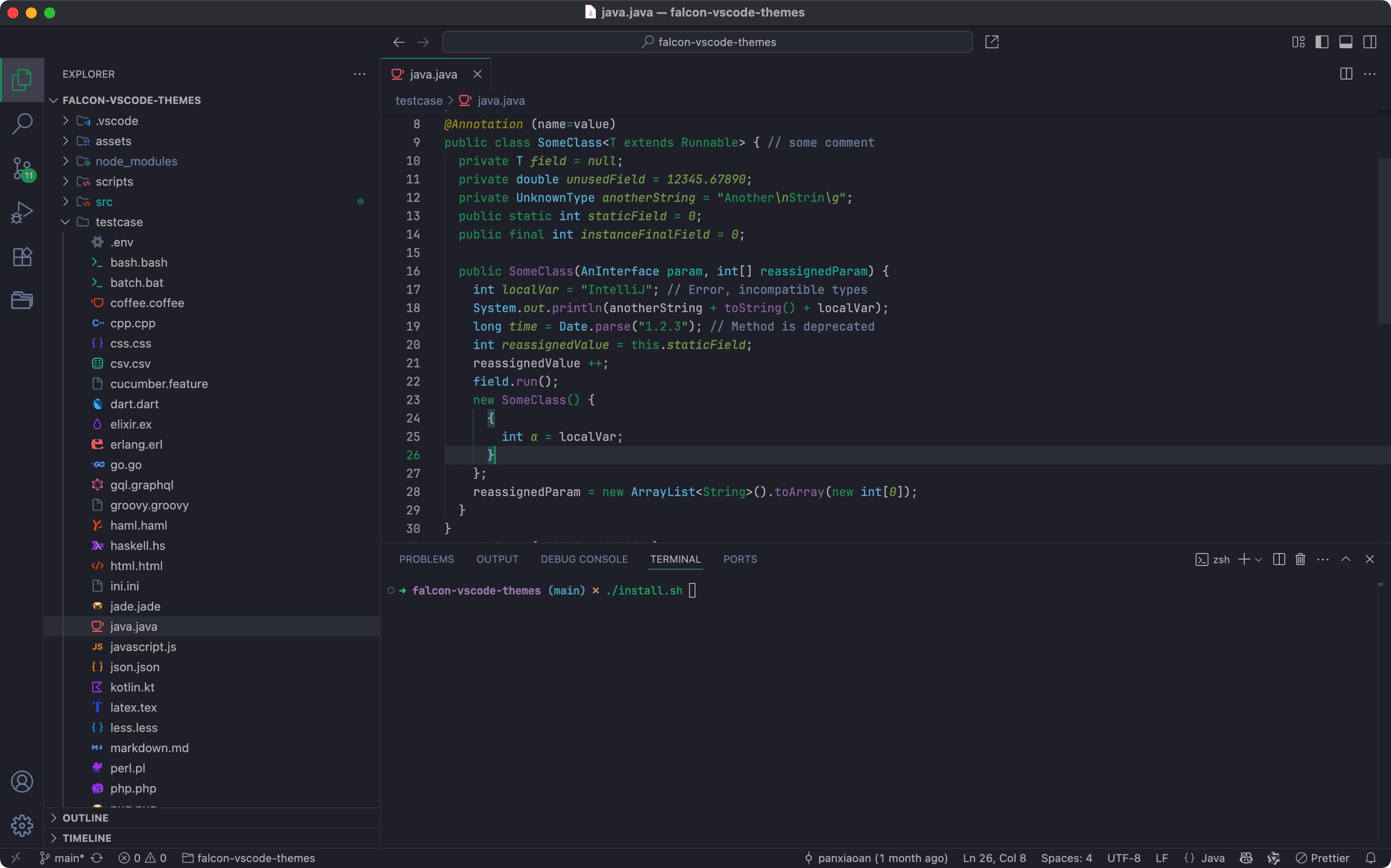
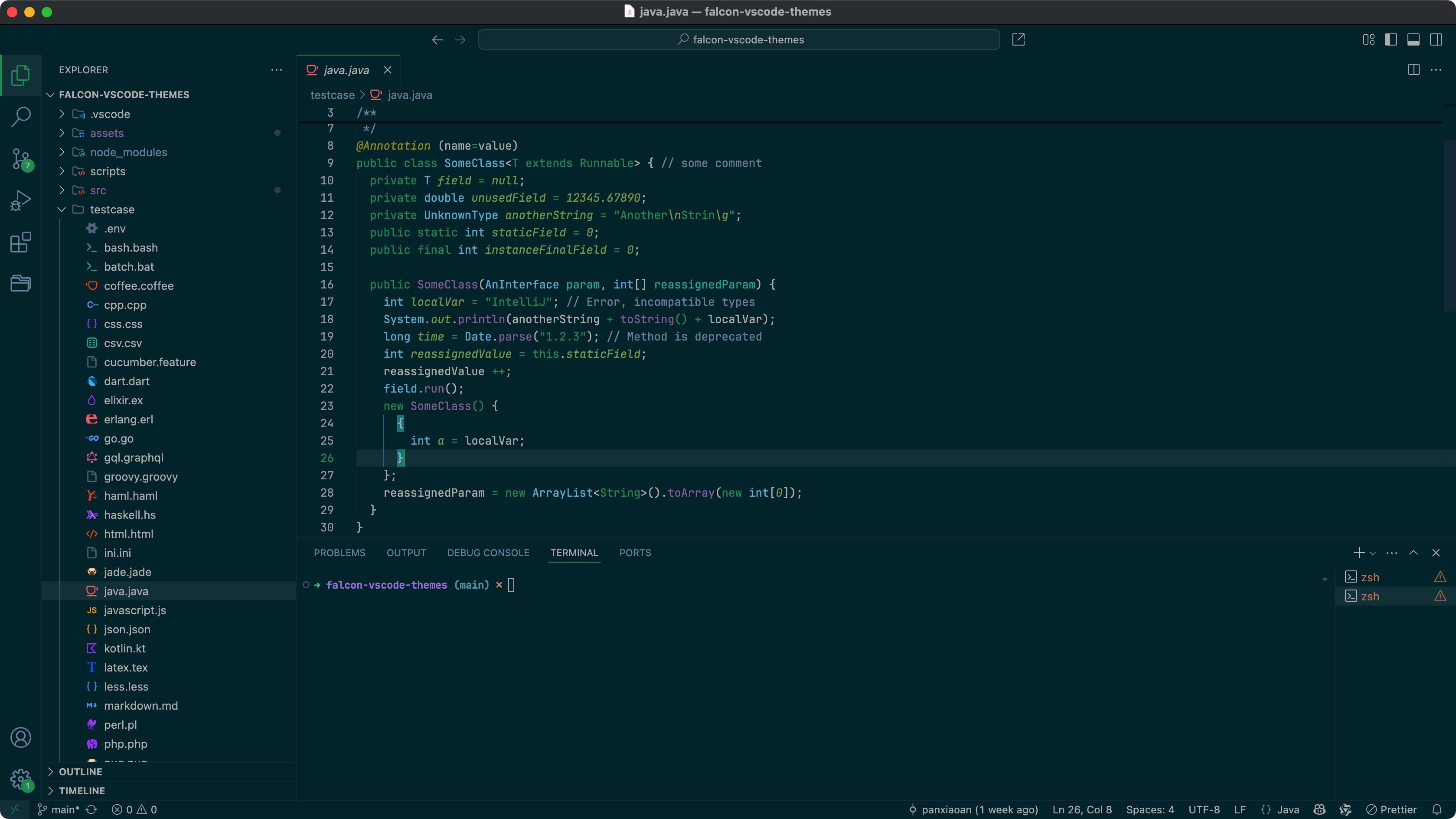
Dark themes (for low-light environments):
- 🐈⬛ Falcon Dark
- 🦚 Falcon Dark Green
- 🌌 Falcon Dark Blue
- 🏝️ Falcon Dark Green(Islands) for Trae IDE
- There is more coming soooooon!!!
See Install Docs for detailed instructions.
- 因为主题颜色较浅,如果想要更清晰的显示效果,建议在 VS Code 设置更清晰的字体(如
JetBrains Mono,Consolas,Fira Code),并适当调大字号。 - 我的 VSCode 关于字体的设置:
{
    "editor.fontFamily": "JetBrains Mono",
    "editor.fontWeight": "normal",
    "editor.fontSize": 13,
    "editor.lineHeight": 1.7,
    "editor.fontLigatures": true
}- 如果 Windows 用户,请开启 Windows ClearType,并优化显示器设置:在 Windows 设置里搜索
ClearType,开启并调优;同时调整显示器对比度和亮度。
Found a bug or have a suggestion? Report an issue
See MIT License for detailed instructions.
Using JetBrains IDEs? You can also experience the same theme there.
👉 Download from Jetbrains Marketplace
Using Zed? You can also experience the same theme there.
👉 Download from Zed Extensions