Bug - Scale Resolution #169
Description
Activity
Confirming this is a bug rather than intended behaviour:
r_screenFractionis defined as the main-scene resolution scale, and there is a separate UI viewport path (glConfig.uiViewport*,GetUseUIViewportFor2D) whose whole purpose is to keep 2D drawing at the native window size. The menu being scaled with the 3D scene means that path is not being honoured somewhere.A few things would narrow it down:
- Were you scaling below 100% or above it? Supersampling above 100% goes through a different resolve path than the downscale modes.
- What is
r_resolutionScaleModeset to? (0= legacy cropped viewport,1= bilinear upscale,2= high-quality upscale.) Mode0in particular crops the viewport, and if the UI inherits that it would look like your Example 1/2. r_renderApi—glorvulkan?- Does it survive a
vid_restart, or does the menu snap back to the right size after one?
Question 4 matters because there is a related problem in the same area:
glConfig's window and UI viewport dimensions were only refreshed inGLimp_SwapBuffers, so anything that ran before the first present of a new video mode could compute its layout from stale numbers. PR #174 extracts that into aSDL3_SyncGLConfigWindowDimensions()called fromGLimp_InitandGLimp_SetScreenParms, which I have asked to have split out as its own change — it may well be half of what you are seeing here.Keeping this open and tracked separately from #168.
Reproduced, on Windows, and I can now say what it is. You do not need to answer my earlier questions — thank you for the screenshots, the Settings page in Example 1 was the clue.
What is happening
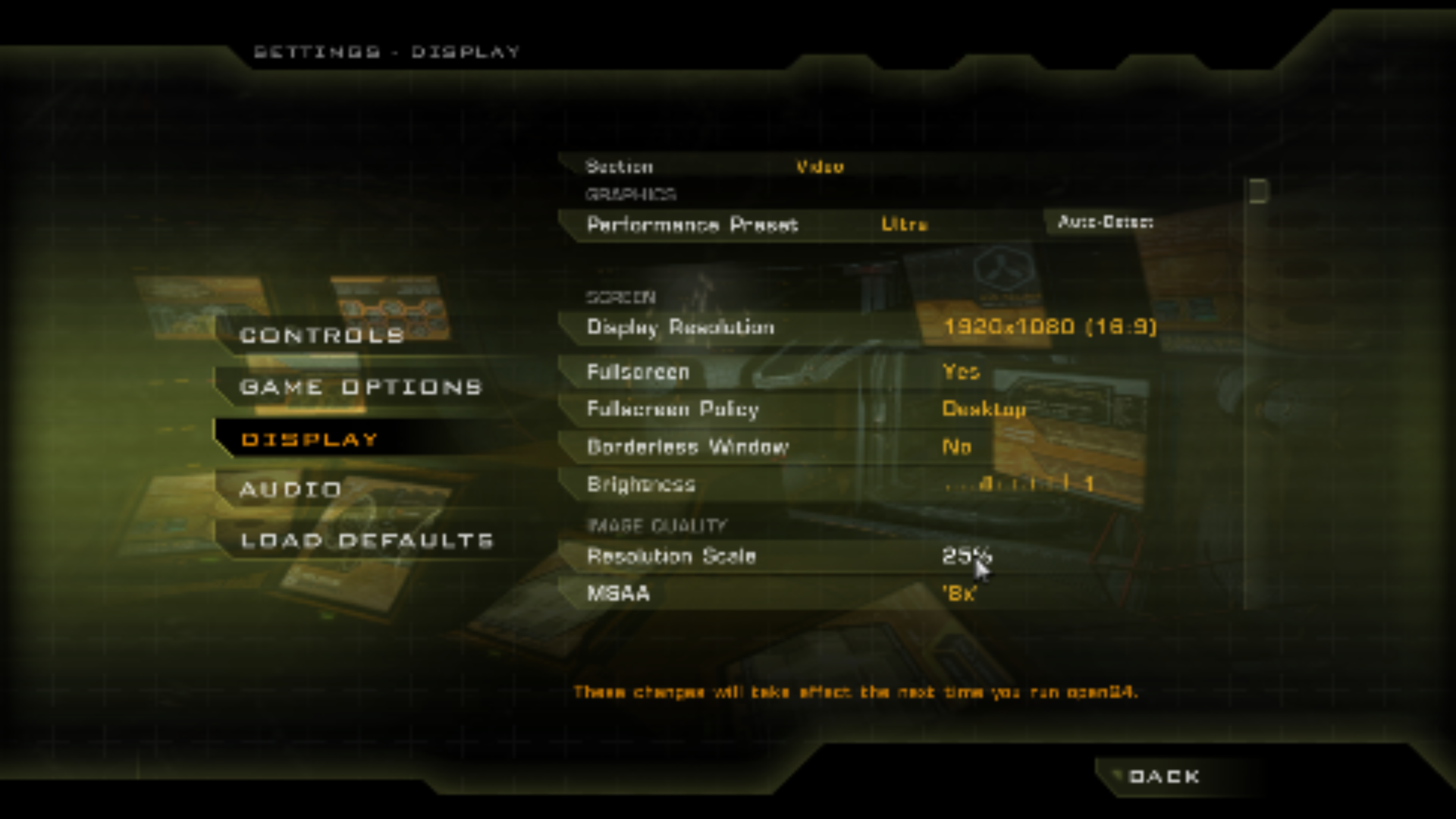
Settings > Display > Resolution Scale writes
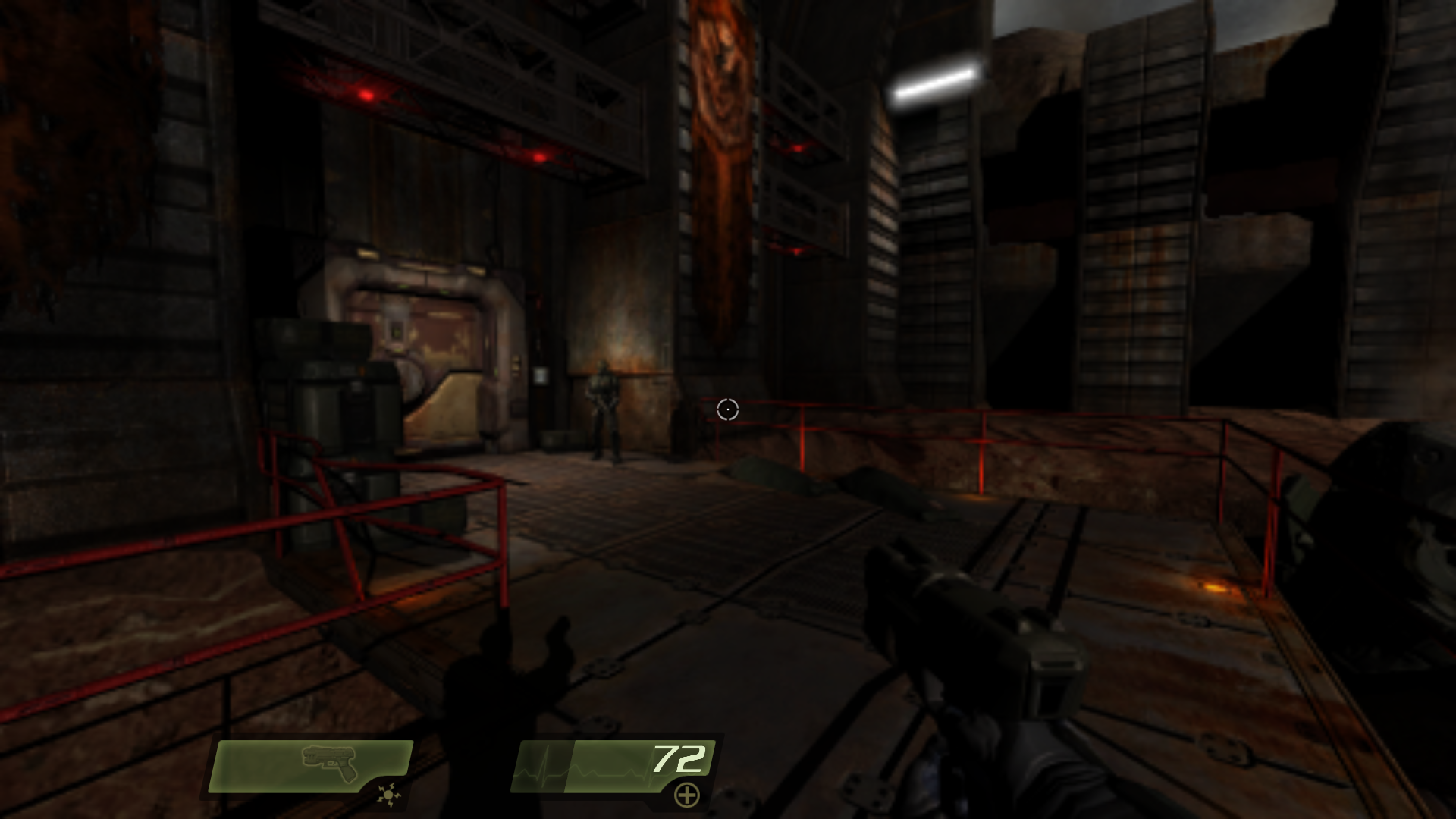
r_screenFraction. That cvar is defined as the main-scene resolution scale, and the engine has a separate UI viewport path whose entire job is to keep 2D drawing at the native window size. The 2D pass is going through the scaled target anyway, so the menu is rendered small and stretched back up along with the world.Measured headlessly on Windows x64 / OpenGL at 1280x720, applying each value with a
vid_restartand capturing the menu. The number is the mean absolute luminance gradient over the frame — how much fine detail survives, so higher is sharper:Resolution Scale default scaling mode legacy mode ( r_resolutionScaleMode 0)100% 0.2406 0.2406 50% 0.2178 0.1264 25% 0.1943 0.0483 200% 0.2406 0.2406 Two things fall out of that:
- Only downscaling reaches the menu. At 200% the menu is pixel-identical to 100%, so supersampling is correctly confined to the scene.
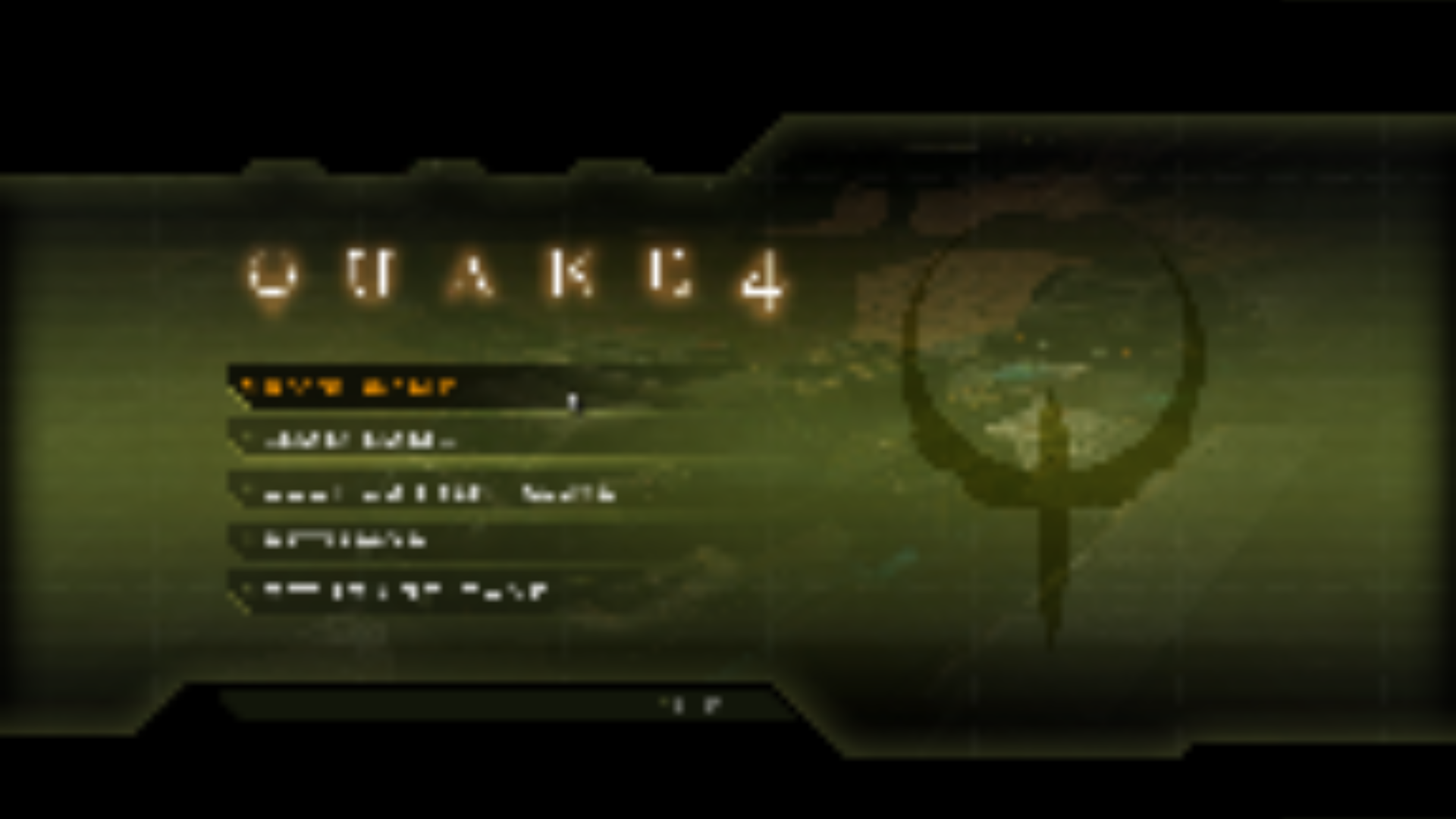
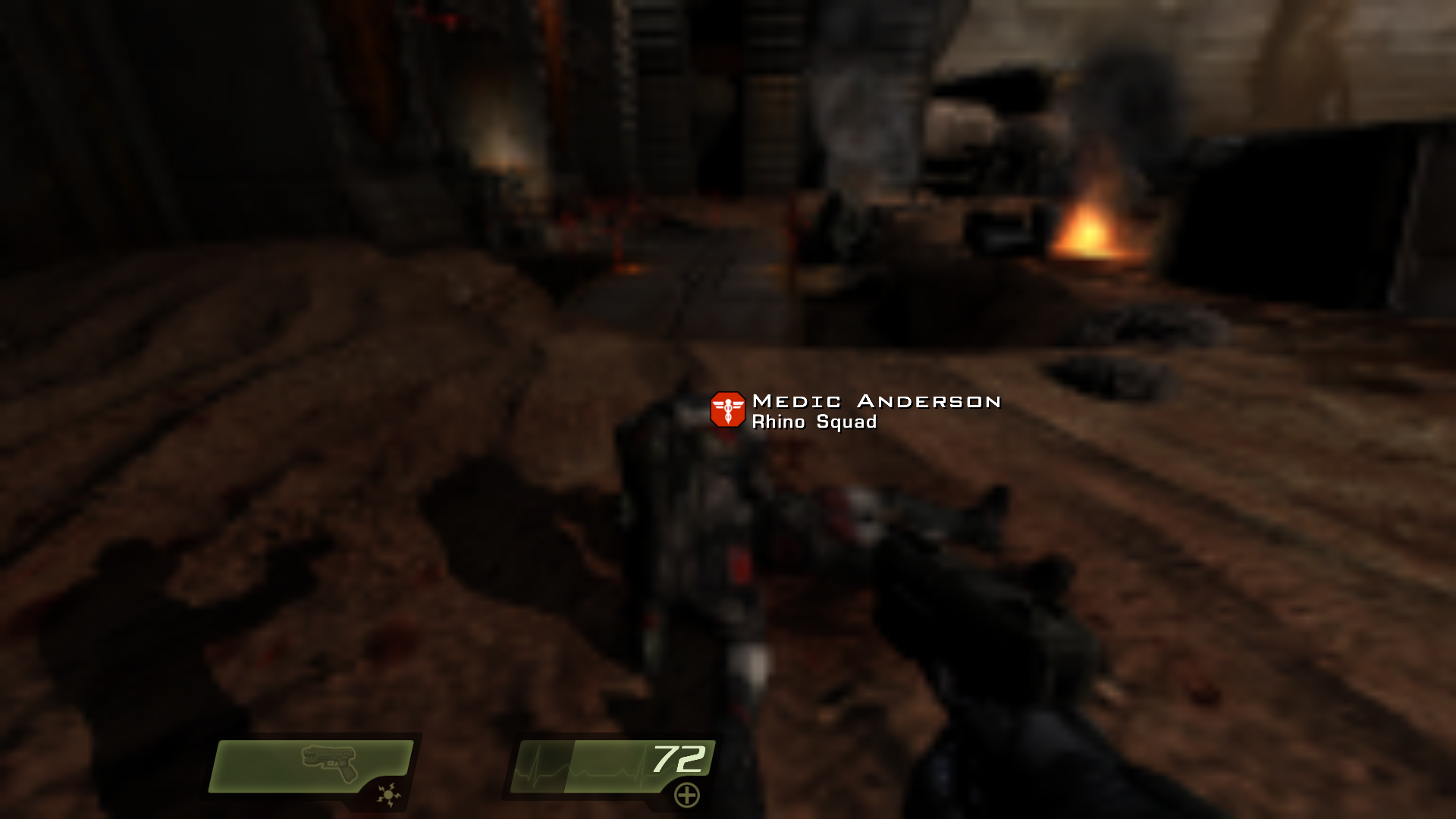
- On the legacy scaling mode it is not subtle at all. At 25% the menu is drawn into a quarter-size viewport in the bottom-left corner with the rest of the screen black, which I think is what your Examples 3 and 4 are showing.
So there are really two faces of one bug: the default mode softens the menu, and the legacy mode crops it.
Where it stands
This is a genuine bug and it is now reproducible here, which is the part that was missing — I do not need anything further from you to work on it. The fix is to keep the 2D/GUI pass on the native viewport instead of the scaled one, on both the OpenGL and Vulkan backends, so it is a bit more involved than a one-liner and I would rather do it carefully than quickly.
Two things worth knowing meanwhile:
r_screenFraction 100is a clean workaround — the menu returns to exactly its reference appearance, and 200% is unaffected if you want supersampling.- If you are on the legacy scaling mode,
r_resolutionScaleMode 1in the console will at least turn the cropped corner into ordinary softness.
For the record: PR #176 landed today and touches nearby code (it refreshes the window and UI viewport sizes when the GL context is set up rather than only at the next present). I checked, and it makes no difference to this — the menu captures are identical with and without it. So this stays open.


Resolution scaling is affecting the main menu.
Example 1
Example 2
Example 3
Example 4
Video Captured
Youtube Video
[OpenQ4 Info]
Ver: 0.13.2
--
[PC Info]
CPU: 11th gen Intel Core i7-11370H | 3.30GHz
RAM: 24gb - DDR4 | 3200Mhz
Graphics: RTX 3070 | 8GB VRAM