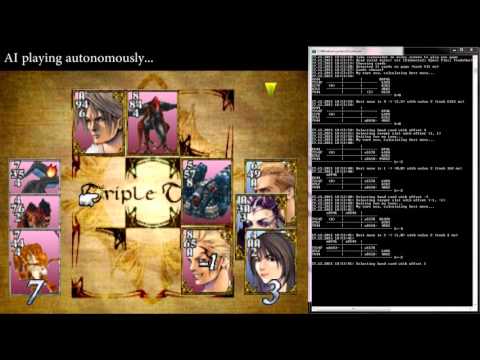
This program will autonomously play a game of Triple Triad within Final Fantasy VIII (Steam edition, Windows). Game state is read from screenshots and the game is controlled by emulating keystrokes. Best moves are determined by a full depth alpha-beta minimax search that maximizes the card difference. All rule combinations that contain the Open rule are supported, and the AI is guaranteed to win the game if it is possible.
- Install AutoHotkey
- Open this project in Visual Studio 2015
- Modify hardcoded paths in Program.fs
- screenCaptureDir: directory where Steam stores screenshots of Final Fantasy VIII
- ahkProg: Path to AutoHotkey exe.
- run ff8_tthelper by pressing Ctrl+F5 in Visual Studio
- run Final Fantasy VIII at 1920x1080 (important) and start a game of Triple Triad that has the Open rule
- Press F12 in rules screen to start the AI. It will play the game and you get to choose the spoils.