CLI JSON Configuration
Select the Attack Surface Detector tab

In the header of the Attack Surface Detector tab, select the options tab, and an options page will be shown.
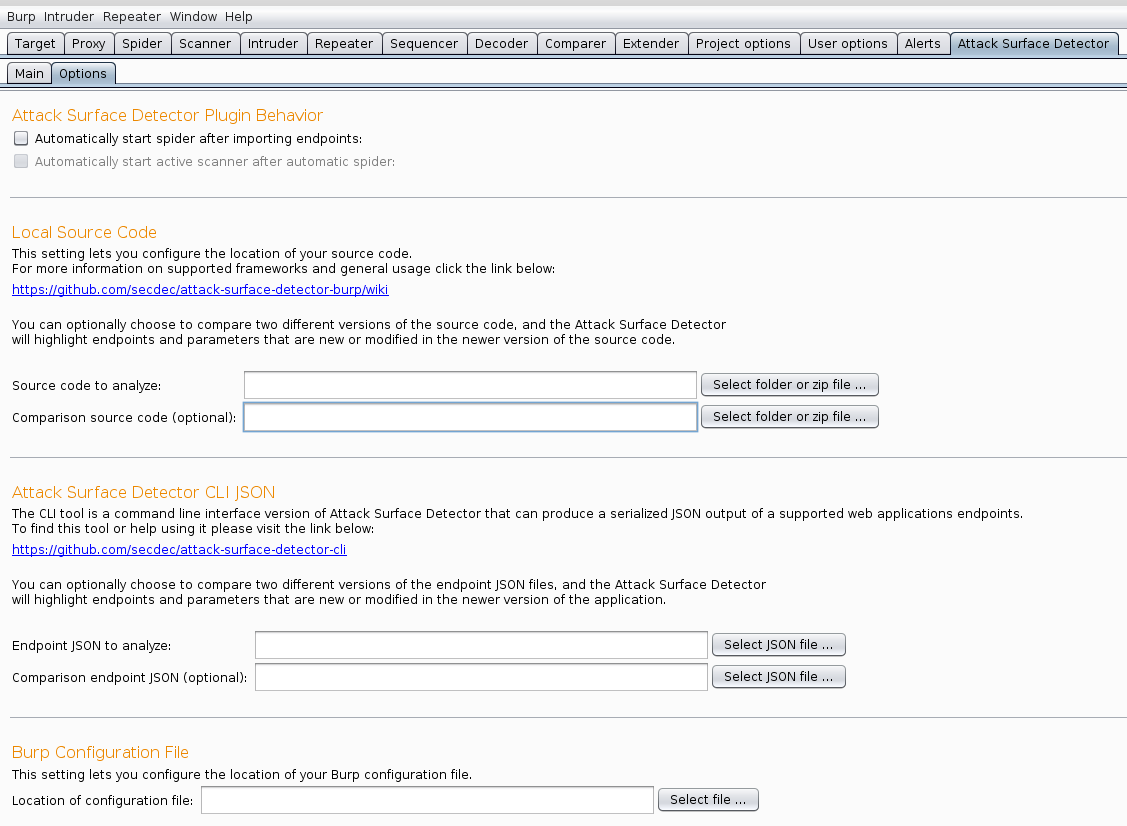
Select the browse button and locate the endpoint JSON file you wish to import.

The user is now ready to configure the target URL.
A user may wish to point at a previous version of the same web application in the Comparison endpoint JSON field. If this feature is used, the generated endpoints will be compared, with the differences displayed in the endpoints table.