Target URL Configuration
Select the Attack Surface Detector tab

In the header of the Attack Surface Detector tab, select the options tab, and an options page will be shown.
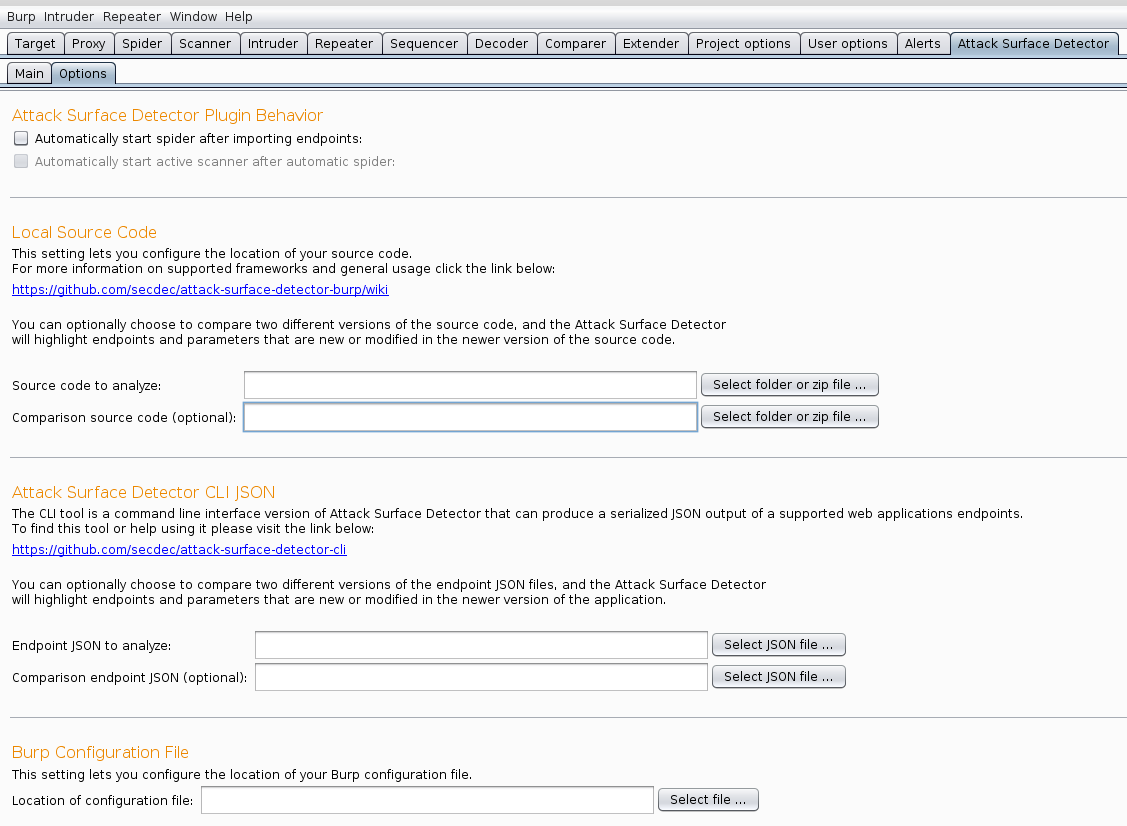
Target URL configuration is separated unto four distinct parts; Host, Port, Path(optional), and Use HTTPS. These are then combined to form the URL to which the endpoints will be attached, in order to form requests. http://localhost:8080/spring-mvc-showcase would be configured as follows:

The user is now ready to import endpoints.
If the user does not have the web application running on a server, but still wishes to generate endpoints, they simply need to leave host/port blank. When the user selects Import Endpoints from Source, a dialog asking for target configuration will appear. Clicking skip while withholding target URL information will generate the endpoints without making any server requests.