Previewing campaigns
This feature applies to Mailtrain v1.11.0+
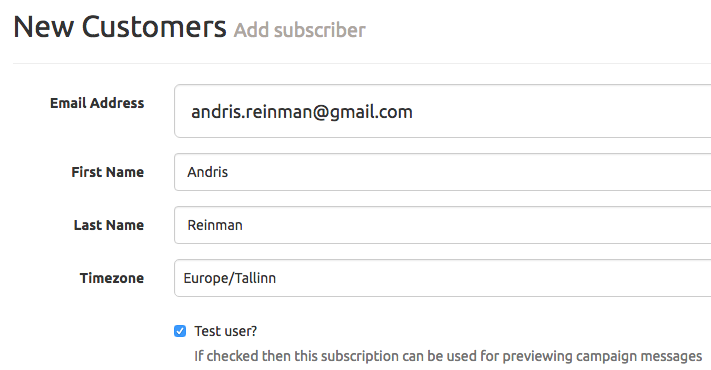
You can preview campaign messages by assigning specific subscribers as test users. To do so add a new subscriber or edit an existing one in the list you want to send mail to and mark the checkbox for "Test user?"
When previewing the campaign you should see an option "preview this message as". Select an user you want to see the message as and click on "Go"
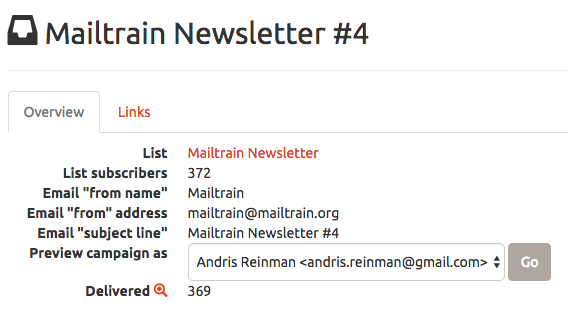
You should now see the browser preview of the campaign message using the details (eg. first name) of the previously selected test subscriber