Scheduling Send time
This feature applies to Mailtrain v1.3+
Mailtrain offers simple sending scheduling which means that you can define an optional start time for the campaign. Before this time is reached no messages are sent.
To use it define "Delay sending" options before hitting the "Send" button
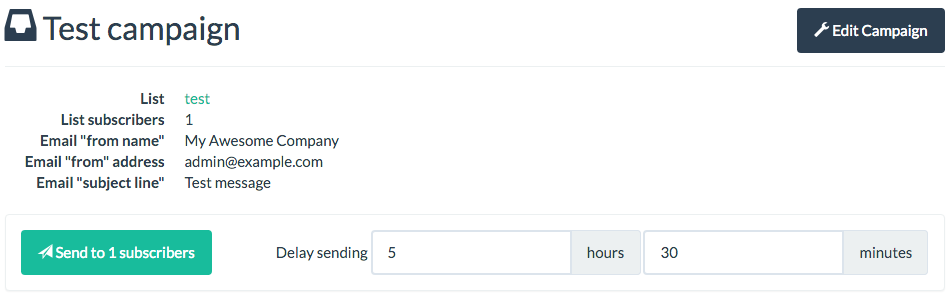
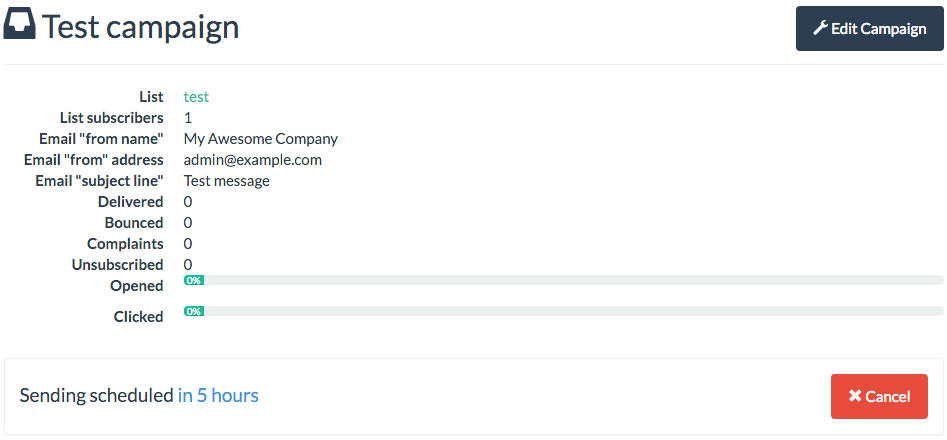
If you do not provide the optional delay hours and delay minutes values then sending starts immediatelly. If you have set these values then you see that the campaign is scheduled and you also have an option to cancel the sending before the scheduled time is reached.