Clean Install (Mac Desktop)
If you installed the demo data for Quickfire and want to start over, you can run a Clean Install to create a fresh database.
Open the Quickfire installer.
On the welcome screen, click through to Installation Type, then check Clean Install.
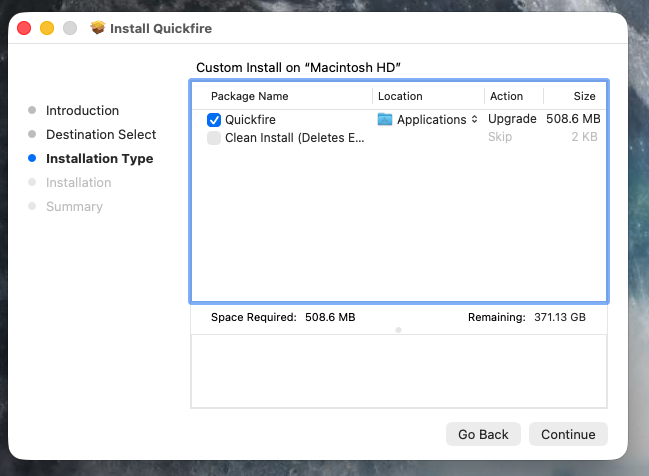
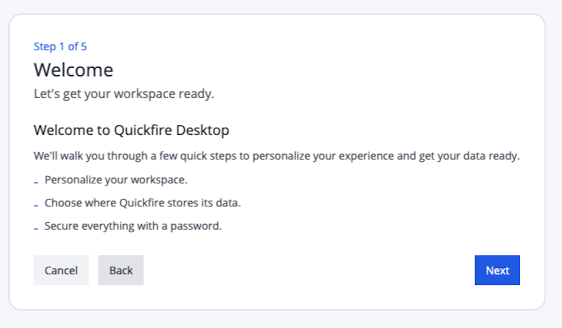
After installing, launch Quickfire, and ensure you see the first-time run configuration. This means your old data was successfully cleared.
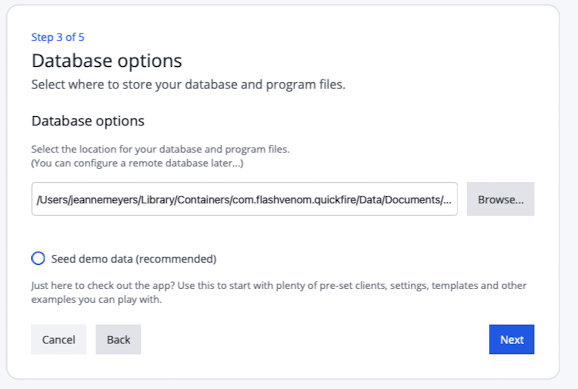
During configuration, remember to uncheck the Seed Demo Data checkbox.
Warning: This erases all existing data, documents, and program files. This action is not undoable.