Cover Types
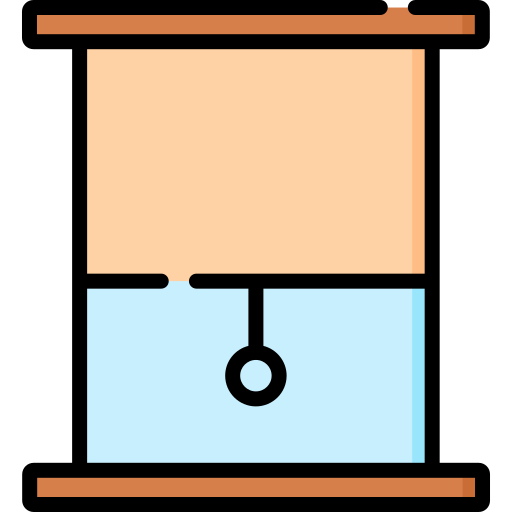
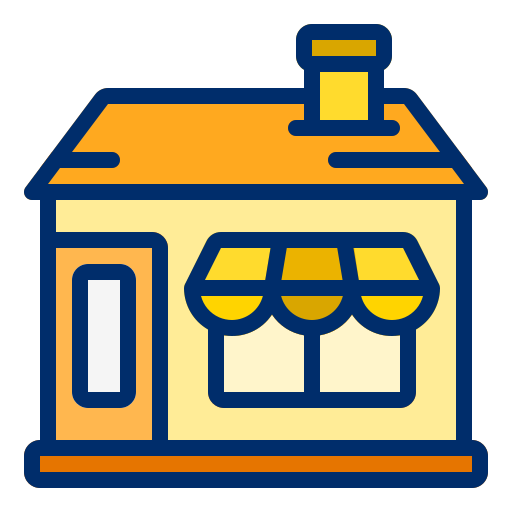
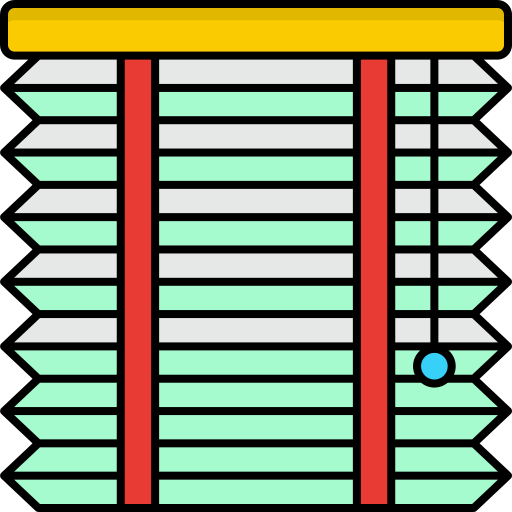
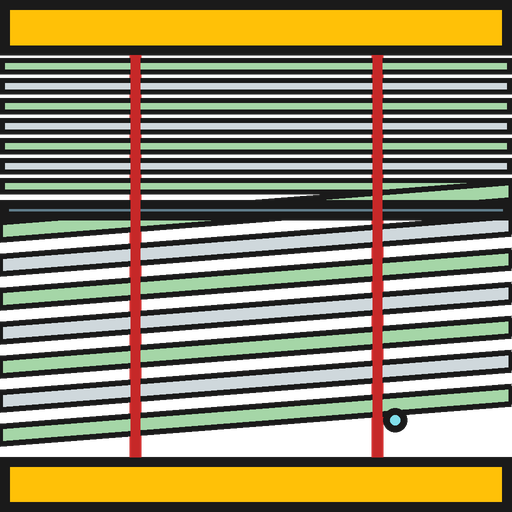
Choosing a type: You pick the cover type from a dropdown when you add an instance (there is no automatic
device_classinference). Choose the entry whose movement matches your hardware — see the table and sections below.
Specific motor or controller? See Hardware Compatibility for the settings particular hardware (Shelly, Somfy, KNX, Zigbee shades, skylights) needs to work correctly.
| Vertical | Horizontal | Tilted | Venetian Blind (Dual-Axis) | |
|---|---|---|---|---|
 |
 |
 |
 |
|
| Movement | Up/Down | In/Out | Tilting | Up/Down + Tilt |
| variables | variables | variables | details | |
| Note | Single HA entity with both set_cover_position and set_cover_tilt_position. See Venetian Blinds for hardware compatibility and migration from paired instances. |
A variant of the horizontal awning whose arm sweeps through an arc as it opens, so the fabric angle is a function of the open percentage rather than a fixed value (e.g. Somfy PositionableScreen). Choose Oscillating awning (drop-arm) in the cover-type picker. See Oscillating Awning for the geometry parameters and the angle-vs-position model.
A position-only cover for a window set into a sloped roof (skylight, Velux-style roof window). The engine computes sun illumination and shade projection against the tilted plane rather than a vertical pane, so tracking starts and stops at the right times for the roof pitch. Choose Roof window in the cover-type picker. See Roof / Skylight Window for the pitch and ridge-height settings and the tilted-plane model.
A tilt-only cover for a bioclimatic pergola or louvered roof ("Lamellendach") — rotating slats in a horizontal or pitched roof plane. It reuses the venetian slat cut-off solver but takes the profile angle against the roof plane rather than a vertical facade, so it optimizes the slat angle for a roof and drives the result through set_cover_tilt_position. Choose Louvered roof in the cover-type picker. See Louvered Roof for the slat geometry and roof-pitch settings and the slat-angle model.
A position-only cover for a curtain that draws sideways across the window — a single panel from one edge, or two leaves parting from the centre. By default it closes fully whenever direct sun reaches the window and retracts otherwise (works on open/close-only hardware). Optionally, define a two-point floor shade area and a slide direction and it closes only as far as needed to keep that spot out of direct sun — a continuous percentage rather than all-or-nothing. Choose Sliding curtain (horizontal) in the cover-type picker. See Sliding Curtain for the slide-direction and shade-area settings and the coverage model.
A shade carrying two fabrics on one mechanism — a light-filtering sheer and an opaque blackout. Sun tracking computes coverage as usual, and a separate fabric blend decides which cloth sits in front of the glass, escalating to blackout when hot summer sun makes the sheer inadequate. Manufacturers wire this up three different ways, so a Control Model setting maps the coverage/fabric pair onto your hardware: position + tilt, a split single-axis range, or two rail entities sharing one track. Choose Day/night shade (dual-fabric) in the cover-type picker. See Day/Night Shade for the control models and the rail-coupling rules.
Two independent shades over one window — a front sheer that sun-tracks like a plain vertical blind, and a back blackout that ignores sun tracking and deploys only on the triggers you select (heat, privacy, night). Unlike the day/night shade the two panels share no track and have no ordering constraint between them. Choose Dual panel (sheer + blackout) in the cover-type picker. See Dual Panel for the trigger set and the front/back split.
A virtual instance that does not drive any cover directly (controls_cover = False) and registers no cover platforms. It computes shared sun/shade data once and lets multiple physical cover instances link to it, so you configure geometry and sensors in one place instead of per cover. Choose Building Profile from the top-level menu when adding an instance. See Building Profile for the shared-sensor and link/override model.

🏠 Home · ✨ Features · 📰 What's New
🚀 Getting Started
- Installation
- Migrating from Custom Repository
- Migrating from Adaptive Cover
- First-Time Setup
- Building Profile ← start here if you have multiple covers
- Cover Groups
- Copy Settings to Other Covers
- Cover Types
🧠 Core Concepts
📐 Cover Types
- Vertical
- Horizontal
- Oscillating Awning
- Roof / Skylight Window
- Tilt
- Louvered Roof
- Sliding Curtain
- Day/Night Shade
- Dual Panel
- Venetian (Dual-Axis)
⚙️ Configuration
- Sun Tracking
- Position
- Position Matching
- Travel Time Calibration
- Glare Zones
- Automation
- Command Queue
- Custom Position
- Force Override
- Weather Safety
- Climate
- Templated Thresholds
- Template Self-References
- Blindspot
- Summary Screen
- Debug & Diagnostics
🔌 Entities & Services
- Entities
- Proxy Cover Entity
- Position Verification
- My Position Support (Somfy RTS)
- Runtime Configuration Services
🛠️ Operations
- Known Limitations
- Hardware Compatibility
- Troubleshooting
- Troubleshooting Findings
- Diagnostic Sensors
- Tips and Tricks
🔧 Advanced Use Cases
- Overview
- Dynamic Temperature Thresholds
- Dynamic Tracking Window
- Bedroom Sleep Mode
- Handling Variable Cloud Cover
- Indoor Lux Sensor Behind the Cover
- Venetian Tilt-Only on Overcast Days
- Forecast-Based Shading
- Custom Position When Sun in FOV
- Suppress Closing While a Door Is Open
- Keep a Blind Clear of the Sill
🎨 Dashboard
- Dashboard Cards
- Panel Card
- Tile Card
- Sky Compass Card
- Decision Strip Card
- Solar Chart Card
- History Card
🧪 Testing & Simulation
📚 Reference
👩💻 For Developers